Template Business PSD, Excel, Word, PDF

10+ Daily Calendar example psd design

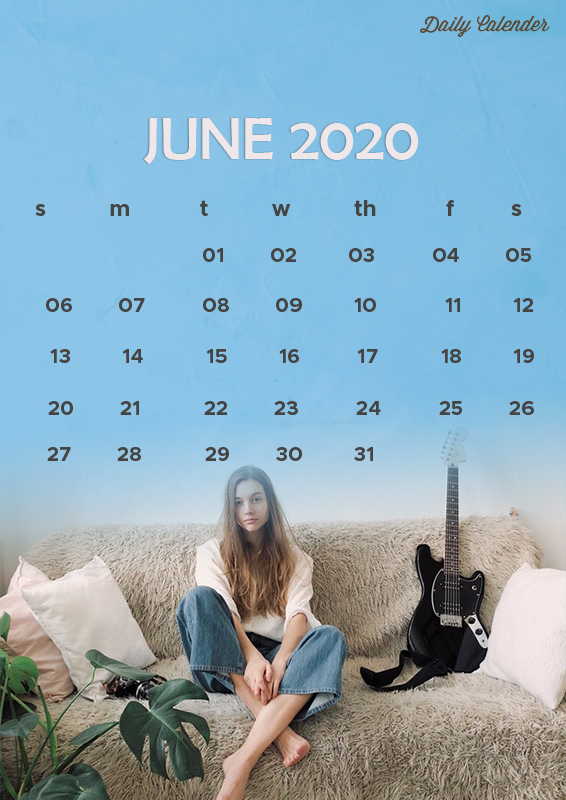
Daily Calendar Template


Calendars help us organize schedules effectively, making it easier for us to do various events easily. As one of the house’s mandatory objects, we can also make our daily calendar template with an attractive design so that it is easier to see to set the schedule that we will make. Well, now you can learn to make calendars easily that are unique and interesting.
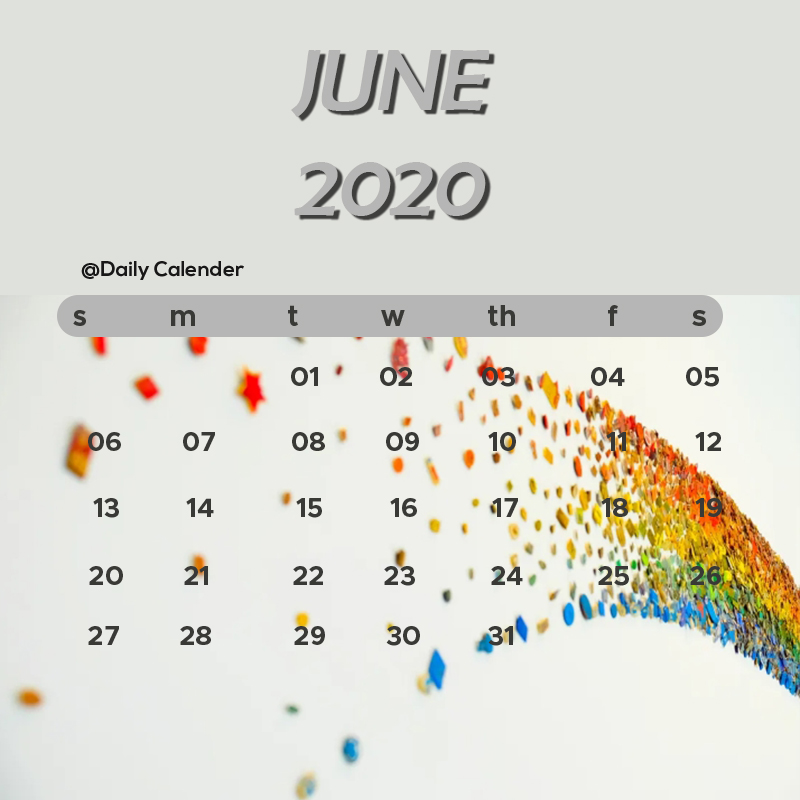
As a useful object, of course, we often find it at home, office desks, and various shops to find out the date. Well, usually the standard calendar design, so it seems very monotonous. Well, so that your days are more productive, then you can custom yourself. But high creativity is needed so that the results are impressive so that it is easier to read.


How to Make a Calendar with Microsoft Word

The first instructions for making a calendar using Microsoft Word can be done quickly through the steps below:


  1. Open Microsoft Word

The first step is to open Microsoft Word, then move the cursor to the search section, then type “Calendar”. After that, several templates will appear, choose the model that suits you. To see some of these templates, you need to connect laptops or computers with an internet connection.

  1. Select Template

If you have found the desired template, then you can directly click “Create” to start downloading the template. If the calendar is finished downloading, you can start changing the layout and color as desired.
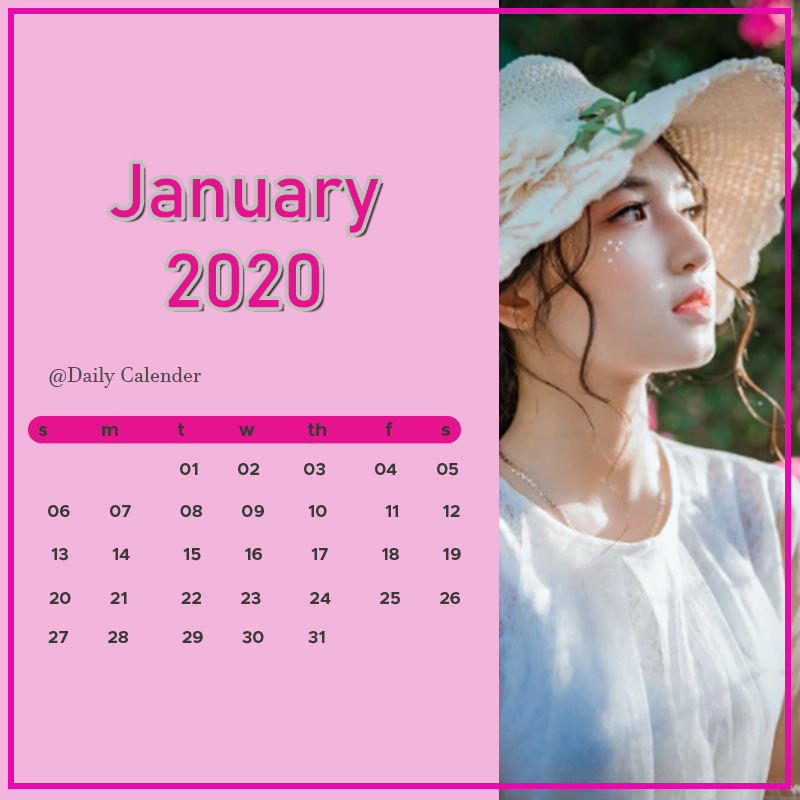
When finished, you can immediately click the save button to save the file on the computer.


How to Make an Automatic Calendar Design with Corel Draw

In addition to using Microsoft Word, you can also create an automatic calendar design with Coreldraw, which is easy and intuitive; here’s how to use it.


  1. Open the Corel Draw Application

If you have opened the Corel draw application, please create a new page by clicking the Ctrl + N key on the keyboard. After that, you will be asked to choose a paper size such as A4, A3, and other paper sizes.
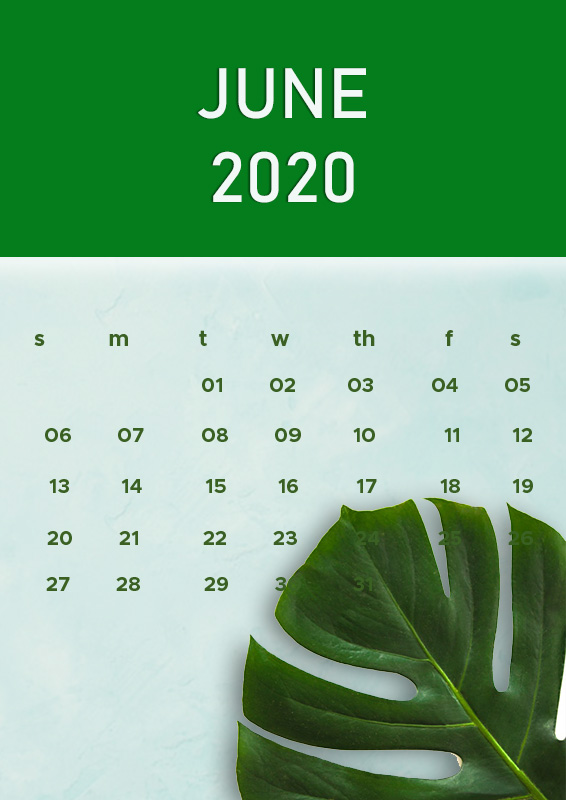
  1. Click the Menu Bar

When you finish selecting the paper size, you can then open the menu bar, click Tools, select Macros, and click Run Macro. When you open the Run Macro dialog box, a Wizard will appear.
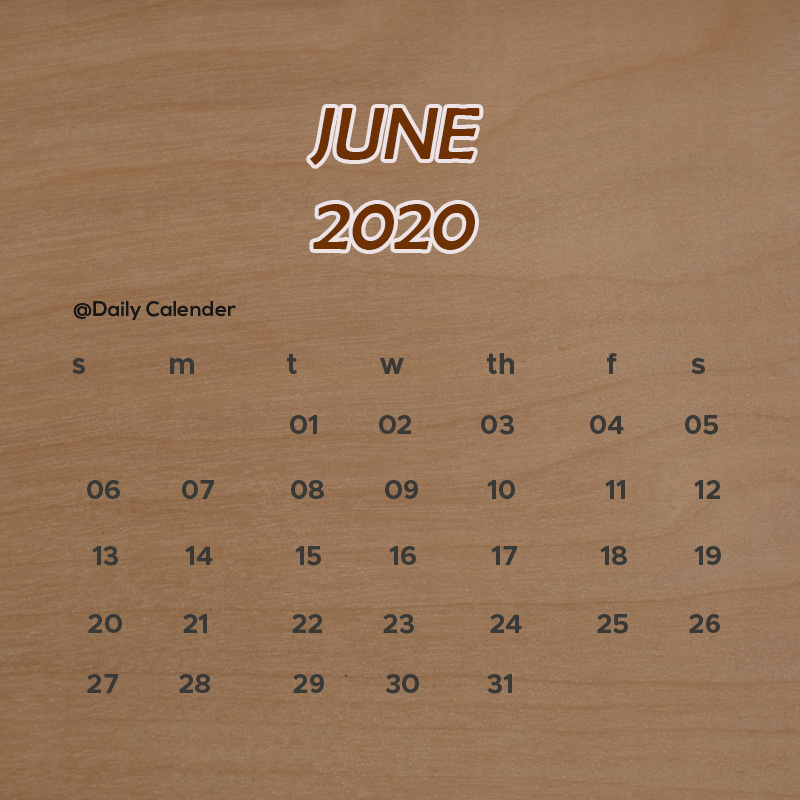
Click create a calendar on the Macros menu, select the Calendar Wizard then click Run immediately.


  1. Arrange the Design

After you open the Oberon Calendar Wizard dialog box, first set the design to your liking. For example, provide a checkmark in the “month” display design options that you want to display.
For layout options, you can select Year: Image + 13 small (3×4), then in the Small Header Tab menu, you can check the show year option.


Add images to the calendar layout with a photo space; the goal is to beautify the appearance. The trick, click the image object than on the menu bar Effects> Powerclip> Place Inside Container.
After that, your cursor turns into an arrow to the right. The arrows point to the available rectangle then click.


  1. Click Generate

If you have finished setting the layout, then proceed by clicking Generate. Then, the calendar will automatically be formed. After that, the finished generating the calender contact appears, continue by clicking OK. Press the Close button to close the Oberon Calendar Wizard v3.5 dialog box.
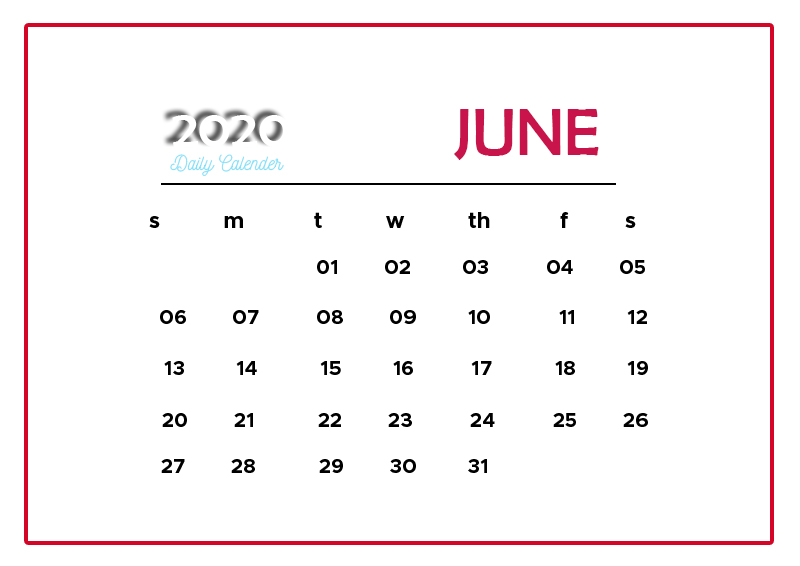
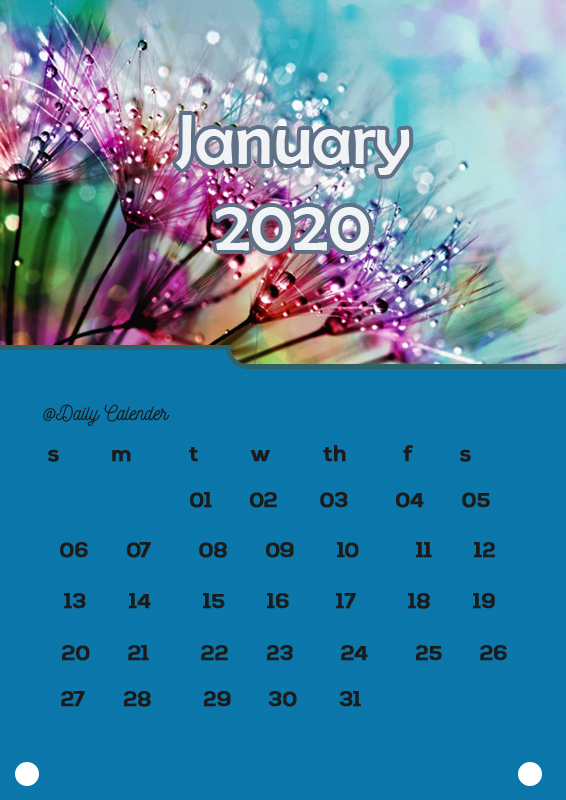
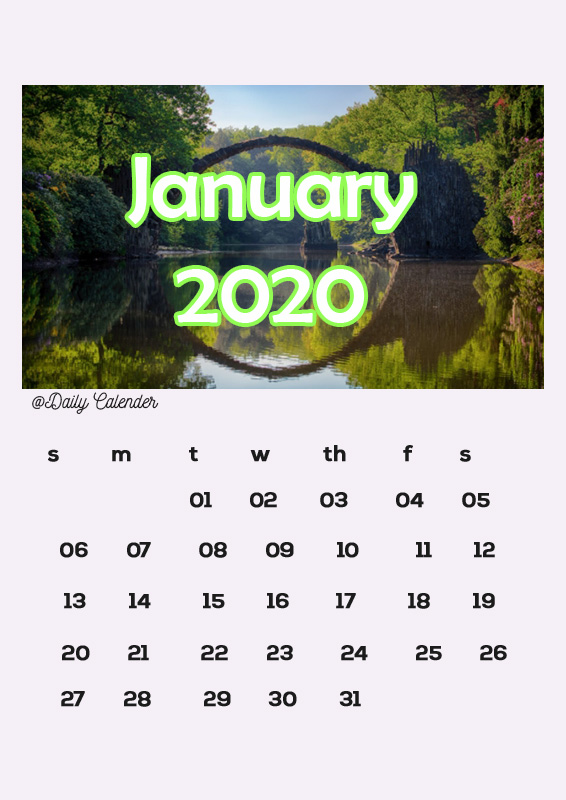
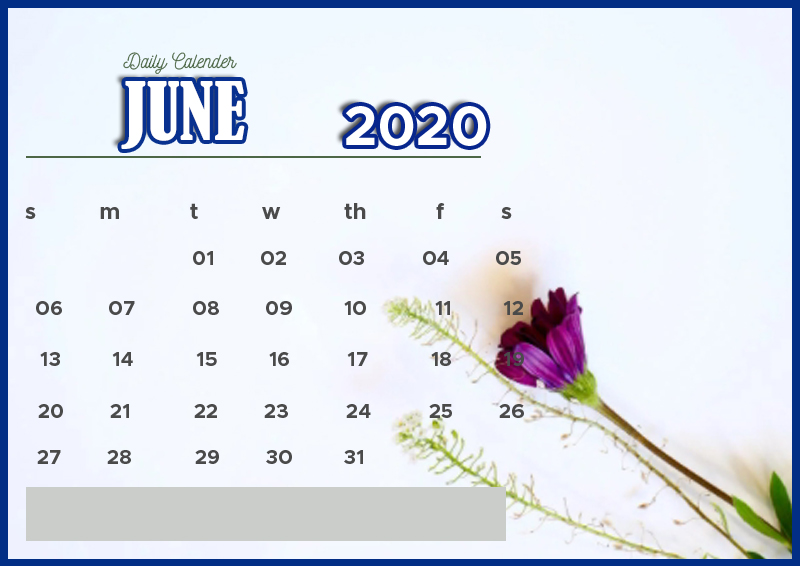
Daily Calendar Example
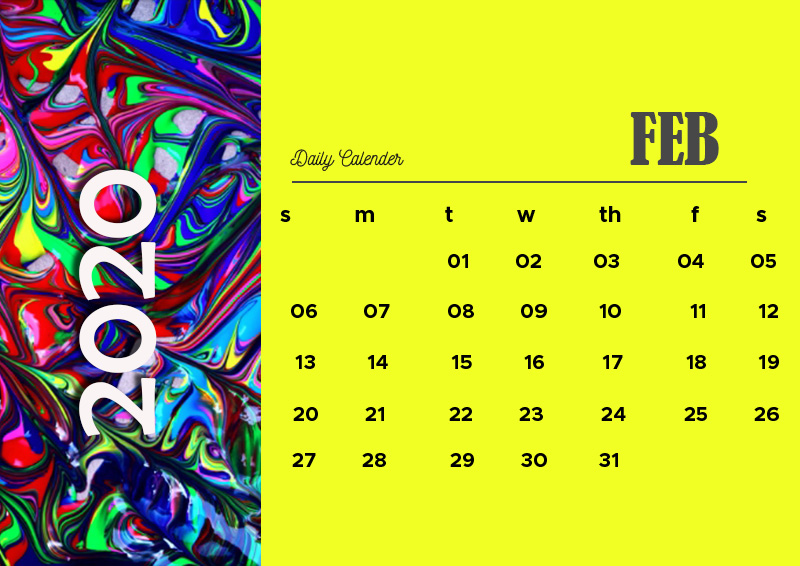
That’s a brief explanation of how to create a daily calendar template using Microsoft Word and Corel Draw that is easy.
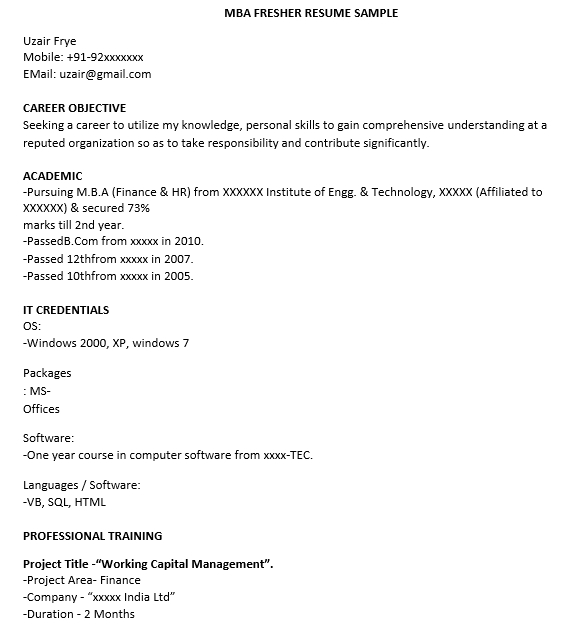


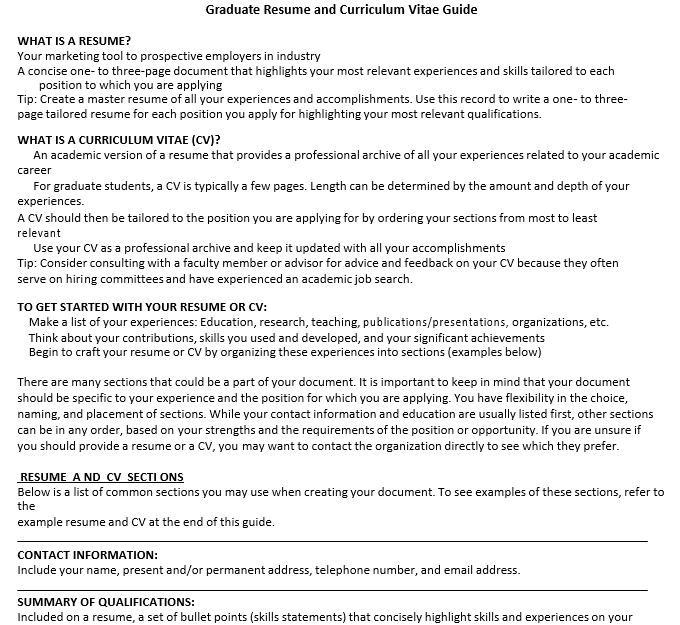
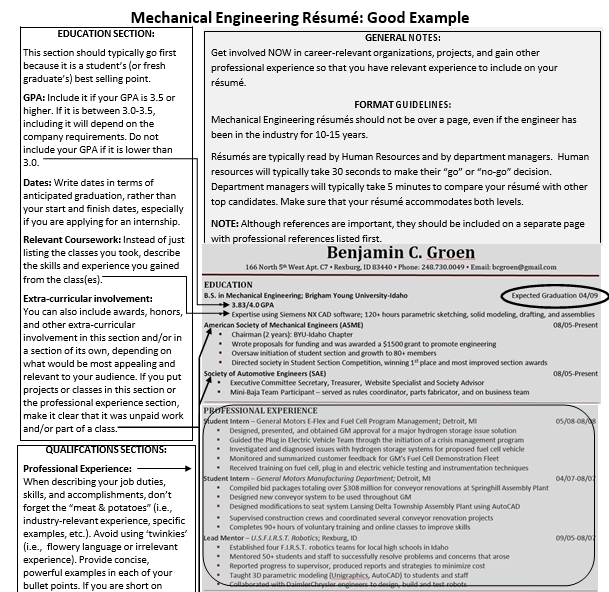
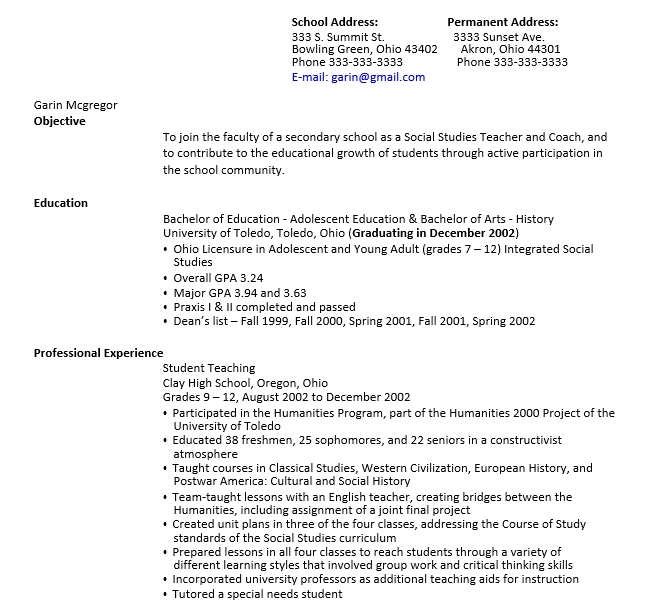
10+ Graduate Fresher Resume Template

Graduate Fresher Resume Template to Start Job Journey

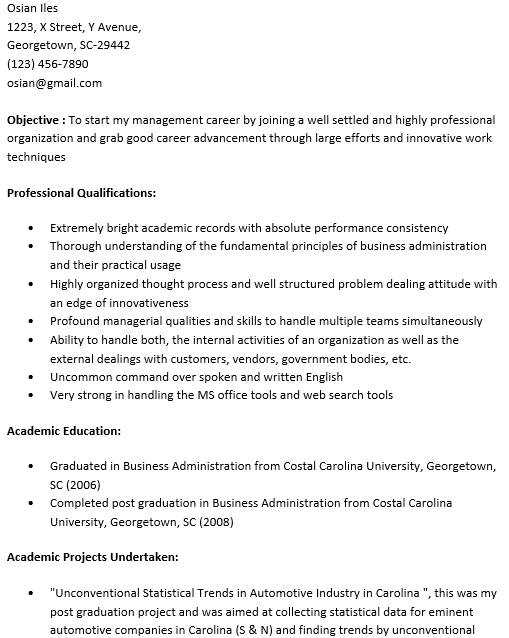
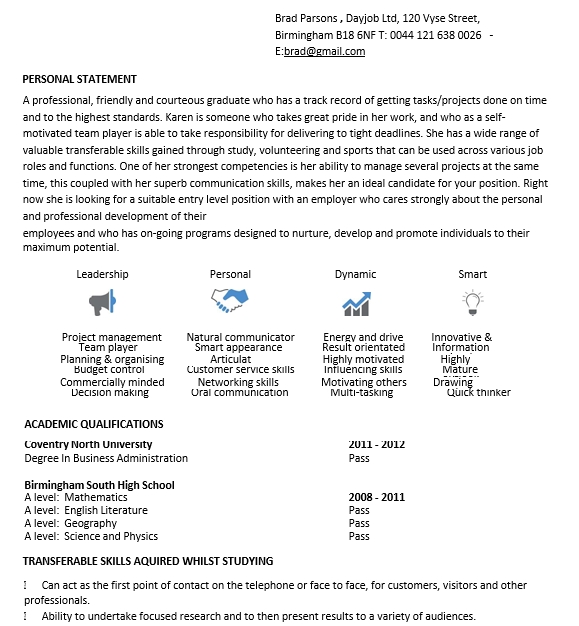
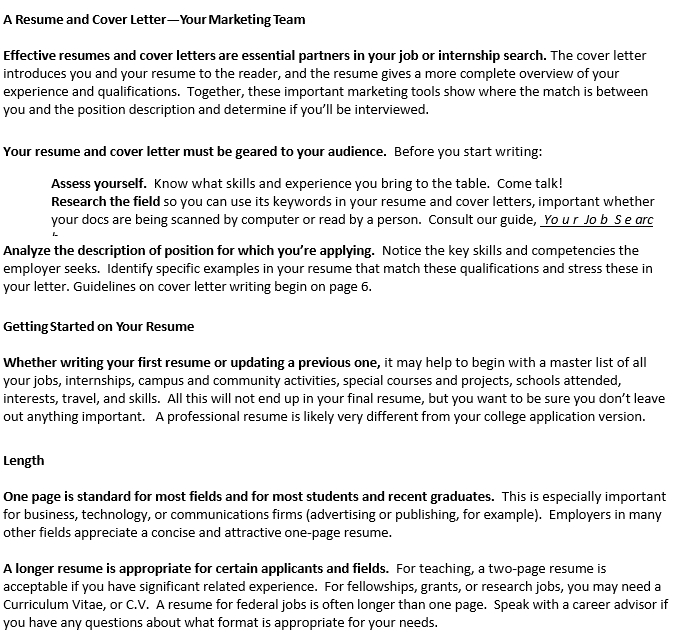
For the graduate fresher, writing a professional resume is an important matter to be done, especially when they want to start the job journey. Yes, a resume is an essential document to consider the capability of the fresher. That is why considering the ideas of a graduate fresher resume template is needed.
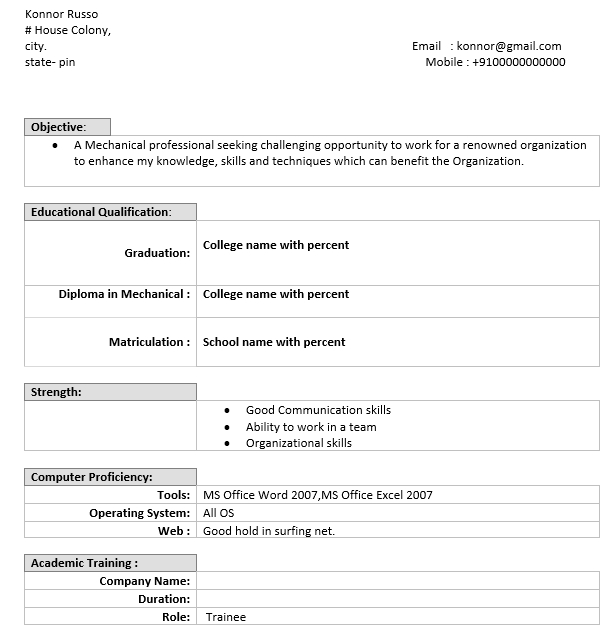
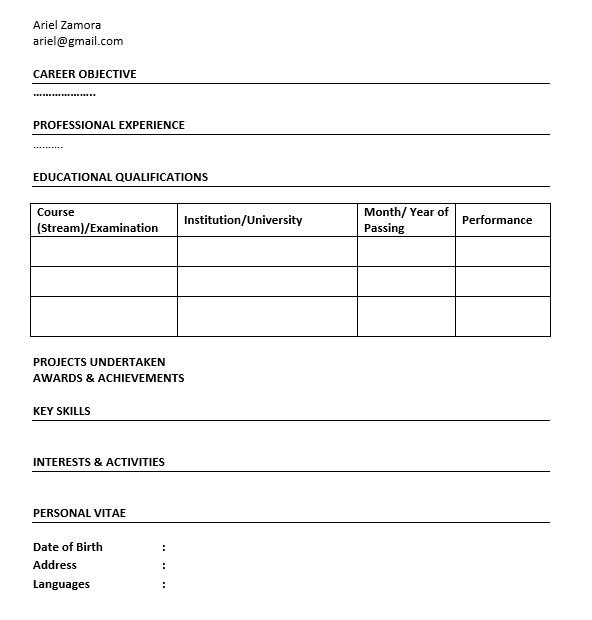
Inside a resume, a graduate fresher could write their personal information, including the education, experience, achievement, and others. Of course, all information will be the basis of the recruiter’s decision in following the recruitment process.

Here, we will talk about some matters of graduate fresher resume and some matters around it, including the sample. For those who are curious about it, please read the following writings wholly.

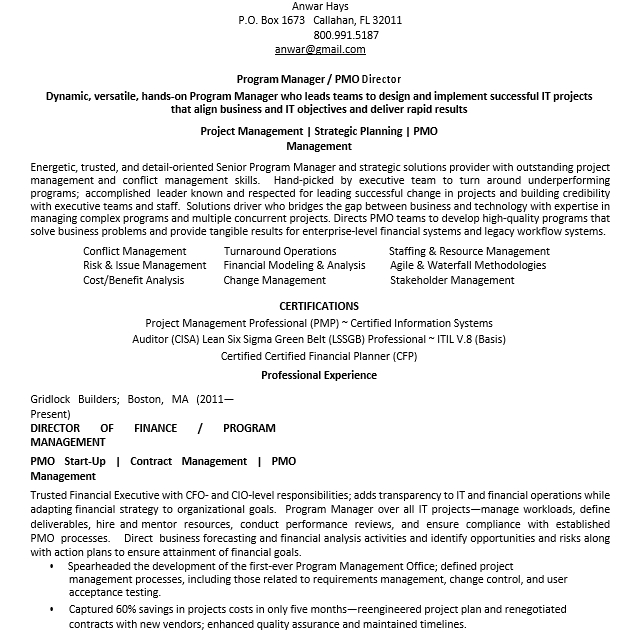
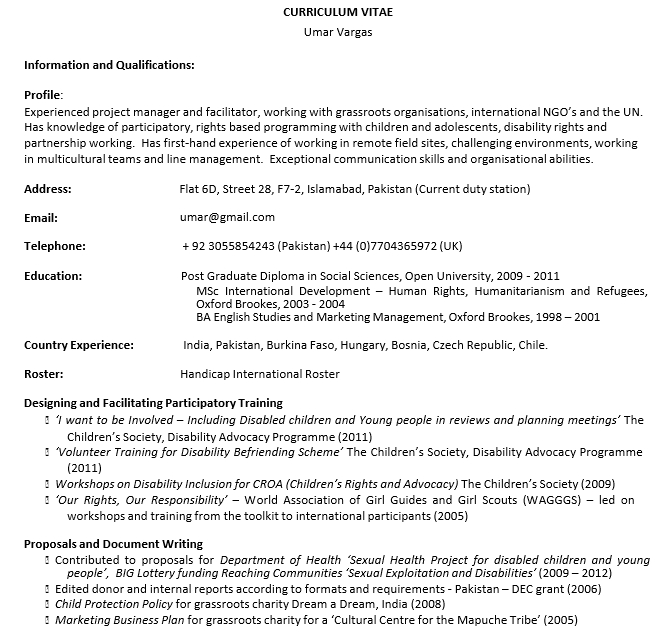
Sample of Professional Graduate Fresher Resume

To ease you in arranging the detailed information for creating a professional resume, you may see a sample of a resume. Well, a sample can be a good reference since it shows the detailed information that you need to include inside the document.

Here, we have a simple sample of a resume that you could follow. See the following sample below.

Marry Moore

Flint, MI | (555) 199-1932 | marrymoore@email.com

Professional Summary

A highly dedicated administrative assistant with a year of experience providing the support of administrative to the senior executives, accompanied by a proven track record to maintain the efficient operations of the office.

Education

The State University of Flint

Bachelor of Science in Business Administration and Mass Communication

May 2019 – June 2014

Employment Experience

The River Tech, Administrative Assistant

June 2019 – current

  • Sever as the primary point of the contract for around 30 incoming calls every day
  • Spearhead development program and training for the new employees
  • Plan and finalize the details for the travel arrangements and business development agendas
  • Manage the calendars of executive, especially to coordinate the whole meetings, appointments, and different events
  • Provide ongoing administrative support to the senior executives

Jenkins Tech, Administrative Assistant

May 2015 – May 2019

  • Greeted and assisted the different visitors in the best manner
  • Guaranteed the prompt delivery of the detailed incoming mail to appropriate the whole recipients
  • Streamlined the process to track, order, and maintain the inventory effectively
  • Developed positive relations with the clients and the external vendors

Skills

  • Proficient in Microsoft Words
  • Bilingual in English and France
  • Time management
  • Interpersonal skills
  • Communication skills
  • Computer skills

How to Make a Good Graduate Fresher Resume?

As we have said before, a sample can be a good reference when you want to write a resume and join the recruitment process. However, to ease you in writing a resume, knowing the steps to make it is also needed.

There are some steps that you may follow in writing a professional resume as:

  • Find a formal and appropriate format for a professional resume
  • Write the detailed contact information, including name
  • Write an interesting and eye-catching resume headline
  • Include the professional resume summary
  • Write the employment experience
  • List the relevant skills
  • Write the detailed education information, including awards

What are the common skills to be included inside a graduate fresher resume?

To make a professional graduate fresher resume, there are some common skills to be written. The common skills to be displayed inside a resume are:

  • Verbal and written communication skills
  • Active listening
  • Computer skills
  • Customer service
  • Problem-solving
  • Leadership
  • Management skills

What are the tips for the graduate fresher to get a new job?

The graduate fresher sometimes has no experience. To get a new job, there are some tips to inspire, as:

  • Internship or volunteer
  • Extracurricular activities
  • Identify accomplishments
  • Structure the resume maximally
  • Networking

Is a design important for a graduate fresher resume?

Well, design is important in writing a professional graduate fresher resume. By using a certain design, the resume that you made will look clearer. Of course, the detailed resume will be more interesting, and getting the attention of the recruiter will be easier.

On another hand, the design also will increase the readability of a resume. It means that the recruiter will be easier to read the whole information inside the resume, especially about the detailed skills and capabilities that you have.

Kinds of Graduate Fresher Resume Template

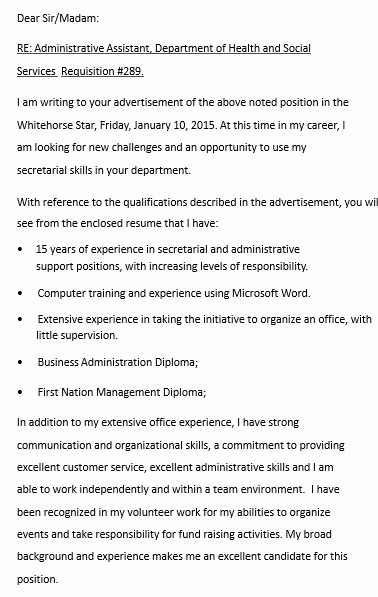
For an easier way of writing a graduate fresher resume, you also could apply some templates of it. The template is the real guide to make a professional resume. By using a template, of course, you just need to follow the default arrangement and personalize the personal information.

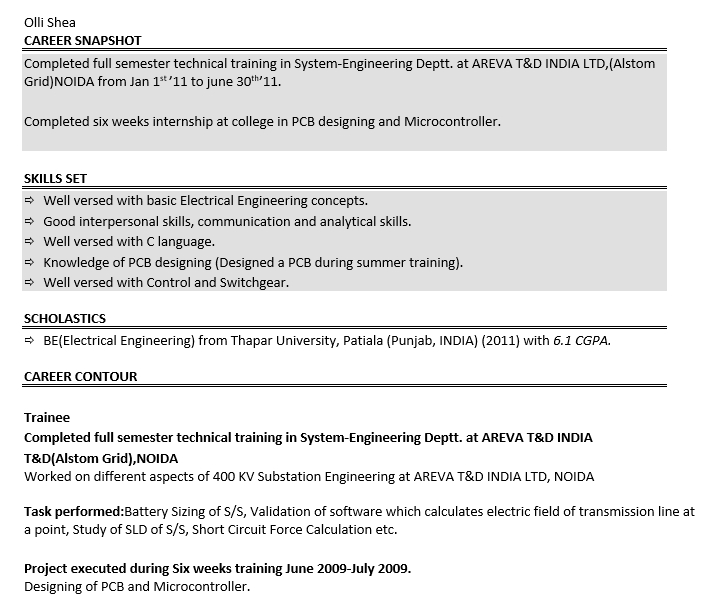
Engineering Graduate Fresher Resume Template

For the graduate that has some skills in engineering, becoming the new staff is interesting. However, the recruitment process to be new staff in engineering is always challenging. We have a simple template of the graduate fresher resume to ease you in joining the recruitment process.

Marketing Graduate Fresher Resume Template

Becoming marketing is a good idea to start your career. However, to be professional in marketing, you need to follow the whole recruitment process, including writing the resume. By using this template, we are sure that arranging the detailed information inside a resume will be easier.

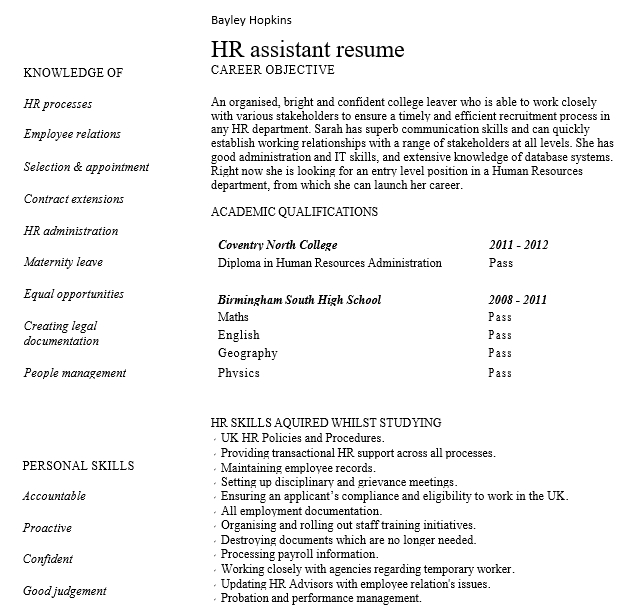
HR Graduate Fresher Resume Template

Do you want to be a new HR after your study? Well, you need to shape your professional resume first. To ease you, here there is a simple template for your guide. This template is very excellent, especially with the easiness of editing.

Simple Graduate Fresher Resume Template

A simple graduate fresher resume here is an excellent reference for those who want to start the journey of looking for a new job. By applying this template, of course, creating a resume will be easier to be done. All you need to do is just following the default scheme.

No Experience Graduate Fresher Resume Template

For those who have no experience, writing a professional resume is always challenging. However, it will be easier since you find this template. Of course, this template can be your guide to write a better professional resume to get your first job.

Well, that is all about the graduate fresher resume and some information that you need to know. Try to find the best graduate fresher resume template to ease you in running the recruitment process. Hopefully, it will be useful for you all.

10+ Education Resume Sample

Education Resume Sample to Get a New Job

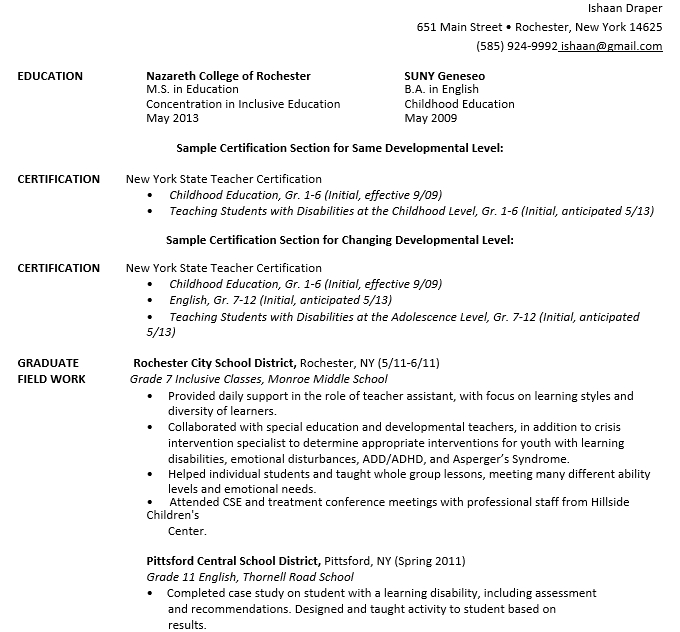
When you want to join the education management as a new staff, the first matter that you need to do in facing a recruitment process is writing a professional resume. A resume will be a document to value the personality of a candidate. That is why knowing about the education resume sample is needed.

Well, a sample of the resume can be a reference for you. By seeing the detailed sample, of course, you could know what to be included inside a professional resume and how to arrange the detailed information.

On this occasion, we will talk to you about the detailed matters of a resume that you may need to know. For those who are curious about it, please take a seat and read the following details.

Sample of Professional Education Sample

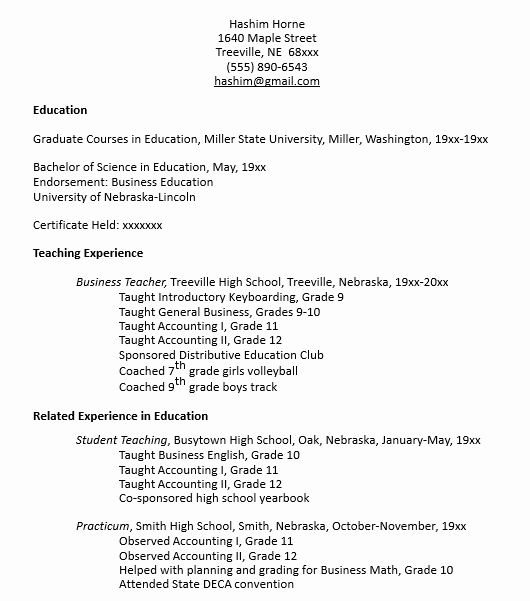
As we have said before, seeing a sample of a resume is needed. Here, we have a simple sample of a professional education resume to inspire you. We are sure that this sample will be very useful to be another reference to make yours.

See the detailed sample of it below.

Jane Flores

Chicago, IL | (555) 811-0922 | jane.flores@email.com

Personal Summary

Highly dedicated and energetic elementary teacher with more than 10 years of experience delivering different lessons. Driven to engage foster communication with the parents, reluctant learners, and collaborate with the other teachers.

Education

Green Valley University

Bachelor of Science in Elementary Education, Minor in Language Education

May 1997 – June 2001

Employment Experience

The Blue Ocean Elementary, Lead Fifth Grade Teacher

July 2019 – current

  • Directed the team of the teacher to ensure a consistent curriculum and foster the detailed atmosphere of the teamwork
  • Oversee the activities of the students, including the lunch, recess, bus pickup, classroom learning, and others
  • Coordinate with the students to know their educational experience, especially to find the best learning methods to be applied
  • Work with the school staff and parents, especially to handle the students who have special needs
  • Inspire the whole committee to select and implement a modern curriculum that can be a better idea to be applied for the lesson teaching

Yellow Stars Elementary, Third Grade Teacher

August 2015 – May 2019

  • Designed the kinds of a positive reinforcement program
  • Coordinated with the authors to develop the love of students about a new and modern literacy to improve their skills
  • Managed the whole activities of the students, especially for the classroom learning, the homework, and other important programs outside the school
  • Improved the detailed school menu for breakfast and lunch to ensure that all consumed foods consist of high nutrition

Skills

  • Record keeping
  • Parent-teacher communication
  • Proficient in Google Classroom
  • High dedication
  • High concentration

How to Make a Professional Education Resume?

Well, to make a good resume, there are some steps to be followed. Of course, by following the detailed steps, writing a professional resume will be easier.

What are the steps to follow in writing a resume? You may see some details as follow:

  • Choose the most appropriate and formal format of a resume
  • Write about the contact information, especially the name
  • Write an interesting professional summary to get the recruiter’s attention
  • Detail the employment experience
  • List the relevant skills based on the subject of resume
  • Add the information about the education, certifications, and awards

What are the skills that an educator needs to have?

To be an educator or join the new management, of course, you need to have some common skills. The skills will influence your capabilities.

Common skills that an educator needs to have are:

  • Critical thinking
  • Patience
  • Verbal and written communication
  • Organization
  • Imaginative thinking
  • Leadership
  • Time management

What are the qualities of a good teacher?

A good teacher has some qualities to be considered, such as:

  • Collaborate with other teachers
  • Love their students
  • Listen to their students
  • Learn a new thing every day
  • Fill the classroom with positivity
  • Patiently handling the different students

What are mistakes to avoid in writing the education resume?

To write a professional education resume, there are some mistakes that you need to avoid. The mistakes are:

  • Typos and grammatical error
  • Bad summary
  • Lack of specifics
  • Leaving off important information
  • Writing a too-long resume

Kinds of Education Resume Template

To ease you in writing an education resume, of course, you also could use a template. Well, the education resume template can be a true helper for you with the easiness. By using a template, you just need to follow the whole format and personalize the detailed personal information.

Higher Administration Education Resume Template

This education resume template is a nice idea to show the personal profile of the candidate. By using this template, a candidate may deliver their personal information, including the skills, education, and other relevant information easily.

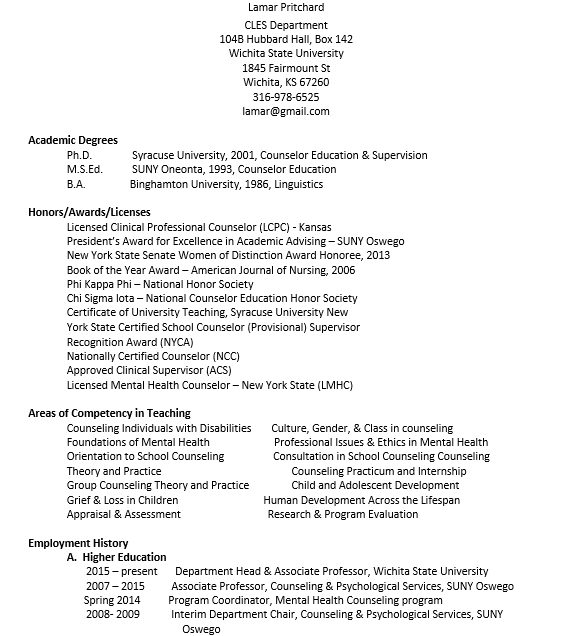
Counselor Education Resume Template

For those who want to be a counselor for education management, this template can be a document to highlight the detailed profile. It is a very simple and easy-to-follow template for different occasions.

Physical Director Education Resume Template

A director is an important position inside education management. That is why only those who have high capabilities that will get this position. The recruiter will consider the whole resume information to value the capabilities. This template can help you to show your detailed skills.

Assistant Education Resume Template

Do you want to be an assistant in education management? Since there is a long recruitment process to be followed, this template can ease you in running it. By using this template, writing a professional resume will be easier.

New Entry Education Resume Template

For a fresher, writing a professional education resume sometimes is challenging. However, this template is a great helper to be applied. It is very simple and clear to highlight the detailed information that should be added to a resume.

Well, that is all about the education resume including its templates that you need to know. Find the most appropriate education resume sample and make your best resume to join the new management and get the dreamed position that you want.

10+ Photographer Resume Template

Photographer Resume Template for Unexperienced Job Seekers

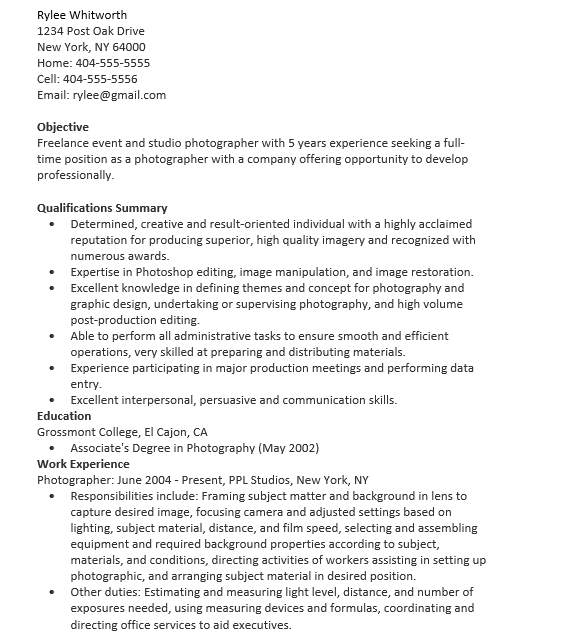
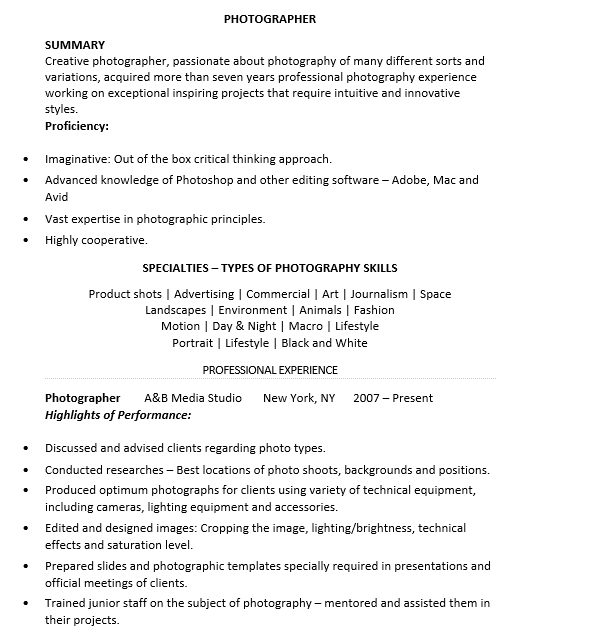
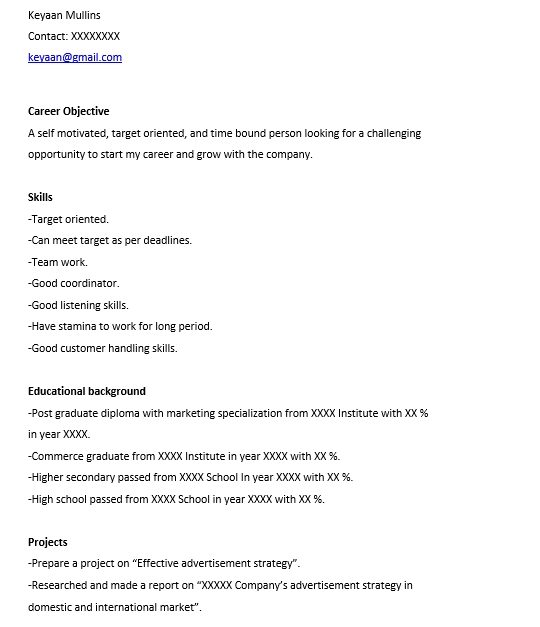
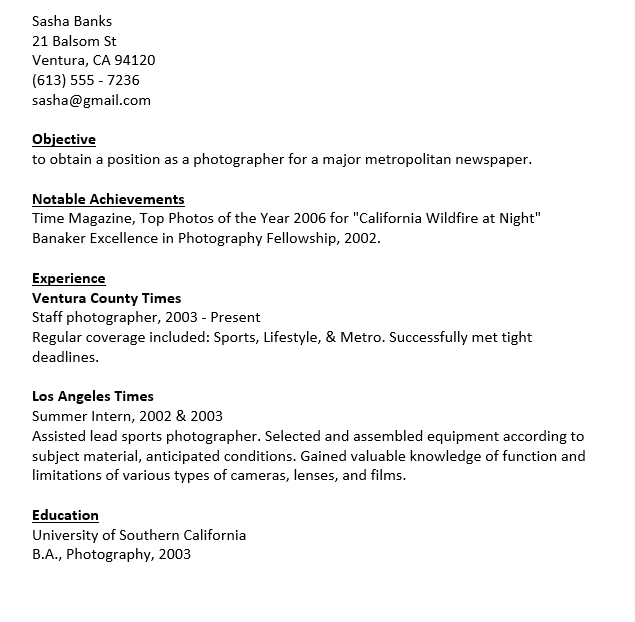
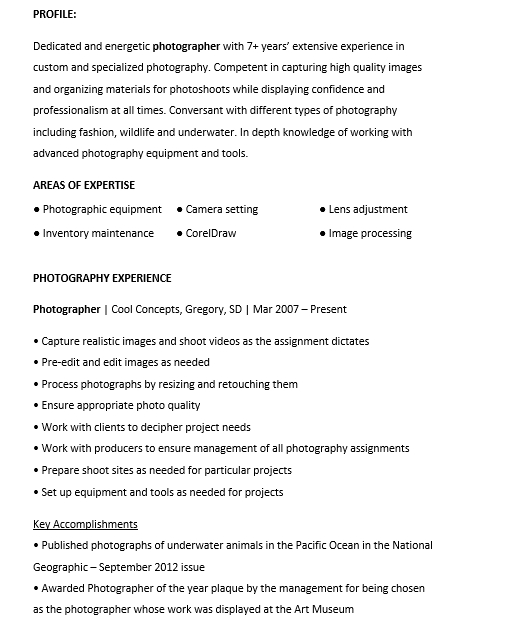
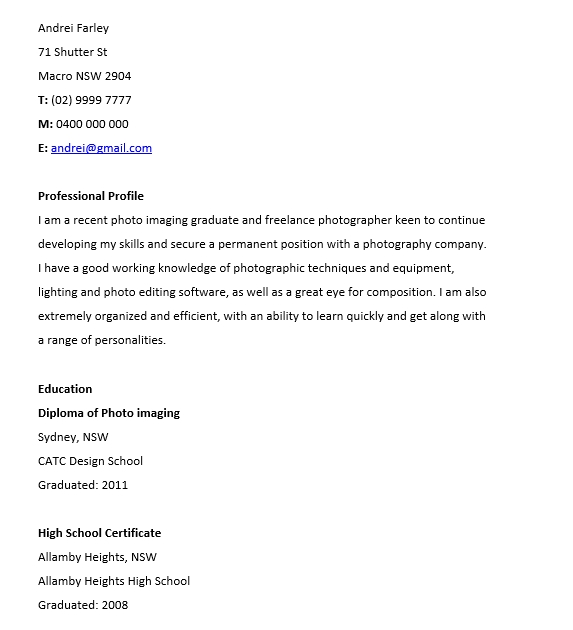
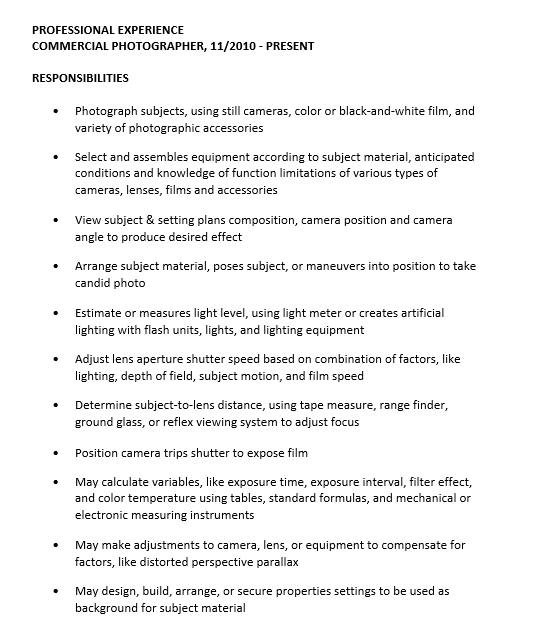
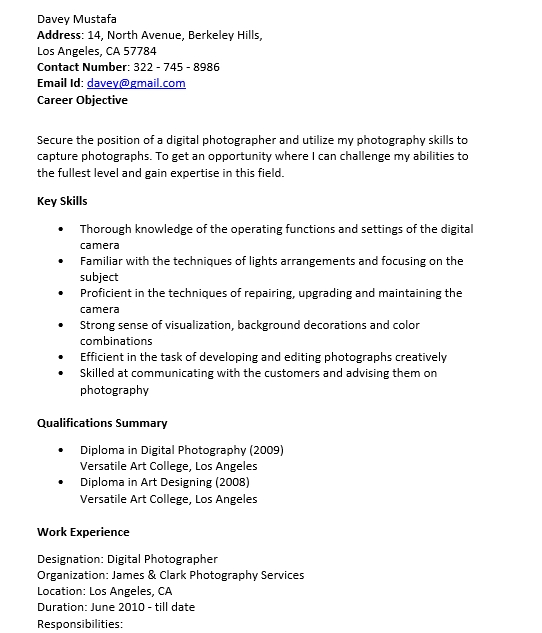
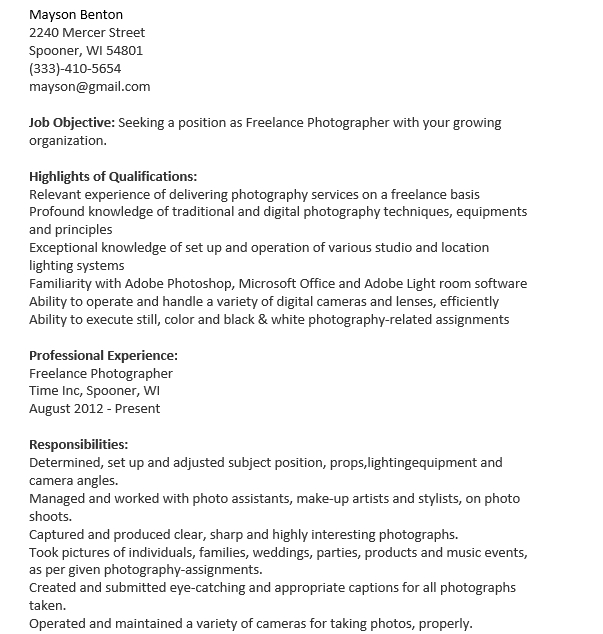
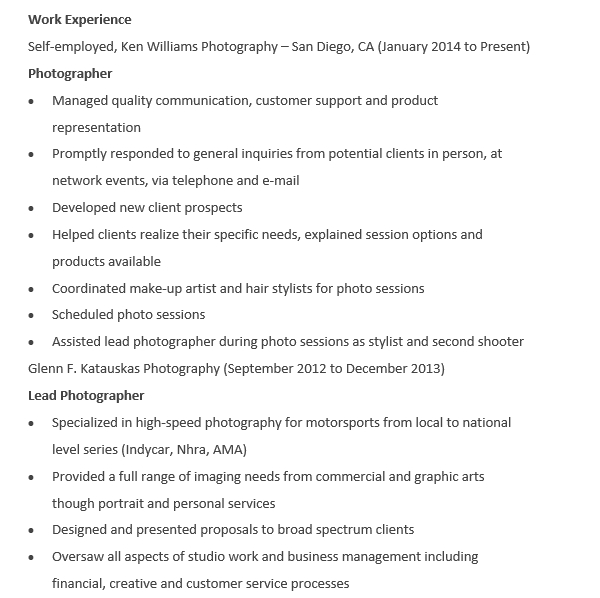
To be a photographer, you have to write a resume showing that you have the needed excellent skills in photography. If you are searching for creative ideas to write your resume, you can see the following photographer resume template. This template will give you some helps and ideas.

Sample of Photographer Resume

Below is a photographer resume sample that will inspire you:

Mac Avatar

(111)-111-1111

Main Street, TX 55292

macavatar@gmail.com

Resume Summary

Composition: Capture beautiful portraits with a DSLR & 4+ lenses

Post-processing: Create unique digital imaging effects in Adobe Photoshop and Lightroom

Awardsand Recognition: Winner of the LensBoss ‘Portrait Photographer of the Year’ award 2020

Social Media: Cultivated an Instagram following of more than 275,000 individuals to drive freelance business

Skills

  • Self-management
  • Social media
  • Attention to detail
  • Lightroom
  • Photoshop
  • Communication
  • Creativity

Experience

Freelance Photographer

Self-employed, Various – August 2015 – present

  • Manage a portfolio site & 4 social media accounts, including 275,000 followers on Instagram
  • Build authentic relationships with clients, leading to 75% repeat business’s customer base
  • Use digital & film cameras, lenses, flash attachments, and tripods to make innovative lighting effects
  • Take high-quality portrait photos of pets, children, and couples, then retouch & color correct with Adobe software

Event Photography Assistant

A is for Aperture, Eugene, OR – August 2013 – March 2015

  • Ensured equipment operation, including arranging repairs, maintaining inventory, and troubleshooting malfunctions
  • Implemented a new system to schedule meetings with clients, that led to a 15% increase in monthly bookings
  • Monitored setup & teardown equipment
  • Helped photographers to capture various live events, including stand-up comedy, expos, concerts, and sports games

Education

Photoshop ACE Adobe, 2019

BA Photographer, Oregon University, 2013 – 2017

Awards

PPOY 2020, LensBoss, Portland

How to Write a Photographer Resume

After paying attention to the photographer resume sample template, now let’s see how to write it properly!

  1. First of all, write your contact information clearly!
  2. Second of all, begin it with a resume summary!
  3. After that, make a list of your key skills!
  4. Then, highlight your previous experience!
  5. Next, add your educational background!
  6. Last but not least, include your awards if any!

People also ask

What Are the Skills of Photography?

As it is mentioned above, you should include your key skills on your photography resume template. Some of the key skills for a photographer are such as team working skills, strong networking skills, attention to detail, patience & concentration, technical photography skills, and creativity.

What Is the Best Format for a Photographer Resume?

There are a few options when it comes to a resume format. However, the most acceptable option is the reverse-chronological layout. Most recruiters prefer this resume format. So, make sure that you also use it. Here, you should list your experience & education from the most recent to the previous ones.

How Do You Make Your Photographer Resume Stand Out?

To make your photographer resume stand out from the competition, you will have to balance creativity with professionalism. Besides that, you should also capture your work experience effectively. In addition, don’t forget to open it with an impressive resume summary.

What Do You Need to Write: A Resume Profile, Objective, or Summary?

It depends on your experience & expertise level. If you have many skills & accomplishments, you should write a resume summary. For an entry-level candidate, it should use a resume objective. A resume profile is handy when uploading a freelance photographer resume to LinkedIn & job search websites.

Photographer Resume with No Work Experience

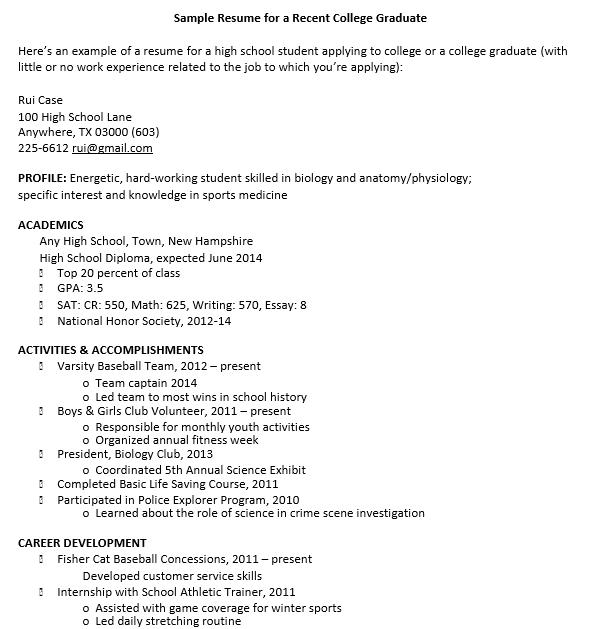
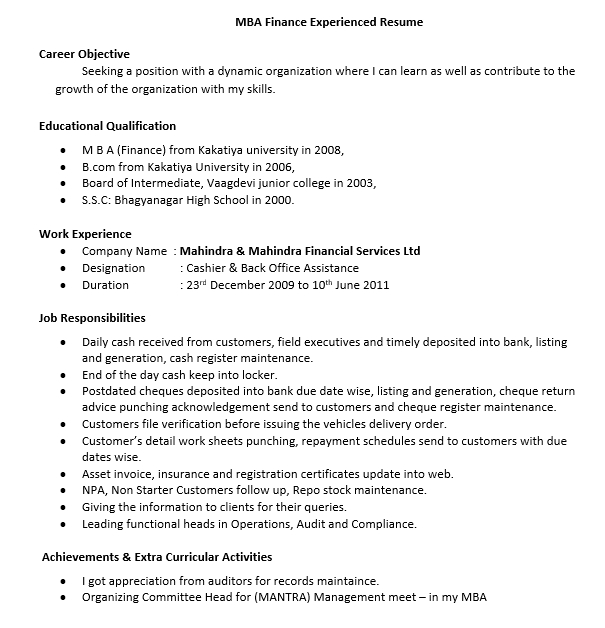
This resume will be best for you who have a few work experiences. However, it can also be used by anyone who is just starting his/her job as a photographer. With no experience, the education and skills sections must be emphasized so that the hiring employer can be impressed.

Photographer Resume Template Word

This resume template is very easy to edit because it is available in Word. So, you can adjust its content based on your own qualifications & the job post. With this resume template Word, you will be able to save a lot of time & effort for writing an impressive resume for a photography job.

Photographer Resume for College

This resume is appropriate for a college student who wants to be a professional photographer. Whether you are an experienced photographer, a fresh graduate, or a student at a college who plans to graduate soon, this sample will be useful and helpful for you for writing your own resume.

Resume for Photographer First Job

The best way to get a first job experience is by writing an impressive resume. If you want to be a photographer, you will need to use this resume sample. For your first ever job, you can include any unpaid experience that is relevant to the job you are applying for.

Photographer Resume Sample

This resume sample is very simple. Besides using a professional format & structure, this resume sample also uses correct spelling and good grammar. This sample can also be used to write a resume for any other job. However, you need to adjust its content to your contact, education, skills, experience, etc.

Photographer Resume Example

This example will inspire you in writing a resume for a photographer. By following the format in this resume example, you can write your own photographer resume appropriately. This example is designed for anyone so that you are allowed to use it anytime you want.

Free Photographer Resume Template

It is very important to use a good template when writing a resume. If you want to write a photographer resume, this free template will help you a lot. You don’t need to hire a professional for writing a good resume because you just need to tailor this resume template.

We all know that writing an impressive resume is very challenging. If you have never written a resume before, it will be better to use this photographer resume template. You can also use this template for writing a resume for an other jobs. Anyway, it can be used for your reference.


10+ Fresher Resume Template

Fresher Resume Template to Face the Recruitment Process

For a fresher, writing a professional resume is a challenging matter to be done. Well, by having no experience, of course, a fresher needs to know what to be written inside it. That is why considering the ideas of a fresher resume template is important for more reference.

A resume is a professional document that a candidate needs to prepare. It consists of several basic information, as contact, education, employment history, and others. The detailed information will be the consideration by the recruiter to value whether a candidate is applicable or not.

On this occasion, we will talk about some matters of a fresher resume. For those who are curious about it, please take a seat and read the following writings below.

Sample of Professional Fresher Resume

To ease you in writing a professional fresher resume, seeing a sample of it can be a nice idea to be done. The sample will show the detailed point to be included inside a professional resume. Of course, there are many samples of the fresher resume for consideration.

However, here we have a simple but effective sample of that resume that you may follow.

Leonardo Mark

Green Valley, London, UK | (555) 912-0011 | leo.mark@email.com

Personal Summary

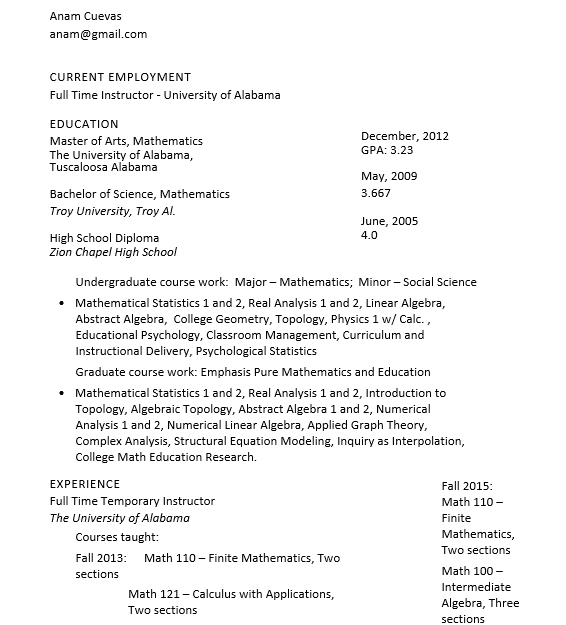
A dedicated teacher with a broad range of experiences as a professional educator looking to take a career to new opportunities in the new field with the high reputed educational facility as a fresher teacher. Ready to use all ability and passion to help the students grow.

Fresher Teacher Highlight

  • Fluency in earth science and world geography
  • Ability to assess the needs of students
  • Ability to adjust the curriculums
  • Proficient with the educational computer and internet
  • Exceptional teaching skills encouraging the students to follow the concept

Employment Experience

Assistant Teacher, 9/1/2008 – present

Golden Valley High School

North London, UK

  • Utilized the different teaching methodologies to handle the difficult teaching concept
  • Designed the development programs using the activity group and classroom
  • Encouraged the students to perform their best
  • Maintained the best standards of behavior
  • Worked with the different teacher to plan and implement the curriculum activities based on the teaching parameters

Substitute Teacher, 6/1/2004 – 11/2/2006

Green Lake High School

North London, UK

  • Maintained the classroom curriculum
  • Spontaneously prepare kinds of activity
  • Encouraged students to perform their best
  • Filled the teaching slots as it is needed
  • Conducted the lessons in various subjects

Education

Master of Geography

2003

The State University of North London, UK

How to Make a Professional Fresher Resume?

The sample of the fresher resume can be another reference when you want to write it. However, it is also important for you to know the steps to make it. Substantively, the steps to make a professional fresher resume are quite simple.

The steps to be considered are:

  • Choose the appropriate format for a resume
  • Add the name and other contact information
  • Write an interesting headline
  • Add the detailed personal statement of summary
  • Include the work experience
  • List the relevant skills
  • Add the detailed education, certification, and other awards if any

What are the tips to make a professional fresher resume?

To make a resume for fresher, there are some tips to be known. By knowing the tips, of course, writing a resume will be easier to be done and the result also will be better.

Some common tips to be known are:

  • Read the detailed job description
  • Include the up to date and relevant contact information
  • Write a powerful professional summary
  • Choose the best skills to highlight
  • Highlight the detailed education
  • Include the relevant experience
  • Proofread the resume

What are the best fonts to be used in writing a resume?

There are some types of fonts to be applied in writing a professional fresher resume, as:

  • Calibri
  • Cambria
  • Georgia
  • Garamond
  • Arial
  • Helvetica
  • Book Antiqua

Is a fresher resume should be written with a certain design?

Yes, a resume will be better to be written with a certain design. The design of the fresher resume will help you to show your professionalism to the recruiter. By this matter, you may get better attention from the recruiter.

On another hand, a certain design is also interesting to increase the readability of the detailed resume. With better readability, of course, the recruiter will be easier to read the detailed information inside the whole resume.

Kinds of Fresher Resume Template

Using a template to make a professional fresher resume is a good idea. The template shows the detailed points to be written inside the resume. Of course, by using a template, all you need to do is only following the detailed arrangement and personalize the whole information.

Basic Fresher Resume Template

The basic fresher resume template is a very simple template to be applied. This template is appropriate for a fresher that wants to look for a new job. By using this template, writing a professional resume will be easier to be done.

Simple Fresher Resume Template

A simple fresher resume template is what you need to get in starting the job journey. It is an excellent template to be followed. This simple template highlights the detailed information that you need to write inside a resume to get higher attention from the recruiter.

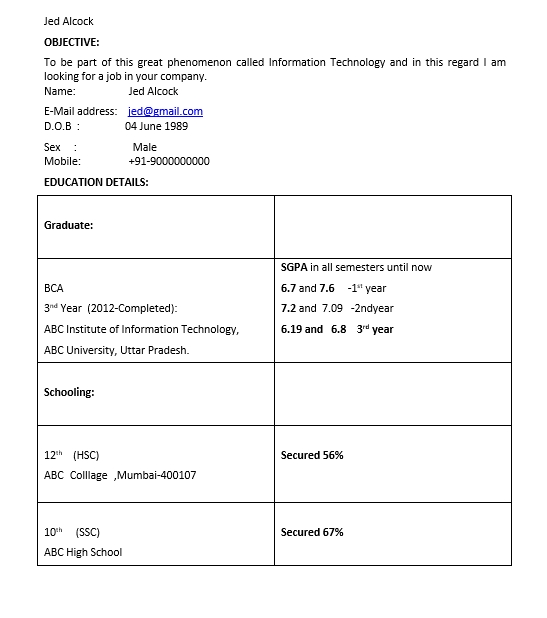
Software Engineer Fresher Resume Template

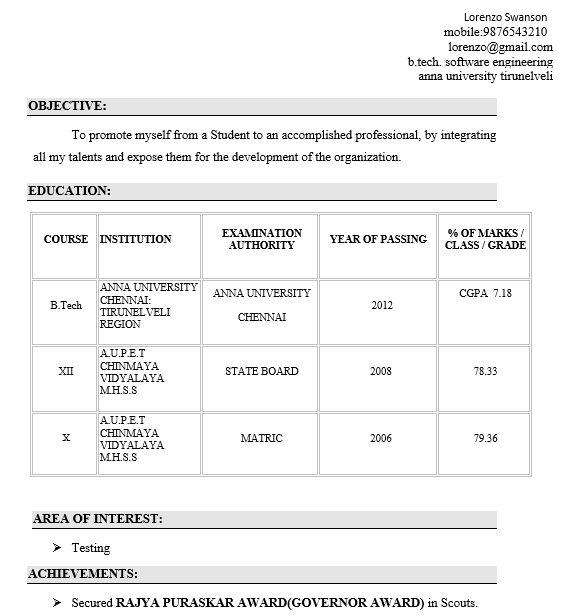
Do you want to be a new software engineer? Well, for a fresher, sometimes it is challenging to write a professional resume. However, by using this template, we are sure that you could make it easier. Just download this template and follow the detailed information.

Banking Fresher Resume Template

For those who want to join bank management, this template can be a sample to make a professional resume. Since the management will carefully choose the selected candidate, this template will be very useful to help you increase the personal value.

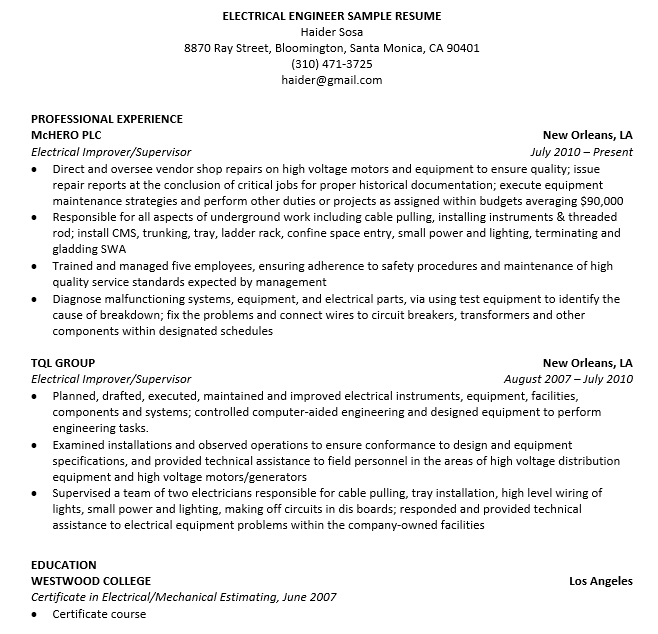
Electrical Fresher Resume Template

This electrical fresher resume template is a true helper to prove your capability. By using this template, of course, you could write your professional resume with a better result. A chance to be the new employee will be bigger!

Well, that is all about the resume for fresher to be known. You just need to find the best fresher resume template and follow its details to write yours!

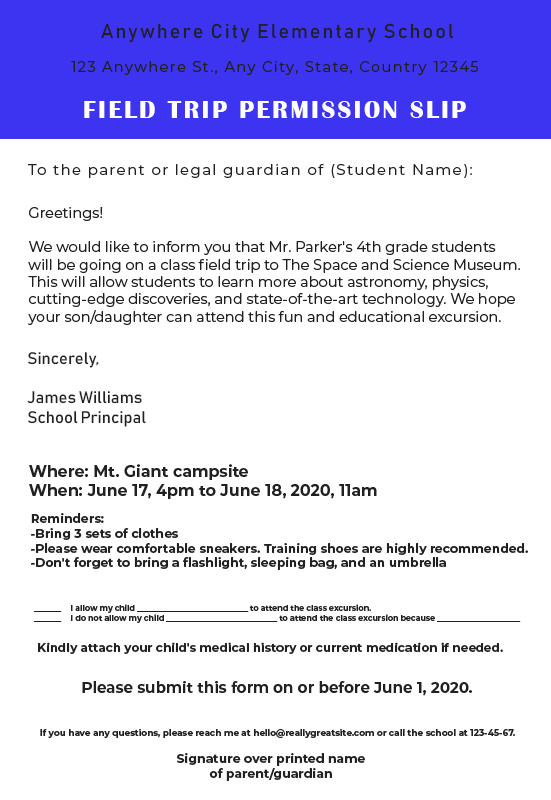
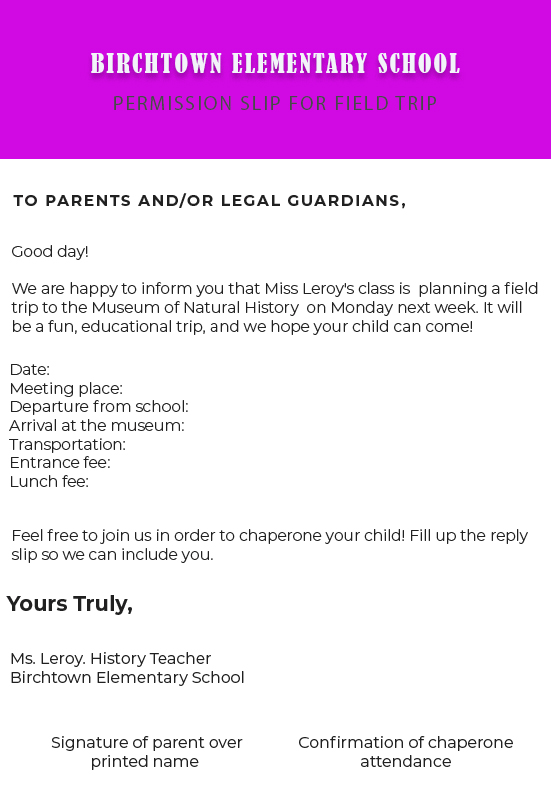
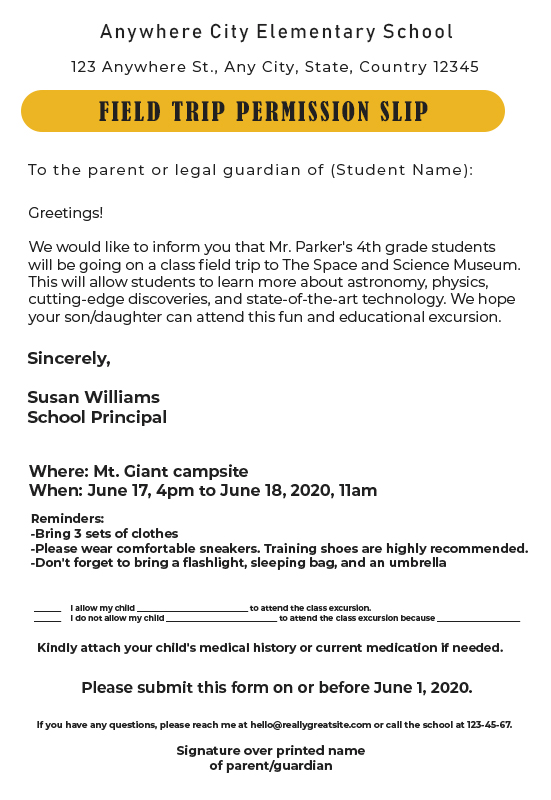
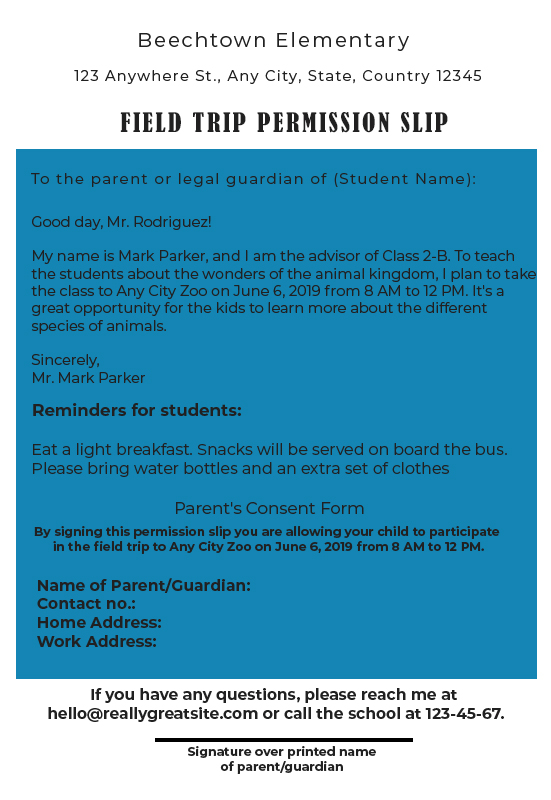
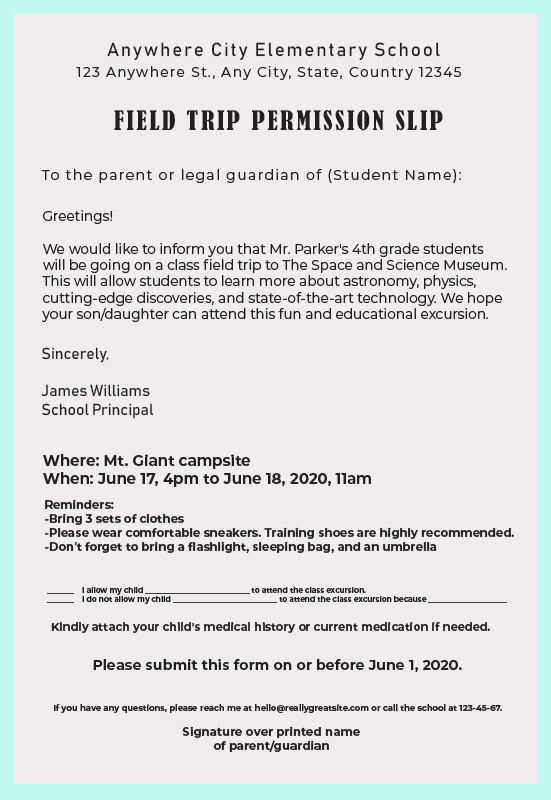
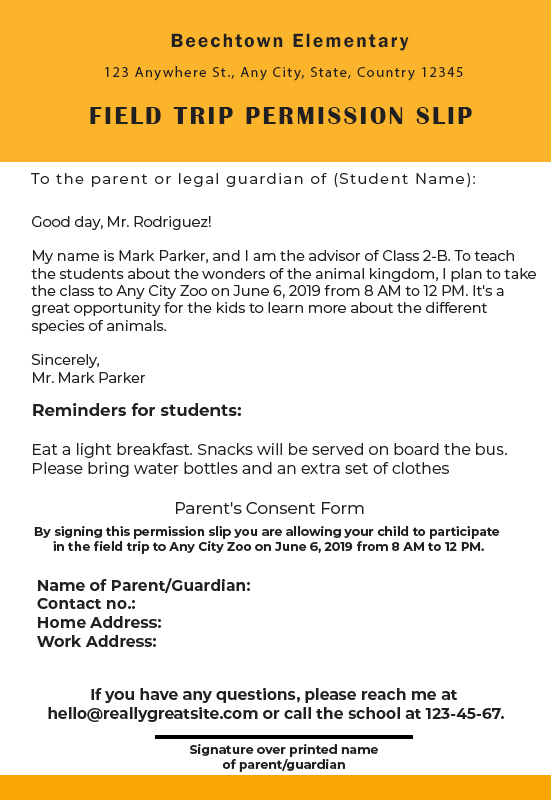
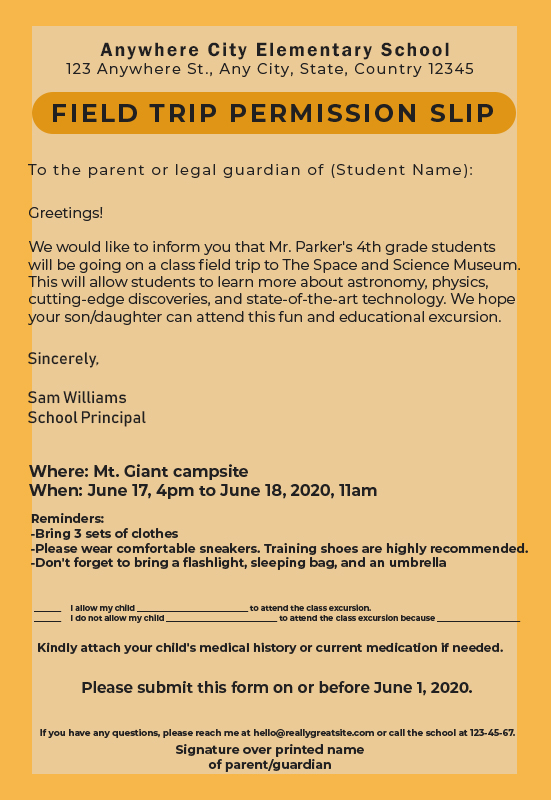
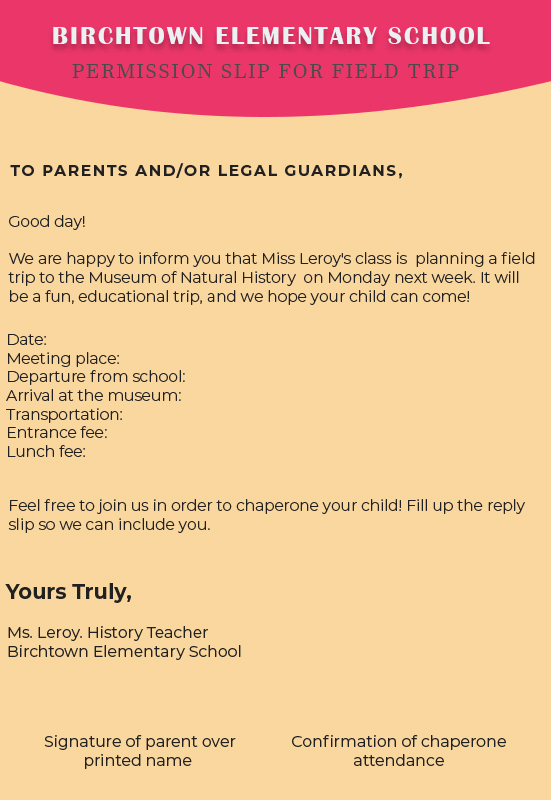
10+ Permission Slip psd template free

Permission Slip Template


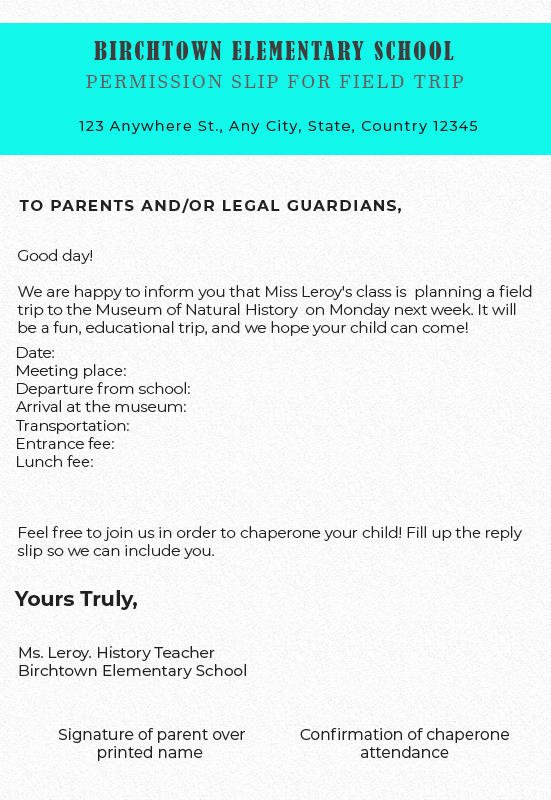
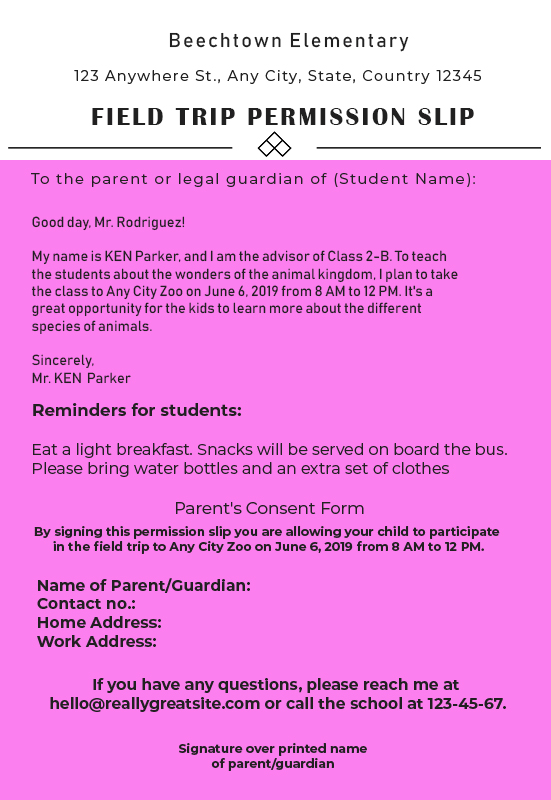
When you want to invite students to do activities outside of school, you must know how to make permission slip templates to be allowed to do activities outside of school, such as visiting a place to deepen knowledge.

Of course, the permission slip can also be used for other things such as to fill in the reasons children do not attend learning activities at school for specific purposes.


Fortunately, you can easily create permission slips that can be done by downloading the template slip permissions and then editing the reason by entering all the details you need. Requirements that must be included in the permit slip are accompanied by a person’s signature accompanied by contact that can be contacted.

If you have made permission slip templates, then you can travel quietly with parental consent.


How to Make a Permission Slip Template

Don’t know how to make permission slips? Come on, understand the instructions contained below.


  1. Use a Word Processing Program

The first clue to make a permission slip template is to choose a word processing program on a computer such as Microsoft Word, Google Pages, or Google Docs.

In some cases, it is recommended to make permission slips using clear and standard fonts so that they are easy to read and understand, such as Times New Roman and Arial fonts, which are 12 in size.


  1. Write down in detail

The next thing you should do in making permission slips is to write everything that answers questions related to specific activities. Of course, some of the answers in question include the question of who, when, where, why, and how much.

The contents must be explicit permission slips intended for who, when, where, how, and accompanied by clear reasons.


Don’t forget to enter school contact information so that student guardians can be contacted with a variety of questions.


  1. Create a column for student guardians to give permission

Next, you are advised to make a student guardian column so you can write down your consent or not for various reasons. Well, explicit consent written can be started from writing the name and then writing the reason you gave permission.

If not permitted, write down the reasons for not giving the child permission to travel, for example, due to illness.


  1. Add Emergency Contact Options

The next thing you should do is add an emergency contact option by creating a column to write an emergency contact that can be contacted if something happens with students, and then the parent cannot be reached.

  1. Add the Parent TTD Column

Don’t forget to add the Parent TTD column at the bottom; of course, the parent’s signature becomes the most critical structure in the permission slip template.

  1. Create a Permission Slip in Letter Format

The next thing you should know when writing slip permission is that the format is made like a letter. Well, don’t also forget to start writing with the words “Honorable.”


Use communicative language with polite words; don’t forget to end the letter with thanks.

Permission Slip Design Ideas

So, making a template slip permission is not difficult because the standard has a format like a letter written in Microsoft word processing.


10+ Greeting Card free template in PSD

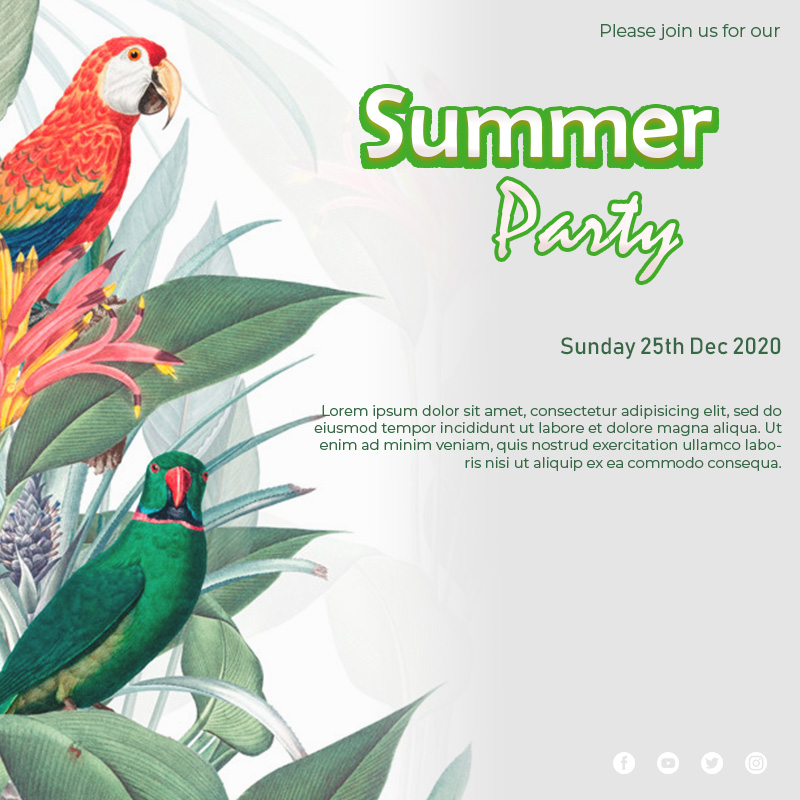
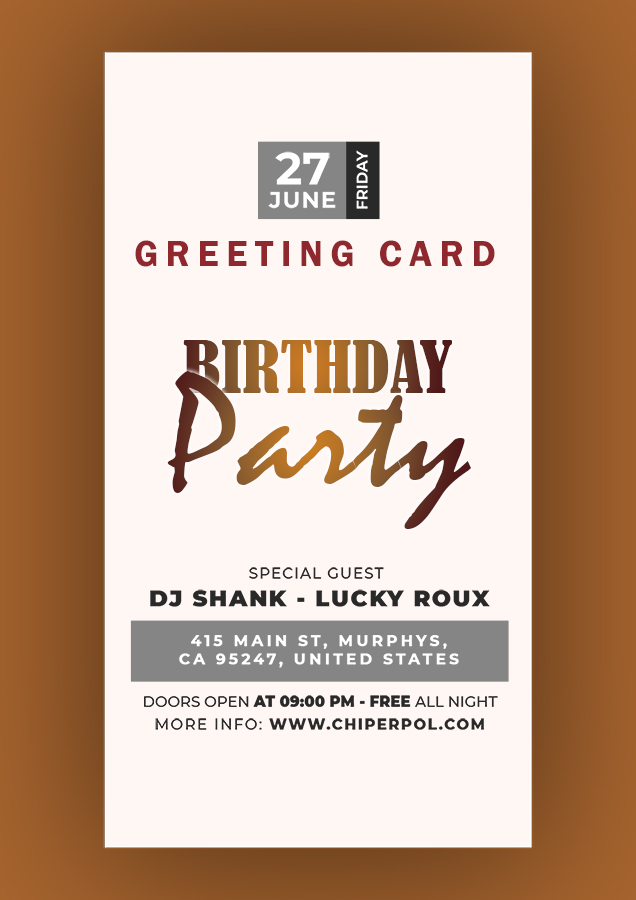
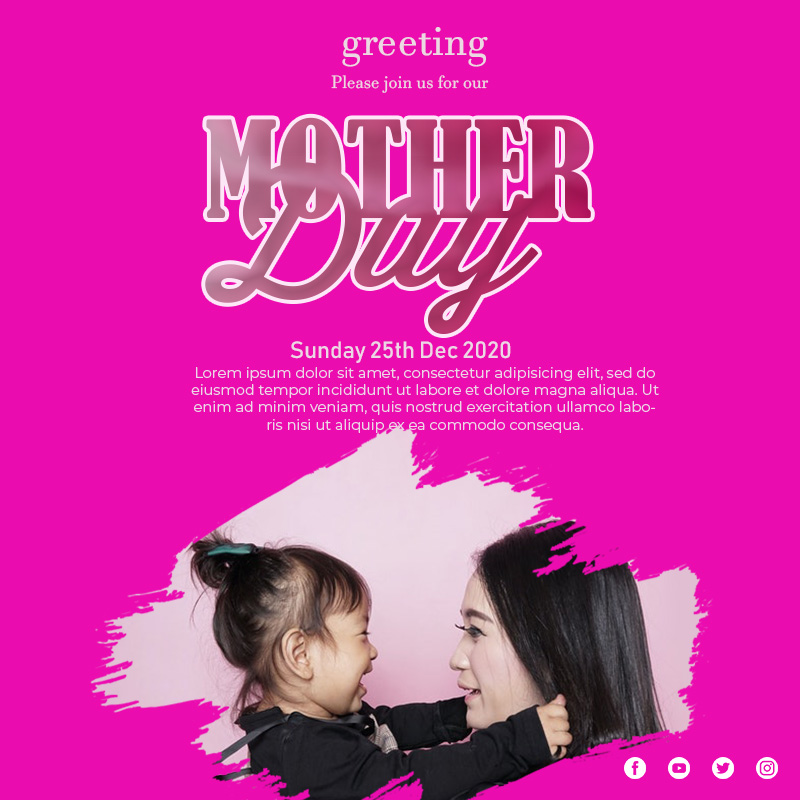
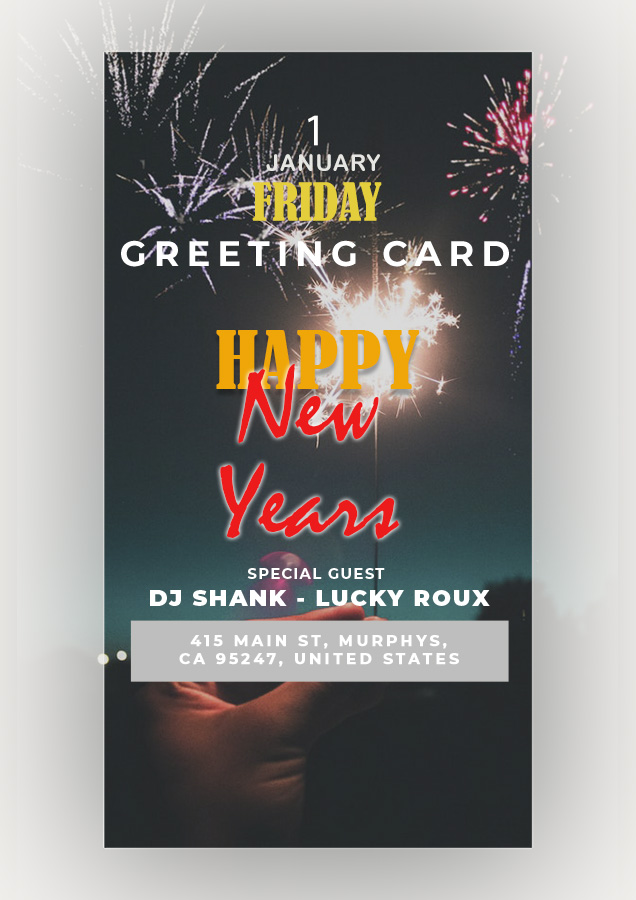
Greeting Card Template


Make greeting card templates with attractive designs to make your family, friends, and others more memorable. If the invitation card is sound, it can inspire others to attend. There are various templates available for making greeting cards on online sites, or you can also make your own through Photoshop software applications.

Of course, to make a unique greeting card, you need an attitude of creativity that you have to make the template design look simple, neat, and enjoyable to read.


On various online sites, template greeting cards are now available for you to choose from.


Tips on Making a Greeting Card Template

Let’s find out a few tips for making attractive greeting card templates the easy way below.


  1. Choose size

There are several sizes to choose from for making greeting cards; there are “standard” options. If you want to make a greeting card with the “poster,” choice, then use the “portrait” or “square” model for the best results.

Make a Greeting Card Design According to the Theme that matches the color, Theme, and event that will be created. If you have trouble making your design, you can look for it on various online sites. Make sure you choose the right size and orientation of the greeting card that is appropriate and appropriate so that it seems exciting and memorable for the reader.


  1. Choose an interesting theme

Be aware that choosing the best Theme is the starting point for starting the design you have to make. The goal is that other people know more about what messages are written for them.

If seen from the Theme alone is interesting, it will make other people or guests feel memorable when reading the message.

  1. Give your card personality with pictures

For your card to be more communicative, you should give an identity or personality by adding a picture to make it look attractive with a visual touch.

Well, you can choose the best photos to make greeting cards more interesting to look at.


  1. Personalize Text

Next, the thing you have to do is personalize the text by adjusting the right font. Well, you have to choose a simple font style that is easy for others to read.

Thus what you write will also be more easily conveyed to guests.


  1. Add a Logo

After selecting the text that matches the template that you created, you also need to add a logo to make it look more official. Adding this logo is quite flexible. You can add it if you want to introduce a particular brand.

  1. Write a message that touches the heart

You should write a heartfelt message to the guests to make it more memorable. Write your congratulations, the sympathy you have on your readers so that the reader can more easily understand what you are writing about.

To be more conveyed, you can also use the edit options to change the font color, speech, opacity, spacing, and shape.


Thus, the message you write will be more easily conveyed to the intended person.

Greeting Card Example

If the greeting card template design is attractive, of course, people who read it will feel more memorable.


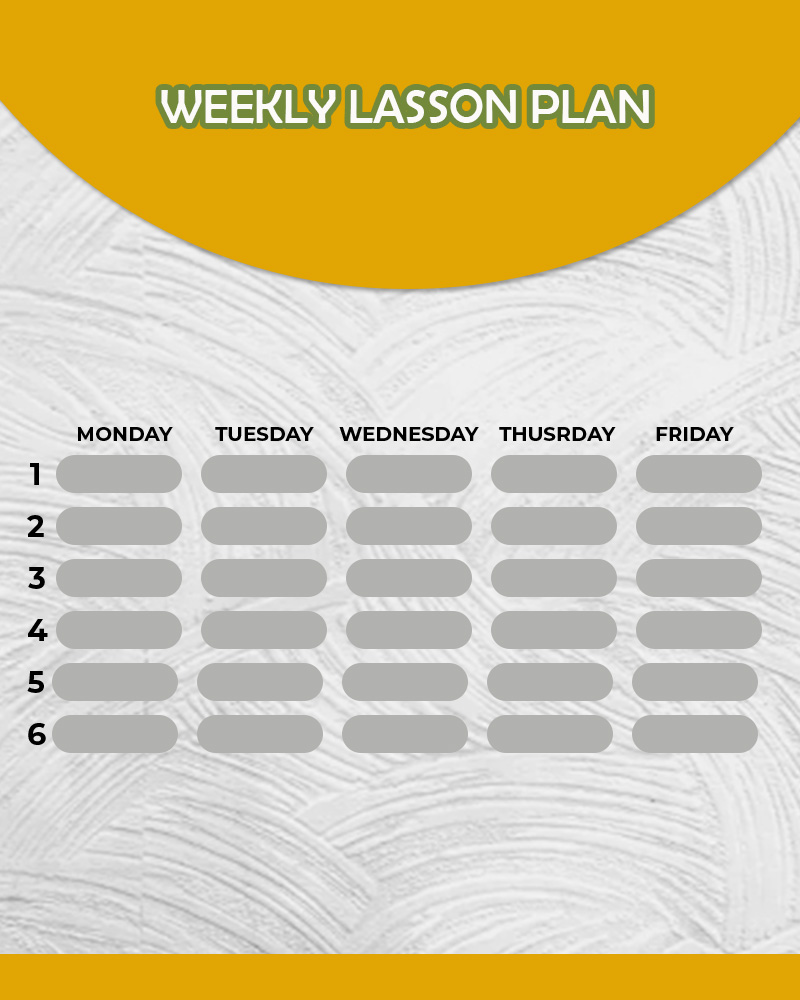
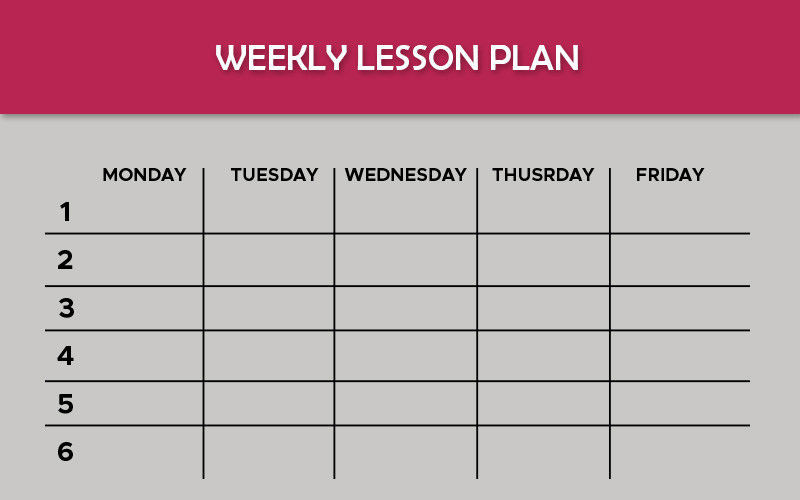
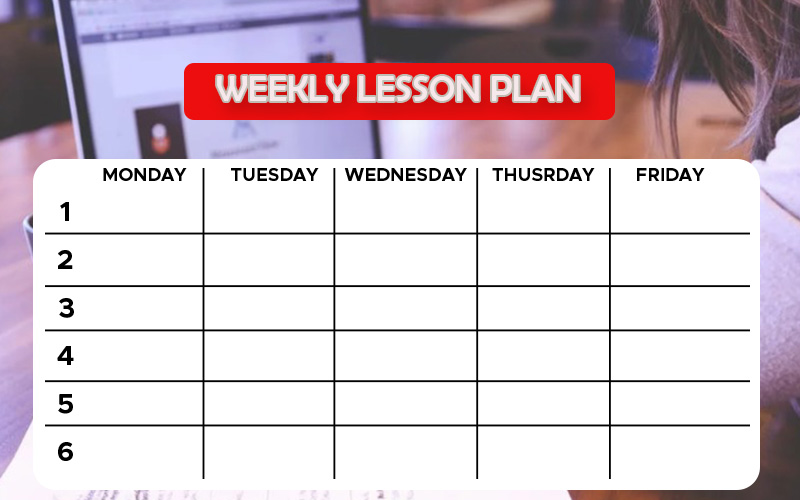
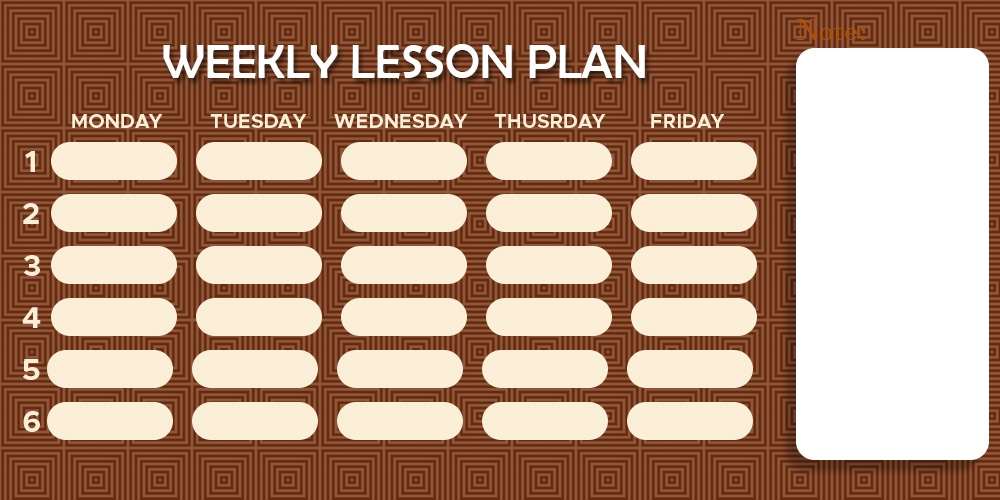
10+ Weekly Lesson Plan free psd template

Weekly Lesson Plan Template


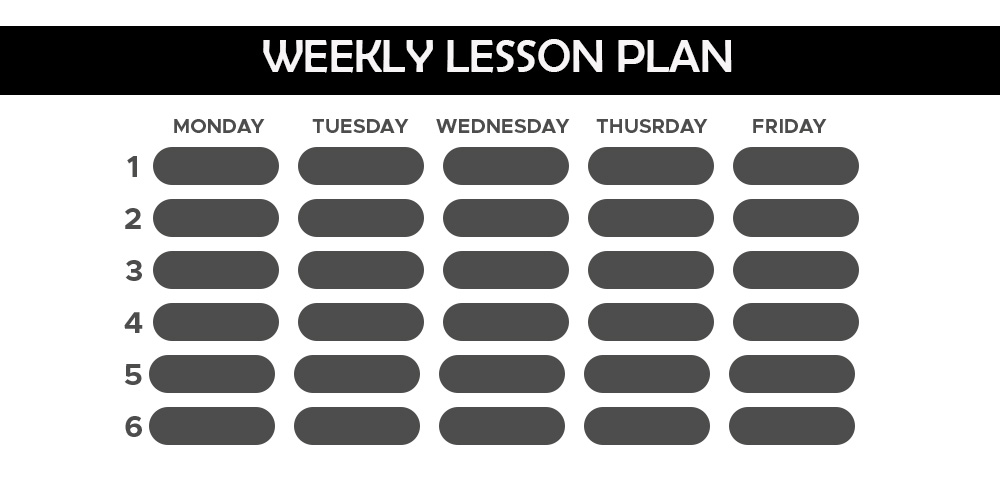
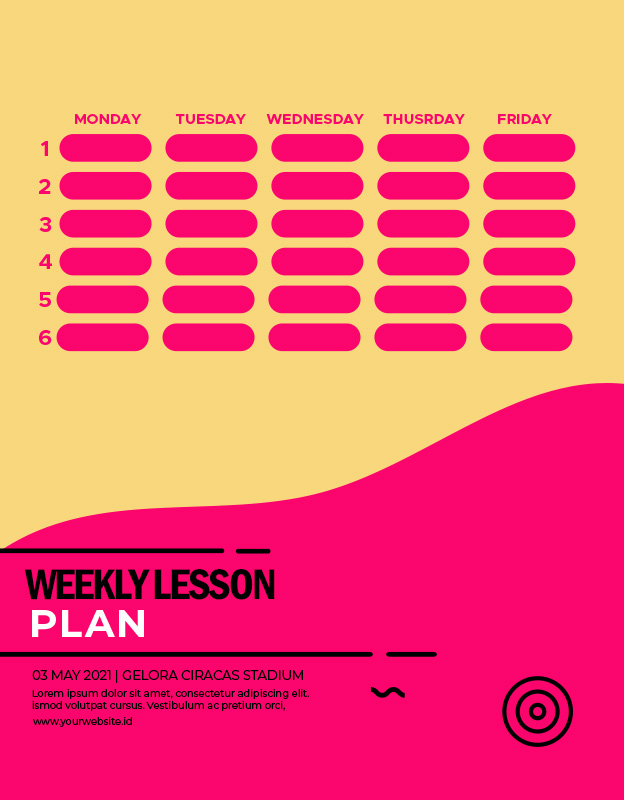
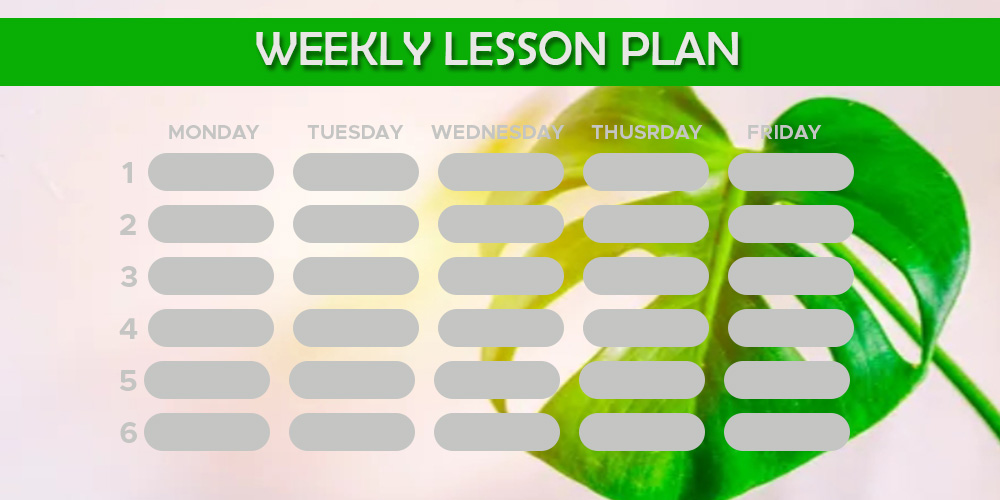
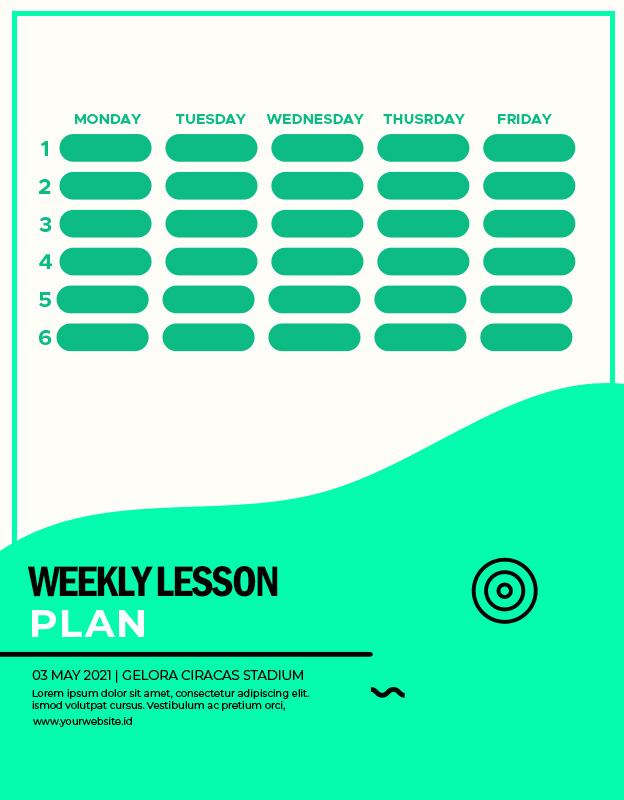
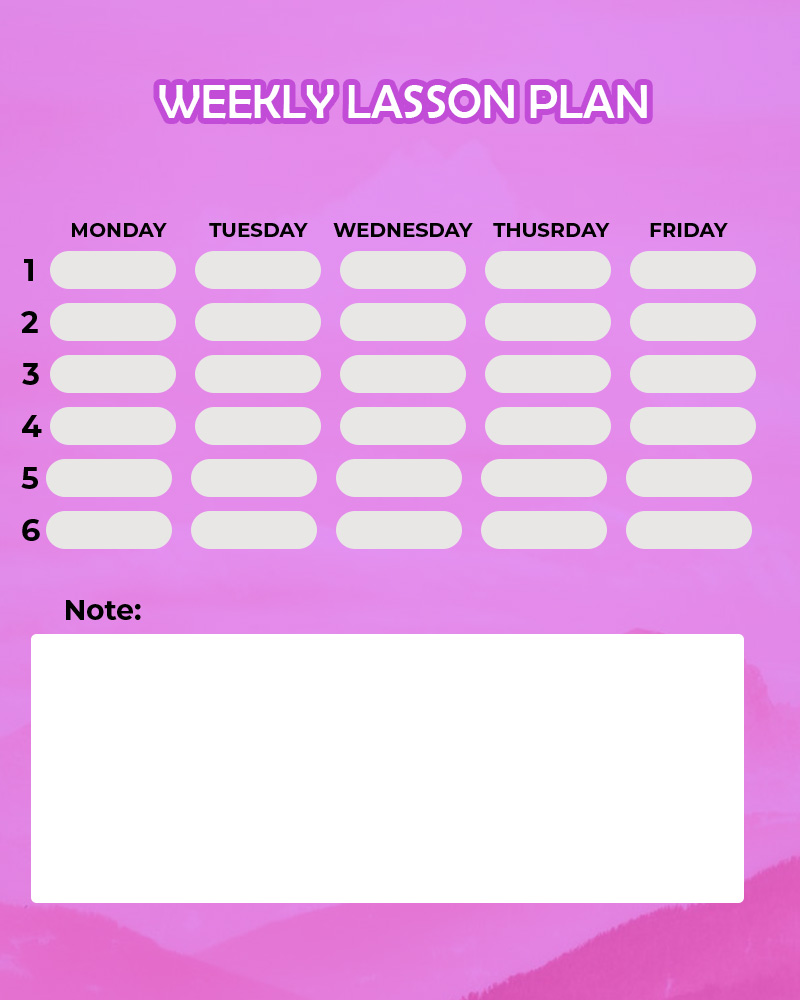
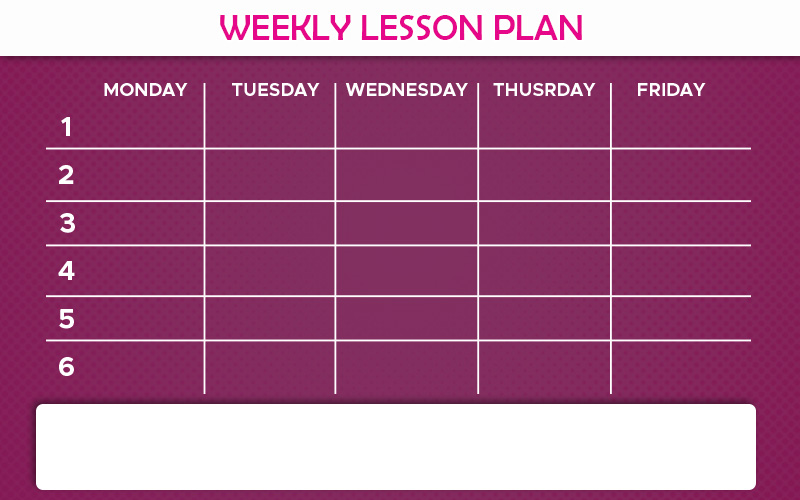
Prepare for success by designing individual personalized weekly lesson plans. Having an irregular schedule of lessons will make it difficult for us to determine the calendar for other personal activities. Therefore, you must create a weekly lesson plan template that has an attractive and fresh design.

Making a weekly lesson template is different for each individual to adjust to the personal activities they have. Weekly lesson plans are not made for everyone but for individuals to coordinate the model to work more effectively.

To make it easier for you to create templates, you can use Canva or other software applications to make it easier for you to manage your schedule effectively and efficiently.


How to Make a Weekly Lesson Plan Template in Canva

Make a weekly lesson template design that is interesting and easy to read so that your learning activities are more effective. Let’s find out how to make it through the Canva application below.


  1. Choose a Simple but Good Template

The first step that must be done to create a Weekly Lesson Plan Template in Canva is that you first choose a simple and functional template. The way you can search the model “Weekly Lesson,” there are many templates that you can opt for free.

After choosing the template, you can immediately change the image from Canva stock, or you can also select it from the gallery application that you find interesting and suitable to use.


  1. Change font

After you choose the template, then change the image, choose a suitable font, easy to read clearly, and the size is also balanced with the size of the model you have chosen. Well, in the Canva application, there are more than 130 new fonts.

Surely you don’t need to choose a font with a complicated style that looks italic or Latin letters but selects a font that is easy to read.


  1. Change the background

You are also advised to change the background of our library or use images from the gallery. Pictures will positively significantly affect the design of attractive templates.

Also, please choose an image bright in color to make it easier to see, don’t forget to select a model whose color is also integrated with the font you chose.


  1. Add a Table in the Template

To make weekly lessons easier to read, you should add a table in the template to write the schedule every day to look neat and easy to read and understand.

Make sure you write the schedule correctly in the template. Well, put the table in the middle of the model so that it’s easy to see from any side.


  1. Add Attractive Icons

For the weekly lesson plan template to look better, you should add a touch of new icons. When looking at the schedule, it is not monotonous because it has a unique touch icon, like a book and pencil icon strategically placed in the corner of the template.


If it is filled with writing, it certainly will make the design look so monotonous.

Weekly Lesson Plan Design Ideas

Weekly Lesson Plan Example

Make a weekly lesson plan template that can spark enthusiasm for learning, besides making sure the model is made accessible to read from any side, so it is easy to see.


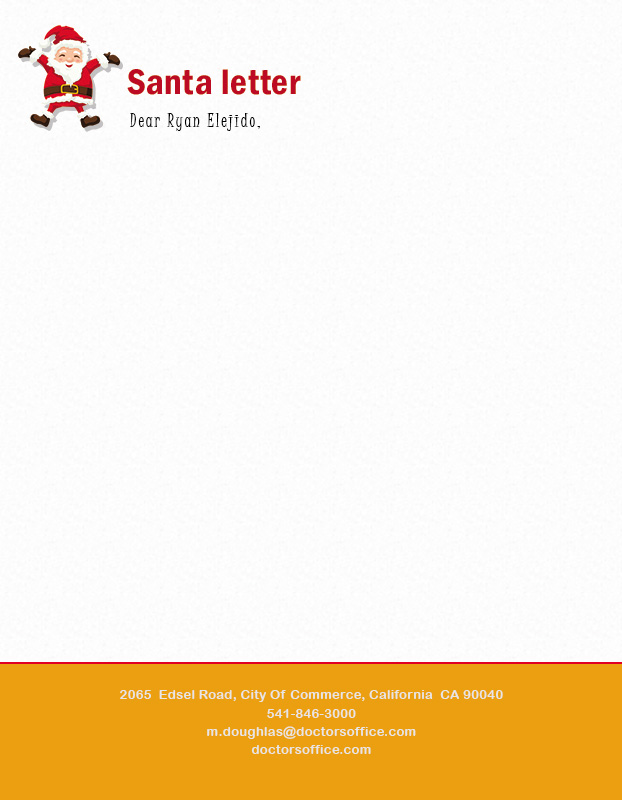
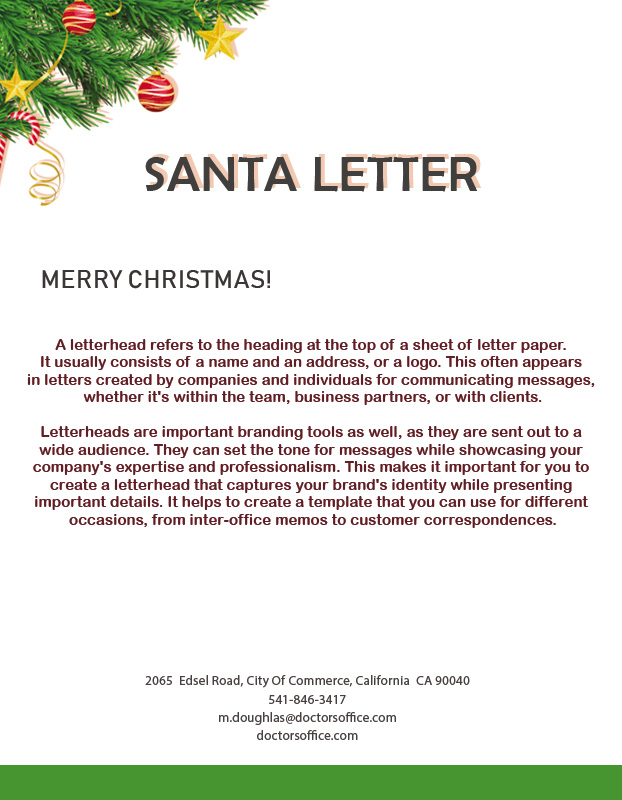
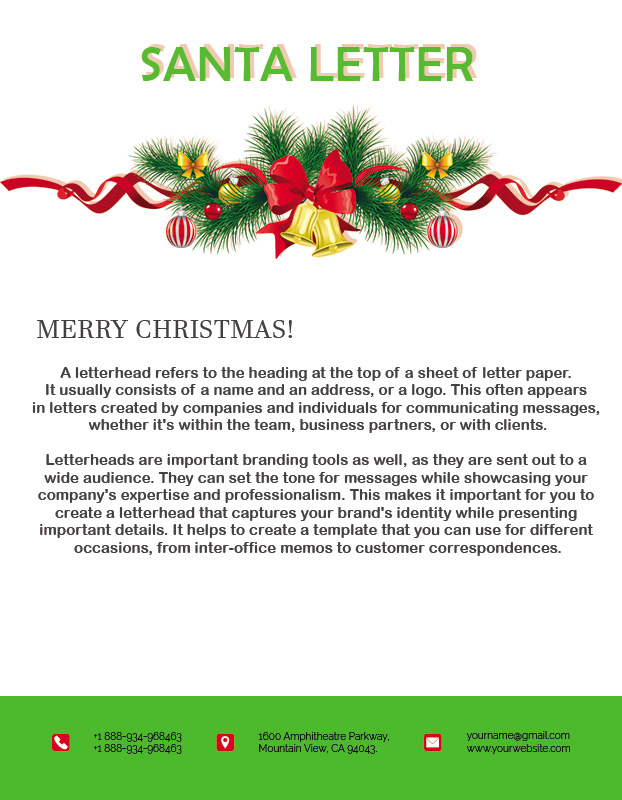
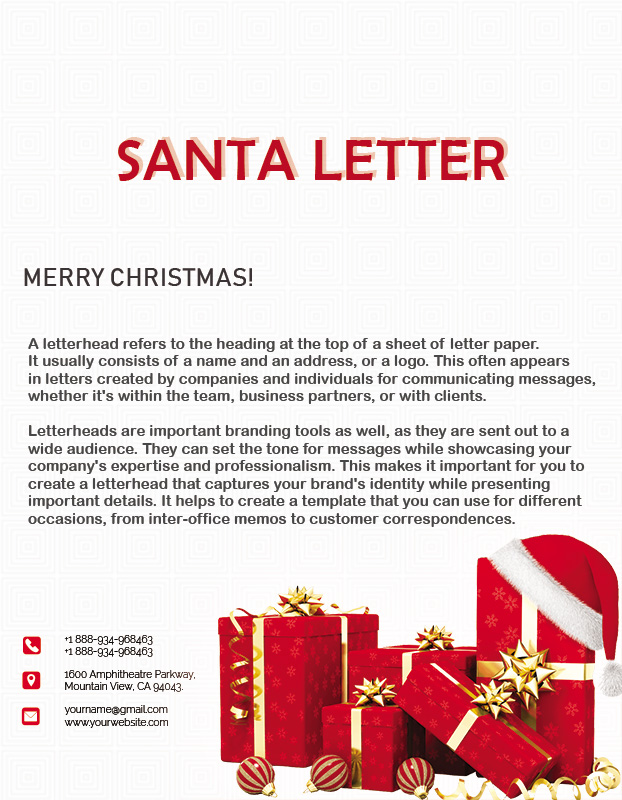
10+ Santa Letter template free psd

Santa Letter Template


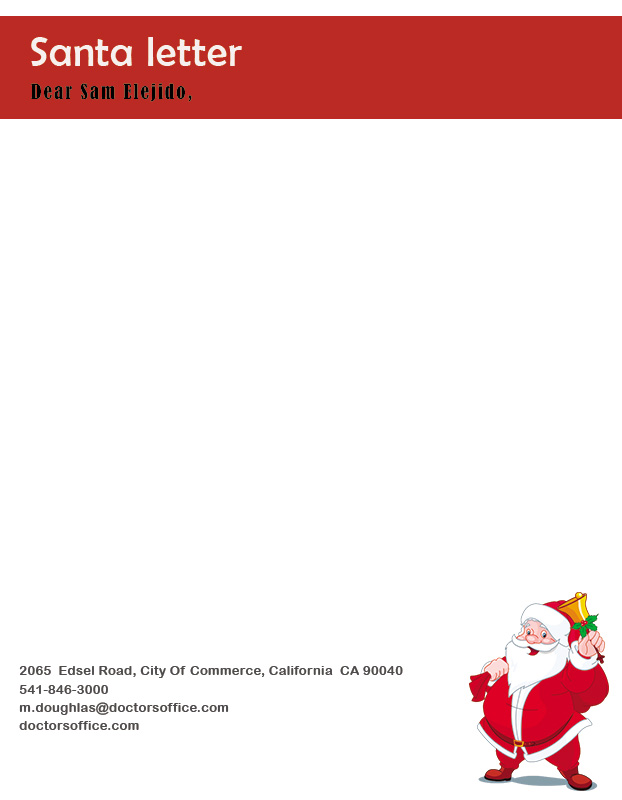
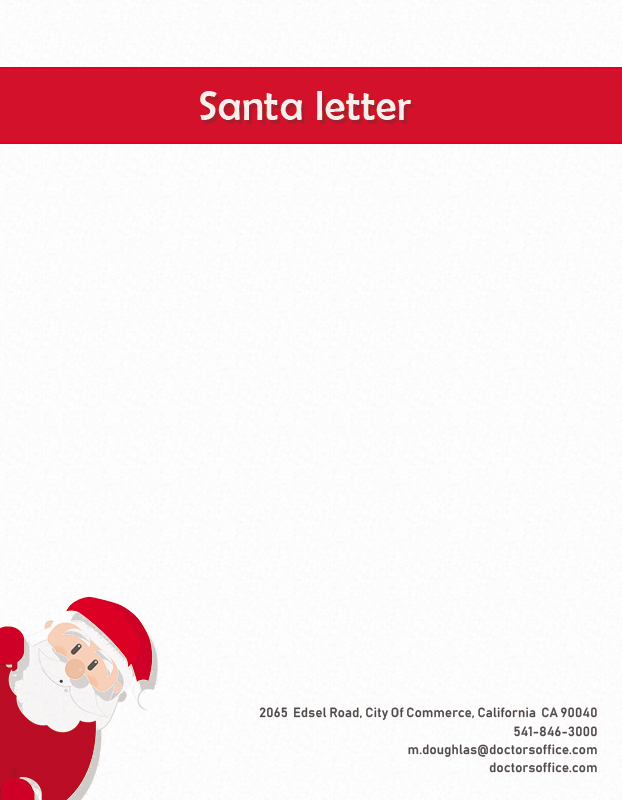
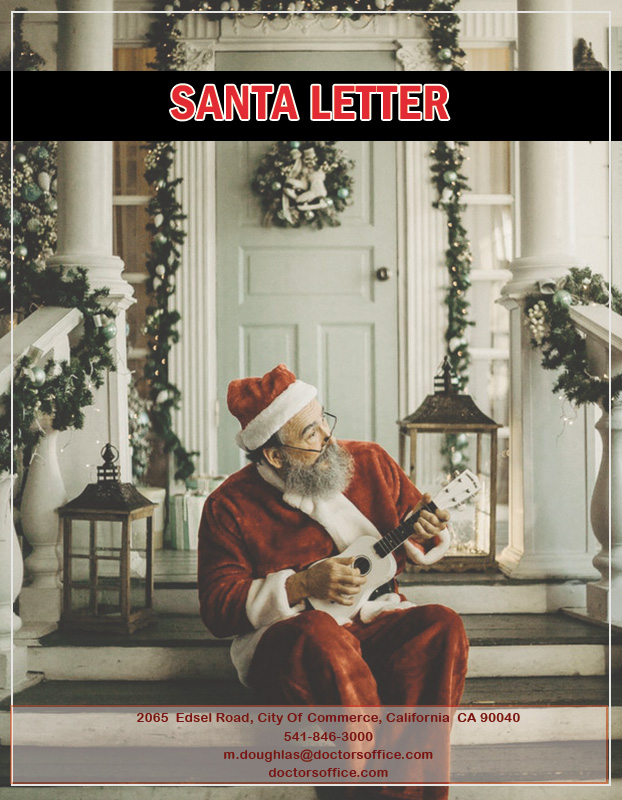
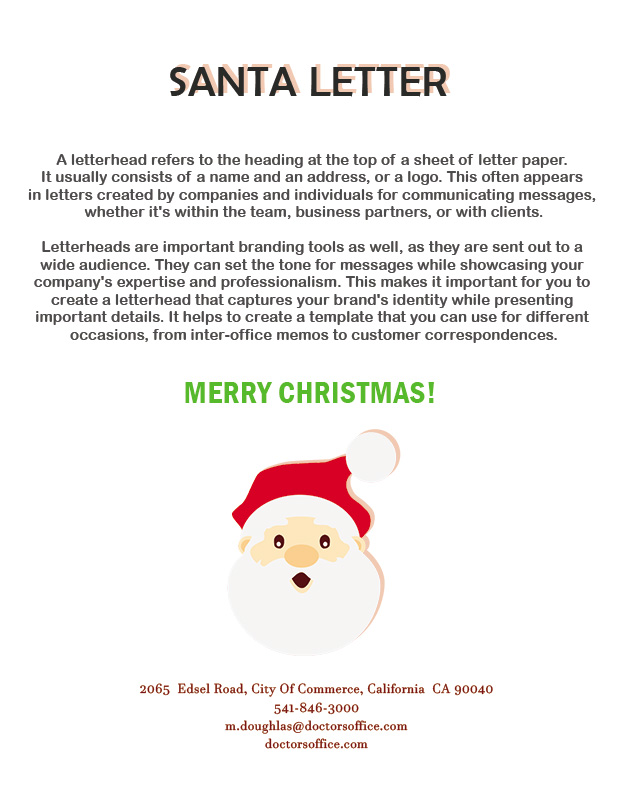
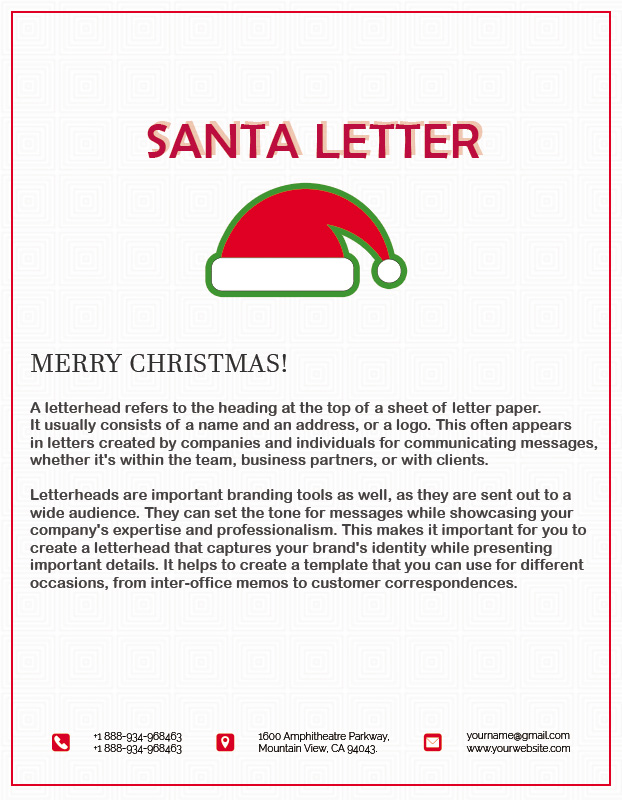
When Christmas arrives, children certainly want to experience the wonders of a pleasant holiday. One of them is that you can bake Christmas cookies, make snowmen, and fill a variety of fun Christmas activities to fill your holiday schedule. To give this surprise, you can make a Santa letter template to give everyone a happy day on a particular day.

You can make Santa Letters easily through step by step that you can make yourself easily with interesting and special ones.


Instructions for Making Santa Letter Templates

Here are a few pointers to help make Santa letters with attractive designs easily.


  1. Select or Simple Template

The first step that must be made when creating a Santa Letter Template is to make your own directly in the Photoshop application. You can also instantly download it on online sites such as Canva, which provide free templates.

If you want to make your own, then make a template with a simple structure. Don’t forget to create a model by adding the title column at the very top.


  1. Prepare a Place for Writing Greetings

When creating a template for writing Santa Letters, provide a column for writing greetings. Start writing letters with addresses like “Santa Claus is respected or can write to Santa.”

  1. Add Columns to Introduce Yourself

Next, you also have to make a column to introduce yourself because Santa has many letters, so you have to tell yourself your identity. Fill in the column even by starting the greeting so that the message made can be more communicative.

  1. Make Column Lines for Writing the Contents of the Letters

When writing the contents of a letter, you should say happy greeting sentences by saying, “Have a nice holiday?” After that, continue to write the main contents of the message you made.

Let Santa know your best reasons for many things to say. When you tell him what you want, you can try to write polite and easy to understand words so that what is conveyed can be followed quickly by Santa.


  1. Add the Santa Icon

You should add a Santa icon that uses a red uniform with a Christmas tree. It would help if you strategically placed the images on the left and right sides of the template to look more attractive.

It would be best if you also designed it with the right layout so that the design also looks more presentable, so it’s not cluttered.


  1. Use Good Fonts

You should use the right font to make it look more attractive; besides that, you also have to use a bright font color as a happy expression.

The font used is also one of the Santa letter template design factors to look unique.


  1. Add a Column for Thank You

In the last part, you also have to add a column to write a thank-you note. Also, add a signature at the bottom, accompanied by a name to make it look attractive.


Santa’s letter prepares personally so that inspirational and motivational expressions must accompany it to impress closer.

Santa Letter Ideas

Thus the instructions to make an attractive Santa Letter template with a good design but easy to make.


10+ Place Card example psd design

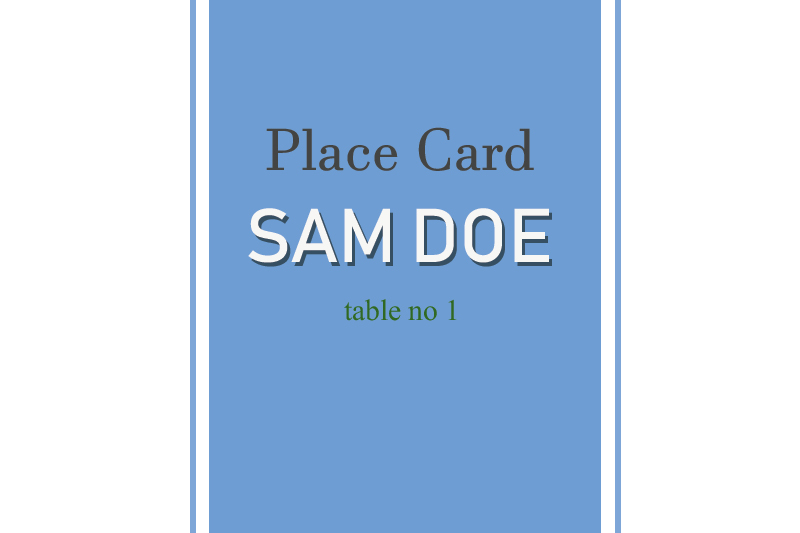
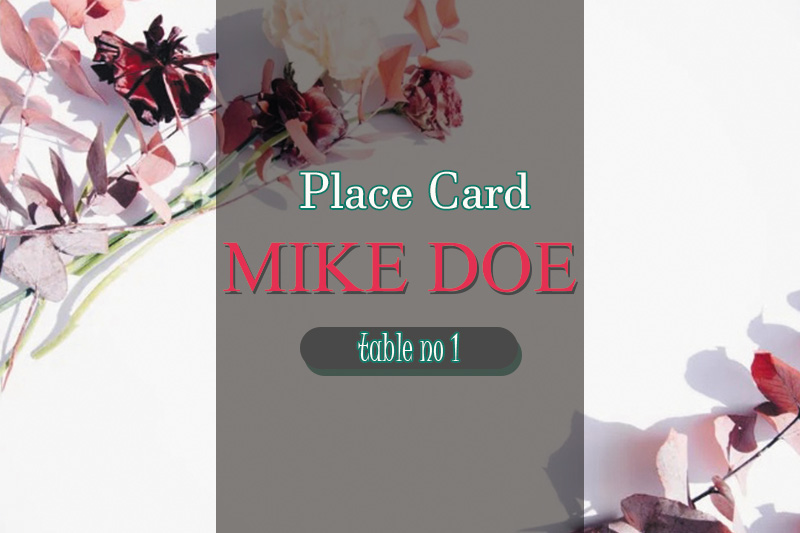
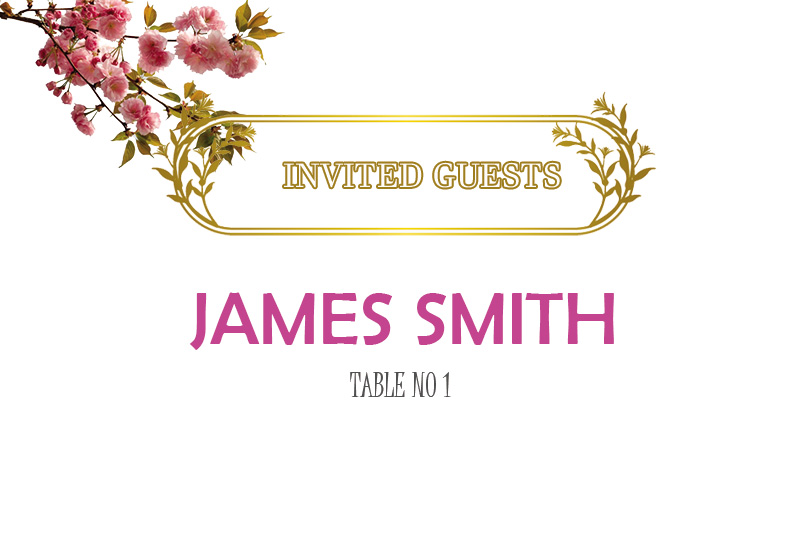
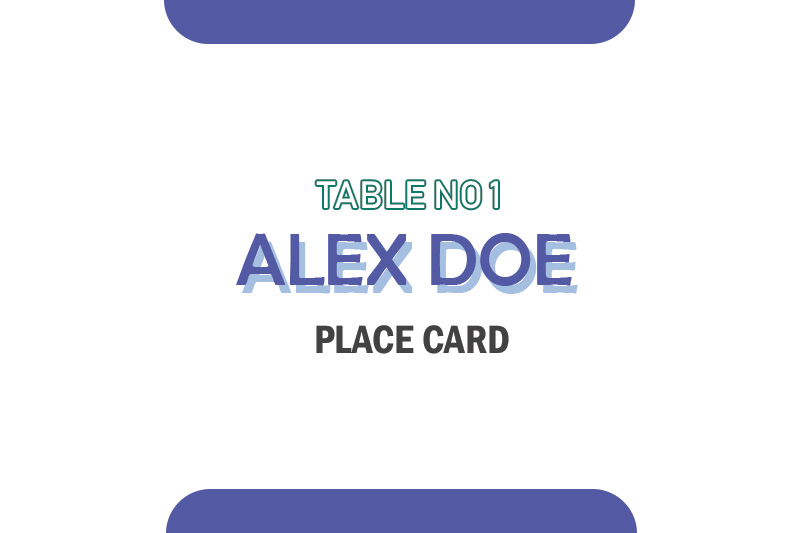
Place Card Template


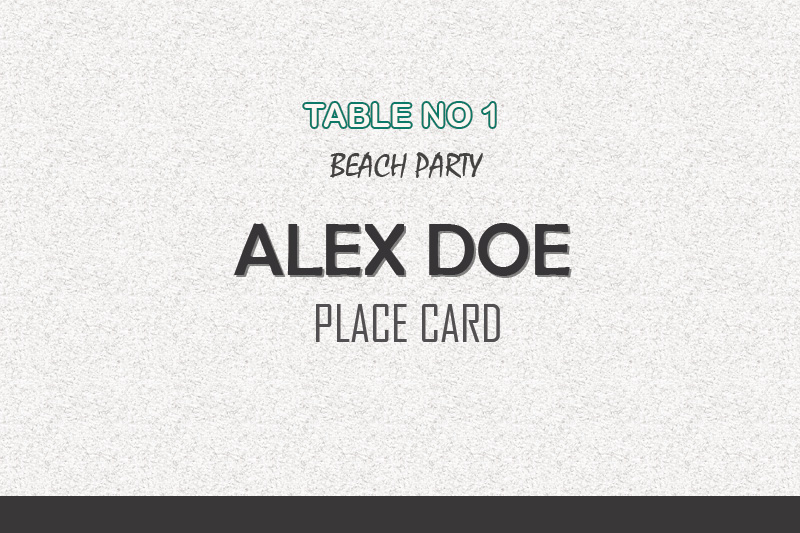
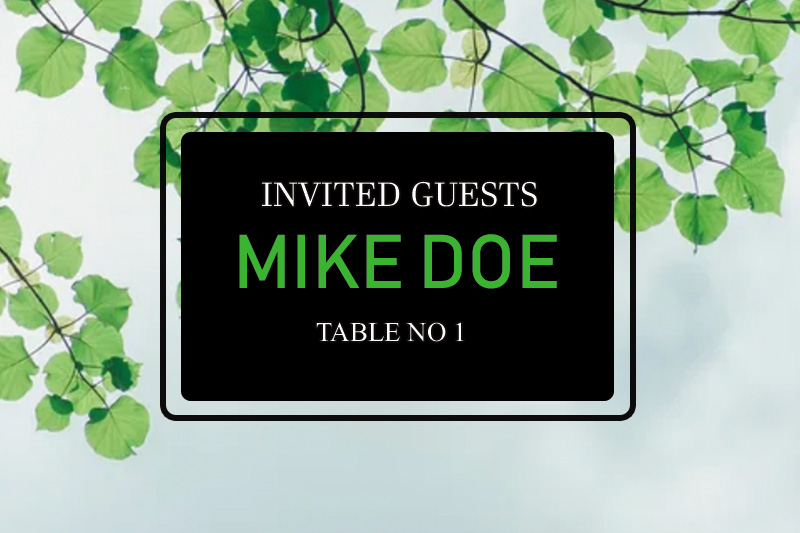
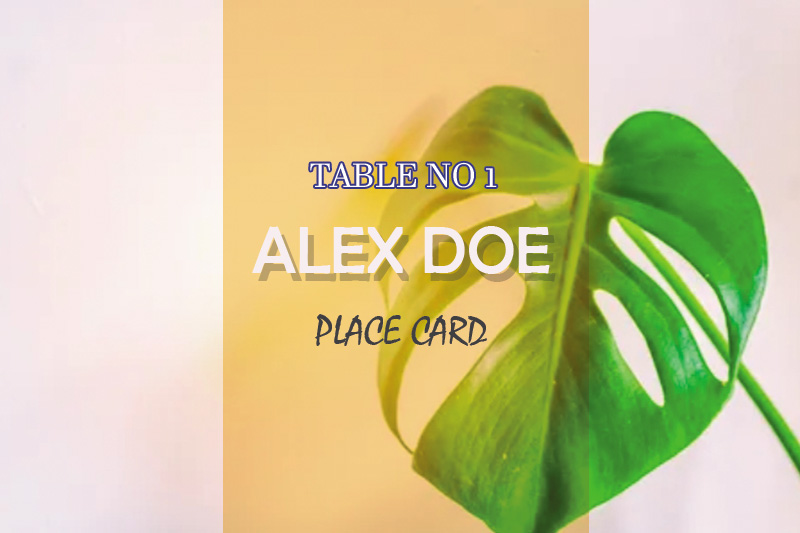
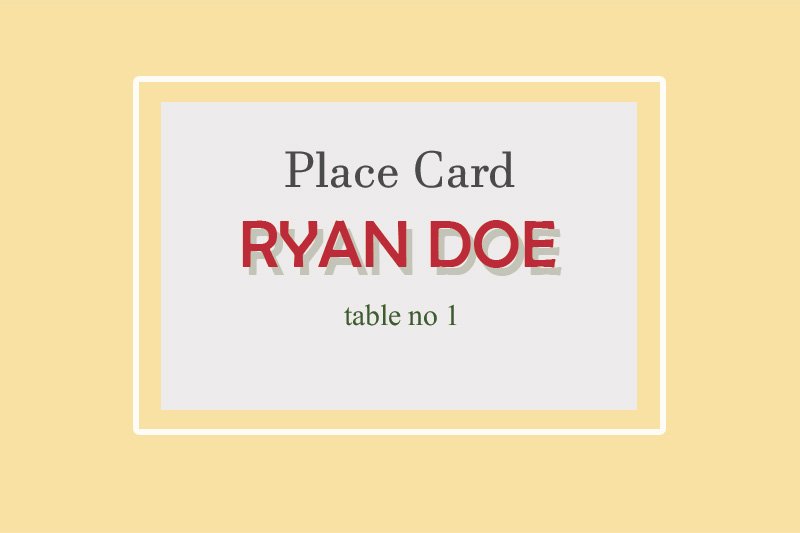
Use a place card template to organize dinner events, organize essential functions, and hold receptions to be held. Giving the card will make the guests feel more special because the game is considered more organized and runs smoothly.

Make a card that has a simple but useful design, so you need to design it beautifully and attractively, also use a touch of exciting variations to make guests feel more special. As the host, you want the best design for the event you are going to hold.

You can use Canva’s free template design to get the best options for beautiful results but ready to use with templates that have been designed with a professional touch with easy customization.


How to Make a Simple and Easy Place Card Template

Want to make a simple and easy place card template? You can make it easily through the method below.


  1. Use the Canva template or create your own

The first step in making a place card template is to use the default template from Canva or create your own. You can design the model with a variety of designs and layout of place cards that suit interesting themes and motifs.

Well, you can start designing it by choosing the layout that best suits your taste. Use various editing tools by changing the unique design.


If you use Canva, then start designing from a blank, editable page starting from adding a background with an attractive look and feel.


  1. Choose a Theme That Appropriate with the Event

Next, you must choose a theme that matches the event you are going to hold. You can select a design that matches a bright color variant to make the card design more attractive to guests.

You can choose the easiest and fastest way to add a background by selecting an image from an abstract pattern with a beautiful display texture. Use specific illustrations or photos to make the card design more attractive.


  1. Create typography

Create beautiful typography for your place card design; please write down the guest name clearly so that your card design is more conveyed to guests. Well, one good typography must choose a suitable font.

However, the most important thing to know is to use fonts that are easy and clear to read so that they can be read from a distance by others.


The main factor for the right place card is the first font, large size, and a unique choice of a varied font. Make sure you also choose a font color to look at that is good.


  1. Print a Place Card with the Right Resolution

Furthermore, you are also advised to print place cards with the right resolution so that the results are amazing. Make sure you save it in the best decision.

It is advisable first to download the design template that you created and then select to save it in a PDF file and then print it with professional quality.

Place Card Ideas

Place Card Example

Those are tips for making easy place card templates with attractive and excellent designs used in various events.