Category: design templates

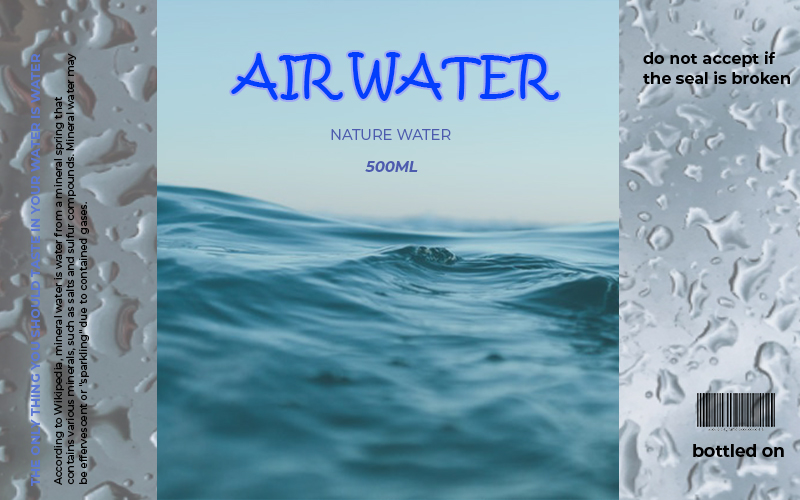
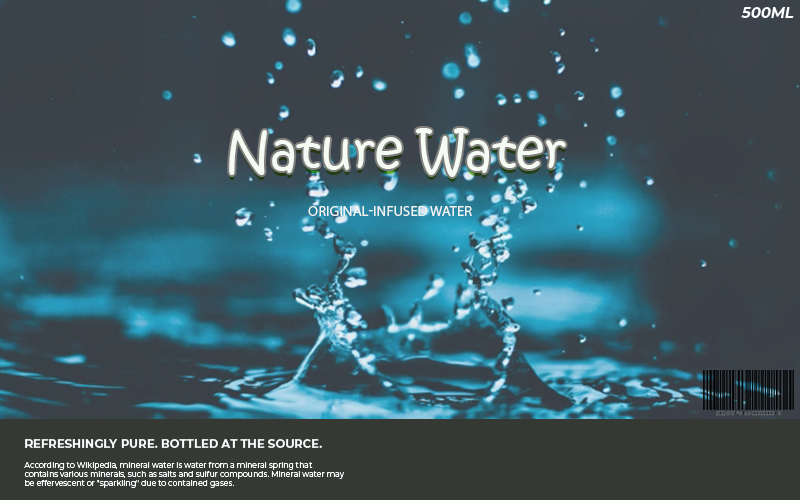
10+ Water Bottle Label template free psd

How to Make Water Bottle Label Template


A professional mineral water company has its particular design for the bottle label. With the intent of widespread distribution, it should have a reliable and attractive design.

The production of a water bottle label template includes several considerations a company can choose. Below are a few steps to do.
Steps to Make Water Bottle Label

  1. Design The Logo

The logo is very crucial in branding. People see the logo as the representation of a company. Thus, you need to design the logo first. It will require a combination of pattern that shows the image and the vision of the product.

For example, if the water bottle focuses on mineral water from nature, a blue and green color will represent it. Add some pictorial from nature scene like a mountain, river, or a drop of water.

  1. Create The Layout

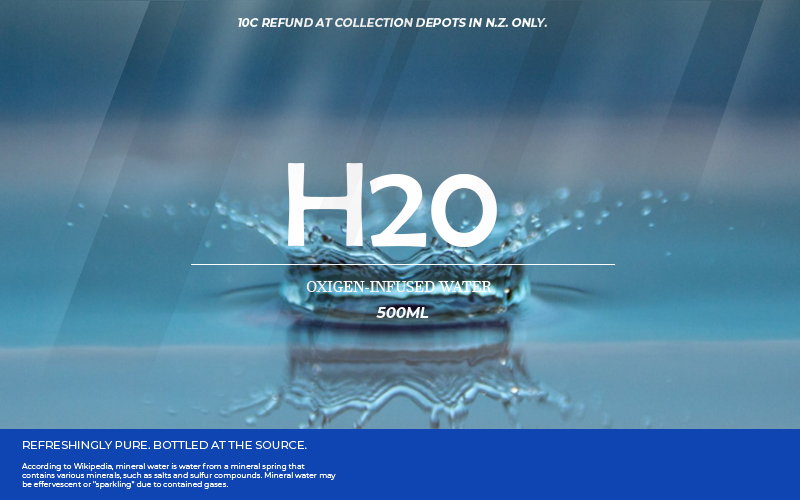
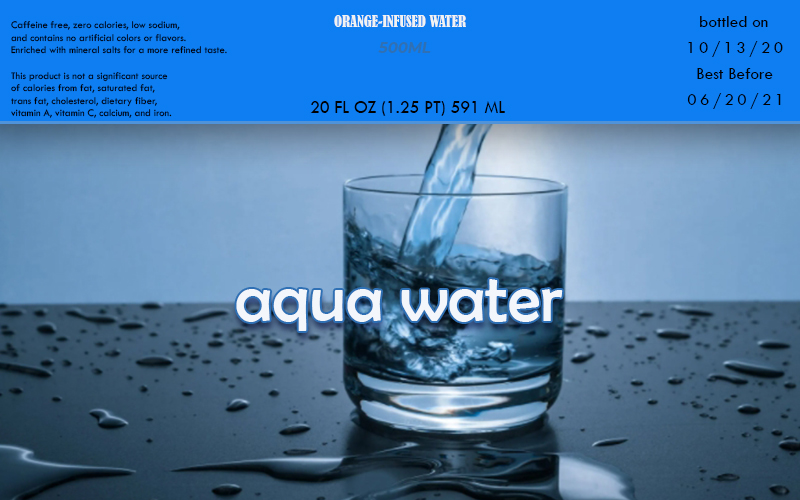
Aside from having the company represented, the template should have a clear and concise layout. It should emphasize the value of the water as well as showing the brand. The design of the label usually has the logo, back scenery, PET number, ingredients (if it contains a lot of minerals), expiration date, production date, and the company that produces it.
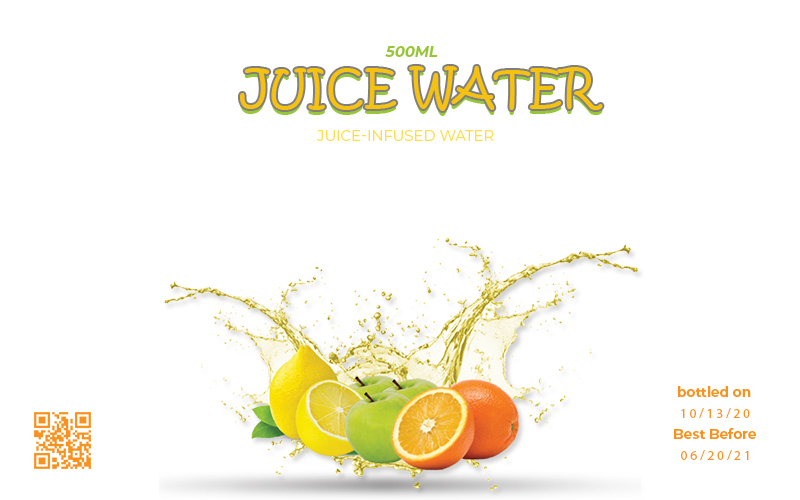
A creative and appealing label has a specific short message in it to attract the customers. For example, you can insert a punch line about the water’s freshness, or an encouragement to dispose of the bottle safely.

  1. Choose The Material

After done with the design, it is time to choose the material. Most plastic water cup labels use plastic as the material. It is durable and easy to be the media for printing the design. There are some designs where it has a mix of a hologram or paper with the plastic.
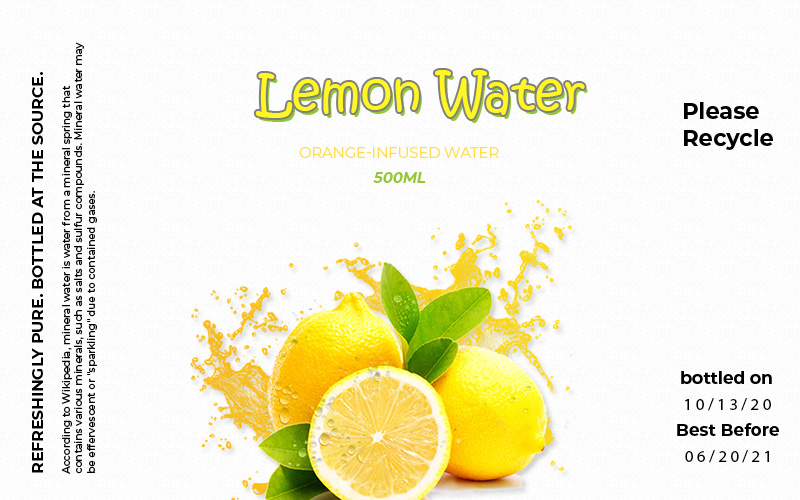
The plastic label and its bottle must encourage people to recycle it. By adding a recyclable logo, people will not throw the plastic away without thinking about the natural consequence.

  1. Adjust The Form

Most labels are circular due to the shape of the bottle that often has a cylinder shape. For attractiveness, sometimes a water bottle has curves or waves in the design. You can accommodate this by adjusting the form of the label to follow the curve of the cups. Utilize a pressing machine, and it will stick well to the bottle.
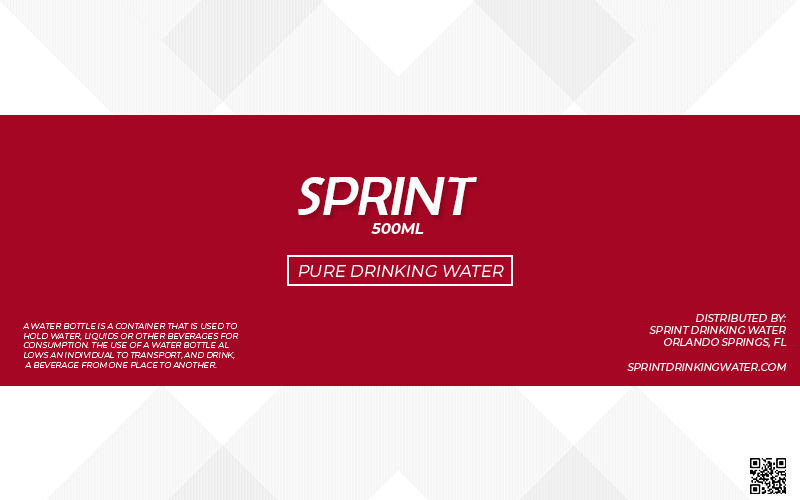
Even though it seems like a trivial matter, how a company puts the label on the bottle’s surface is essential. It creates a neat and compact design. People will likely buy a water bottle that has a convincing name on it.

  1. Use The Help of A Machine

The last step is to print the design onto the material. Sealing the label onto the plastic needs a delicate process. Hence, for a fast and neat result, use the help of a machine. A machine will automatically stick the label to the bottle.
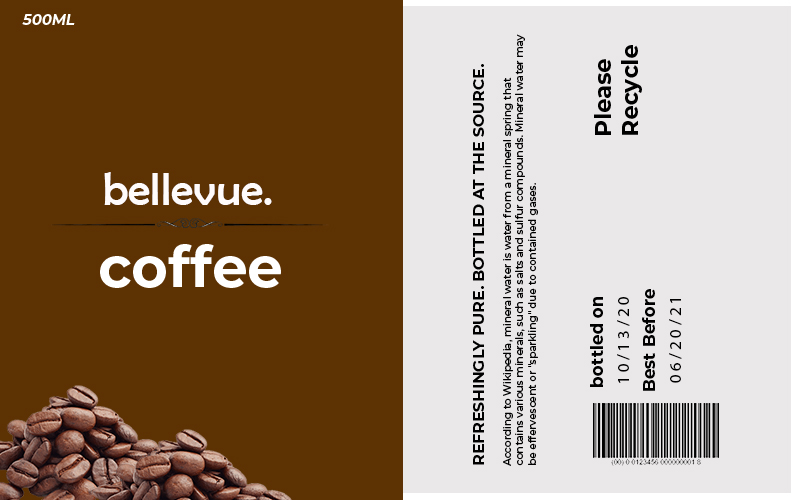
This machine is the standard to seal most products, especially one that uses plastic as the element of the packaging.

Addition to Label Making

The steps above, particularly the design part, need a professional touch to create a professional look. Consider hiring a branding designer to design the logo and the layout of the label. Finally, the company can represent their product well after having its own water bottle label template.
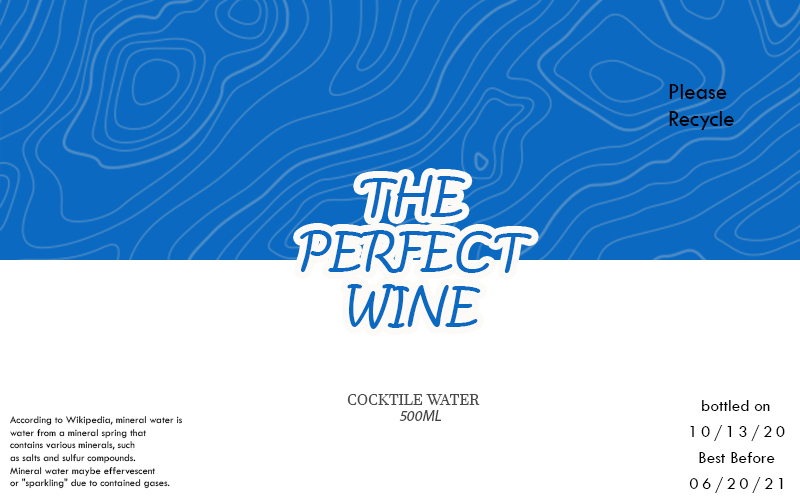
 

Water Bottle Label Design Ideas
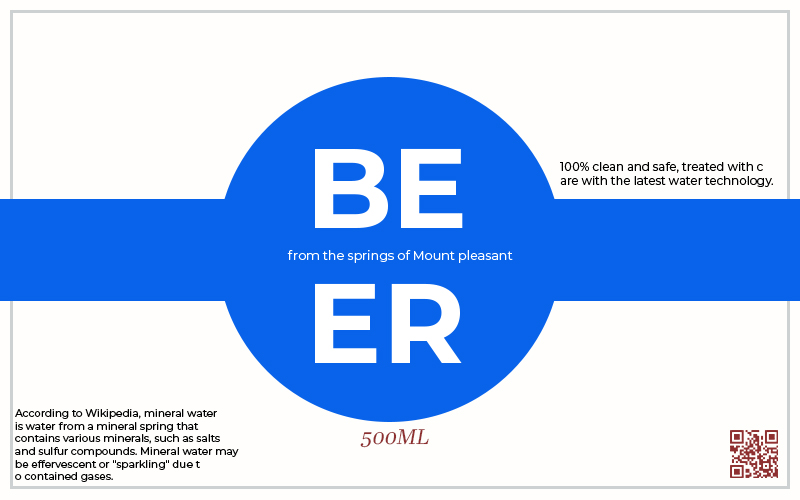
Water Bottle Label Ideas


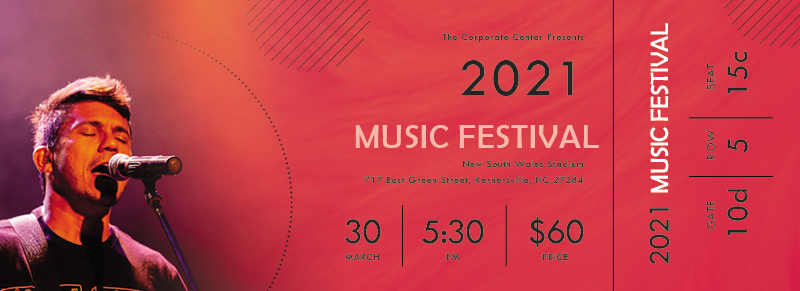
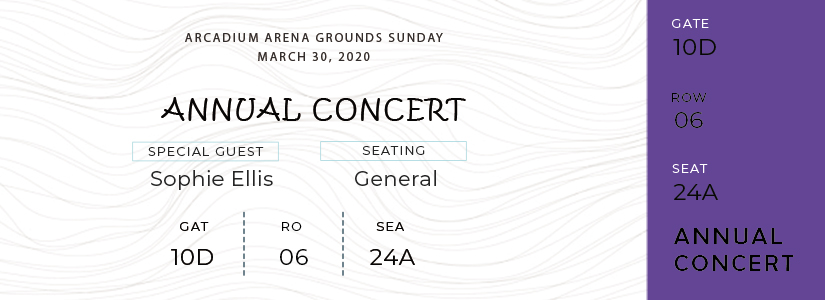
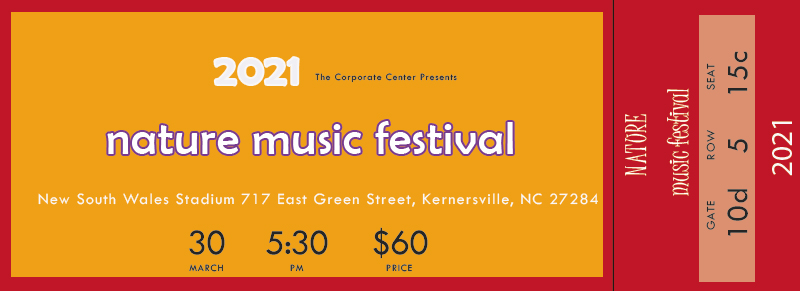
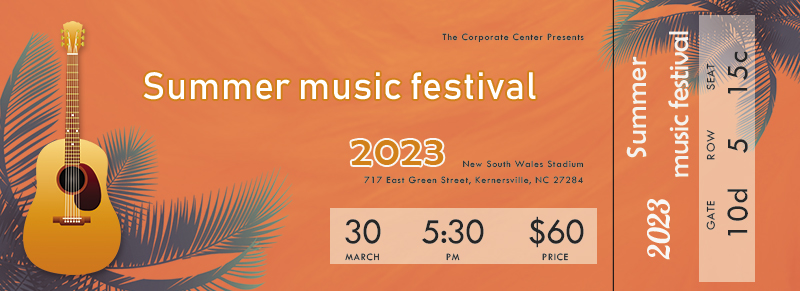
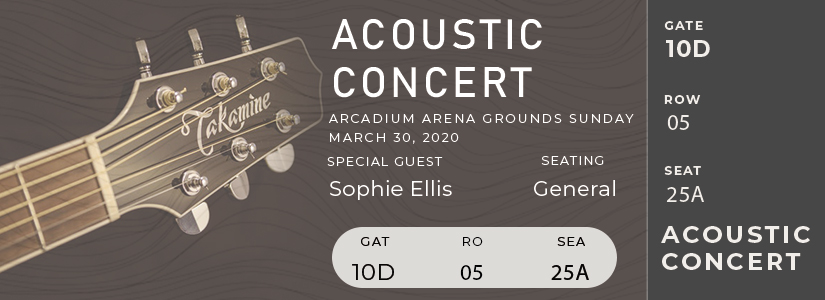
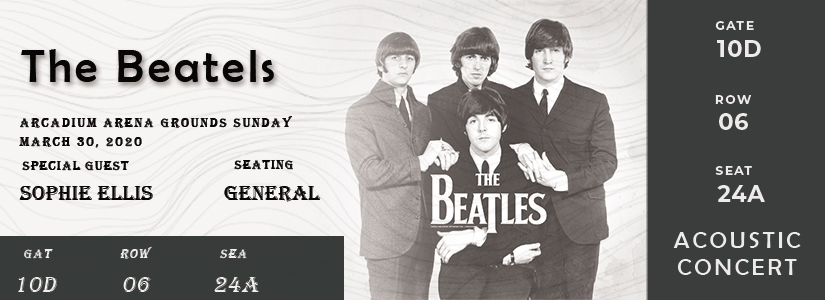
10+ Concert Ticket example psd design

Get Your Show Sold Out Quickly with These 4 Creative Ways to Create Concert Ticket Template


Do you like holding a concert? If you belong to a promoter or event organizer, a music show is one of the familiar events you usually handle. Musical performance varies from classical, local, to international hot stars.

If you need a lot of concertgoers to come to the event, you will need to attract them with the most appealing concert ticket. Here is how to create one.

How to Make Appealing Ticket Concert

  1. Be Concise with Your Message

Ticket concerts are not supposed to be a message card. It usually has a long and slim form anyone can put in their pocket or wallet. If you put a wordy message on it, most people will not bat an eye to read the description, unless they are hardcore fans of the performer.

Thus, be concise with the message on the card. Only write the essential text such as the performer’s name, the day and date, and the ticket’s class (if there is any). This method proves to be more useful to appeal to customers.

  1. Choose Vibrant Colors

The colors of the ticket may commonly follow the theme of the concert. However, usually, a vibrant paper is more eye-catching. Especially if you are going to promote it in a public area, followed by a poster with the same design, people will stop at the color and notice your announcement.

Some vibrant colors you can choose are shocking pink, neon green, electric blue, and sun yellow. Apply those shades to your concert ticket template.

  1. Set An Appropriate Size

Concert tickets can come in many forms, but the more convenient the size, the easier it will be for concertgoers to keep it. It needs to be not too small but not too big. If it is too small, people risk losing it; if it is too broad and jumbo, people will not like carrying it around.

The appropriate size usually ranges with width 7-15 cm and length 15-20 cm. Surely this is not the standard; you can adjust it as long as it is pocket-friendly.

  1. Differentiate Between Each Class

In a musical show, there is a different spread of seats. Some people are willing to pay for a higher price to get the front seat while others prefer to sit in the back. Giving variation according to the class’s ticket can help both the attendees and the ticket person how to get to their seats or areas.

The class often consists of VIP, seated area, and standing area. The nearer the seat from the performer, the more expensive the ticket should be. Differentiate by using various colors or symbols on the pass.

Tips

Distributing tickets in high numbers need high-quality paper. Consider choosing a trusted printing company. Moreover, please do not go over the budget and calculate it wisely. Those passes should look valid for the price. You can give a section where the ticket person can rip it after the attendees go into the concert hall.

After all the consideration, you can print out all the passes. Try those steps above for a more attractive concert passes.

Concert Ticket Ideas
Concert Ticket Example


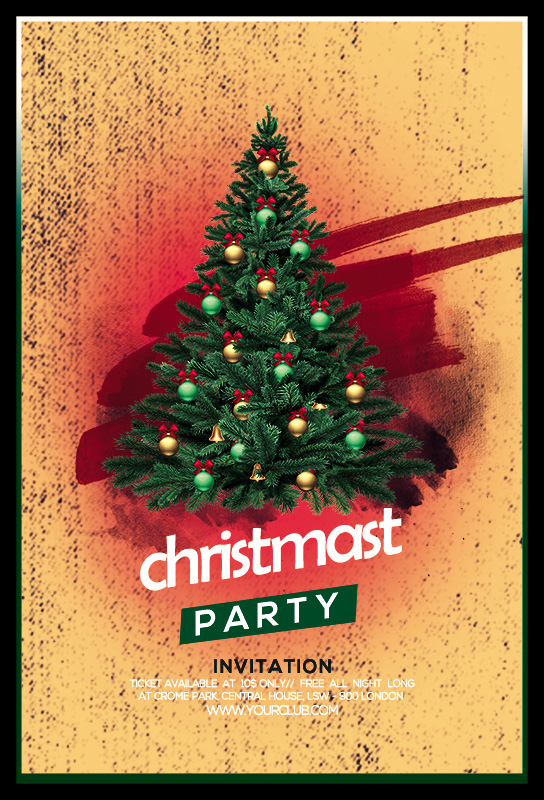
10+ Christmas Party Invitation psd template free

Celebrate The Holy Day with These Ways to Create Christmas Party Invitation Template

is a celebration we all wait excitedly. During this day, people often hold a party to celebrate Christmas. If you want to invite people to come to your party, you will need a Christmas party invitation template.

The invitation is best when it represents it and looks attractive. To make an appealing letter, follow these steps below.

How to Create An Invitation Card

  1. Decide the Specific Theme

Since we are about to make an invitation for Christmas, it is only reasonable to make it represents the event. This celebration often is associated with red and white color, Santa Clause, deers, and pine trees. You can include all elements or choose one to stand out.

For instance, if you plan to hold a gift exchange, give a hint on the card by adding a present picture adorned in a decorated pine tree. Moreover, when you want to emphasize the fun side, smiling Santa picture is the best choice.

  1. Choose The Paper Type

The next step to make a beautiful Christmas request card is to choose the right paper type. The paper has it’s width, length, and most importantly, the thickness. To make a solid one, choose the one with a thicker gsm specification. A stiff and luxury card must be as thick as from 100 – 170 gsm.

To add the aesthetic of the card, you can choose cotton paper. Cotton paper has a thickness above 100 gsm, so it is suitable to make a Christmas party invitation template.

  1. Sort The Accessories

It is better to adorn some accessories on the card. There are some options for the accessories, including ribbon, glitter, and sticker. These accessories are available in an accessory store. You can stick a piece of a label, sprinkle some glitters, and tie the invitation envelope with a ribbon.

The design will excite anyone who receives the card. Besides, you can always add your preferred taste to the layout. For example, if you are not into the frilly Christmas party invitation template, you can choose a night theme with a refreshing shade instead.

  1. Pick Safe Package

Do you prefer to deliver your card by yourself, or will you use third-party delivery? If you choose the latter, the safest option is to create a secure package for it. You can use a vacuumed plastic pouch, paper bag, or plastic bag.

This safe package especially is crucial if your cards are fragile and prone to bend. This method may cost you extra cash, but it is worth it, particularly if you invite people outside the town.

Themes for Your Christmas Party

Here are some ideas for your party theme. You can represent it in your Christmas party invitation template.

  • Summer Christmas: combining the spirit of the Holy day with the cheerfulness of summer
  • Winter Wonderland: create a space for your guests to feel the wonder of winter in Christmas
  • Candy Party: a good theme for kids with candy as the main star of the event.

For the following events, you can choose the most exciting games and snacks. By giving all your best, you will create a memorable Christmas party.


Christmas Party Design Ideas

Christmas Party Ideas
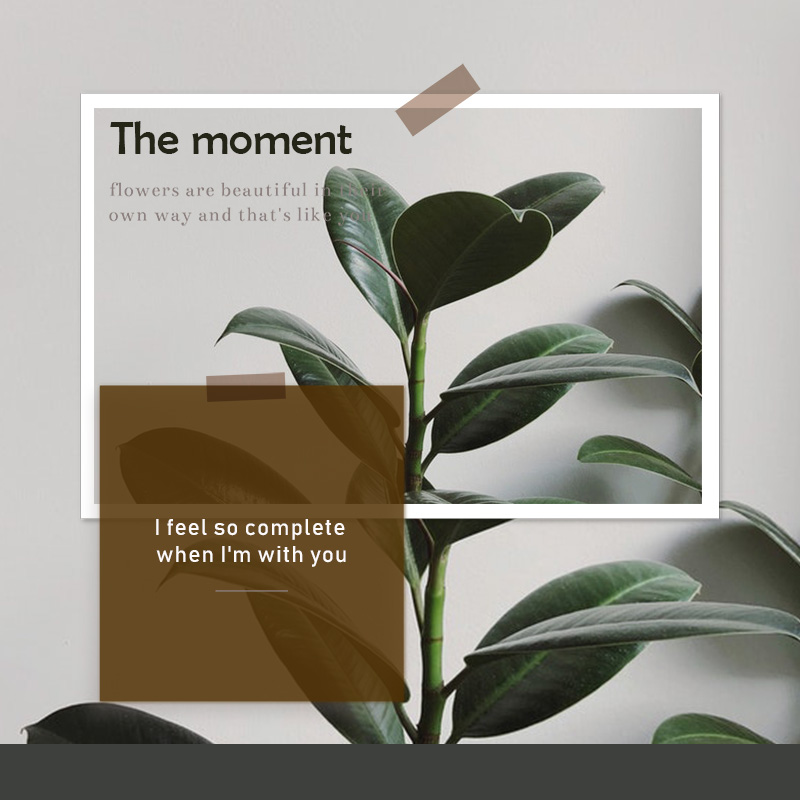
10+ Note Card free template in PSD

4 Ways to Make An Interesting Note Card Template


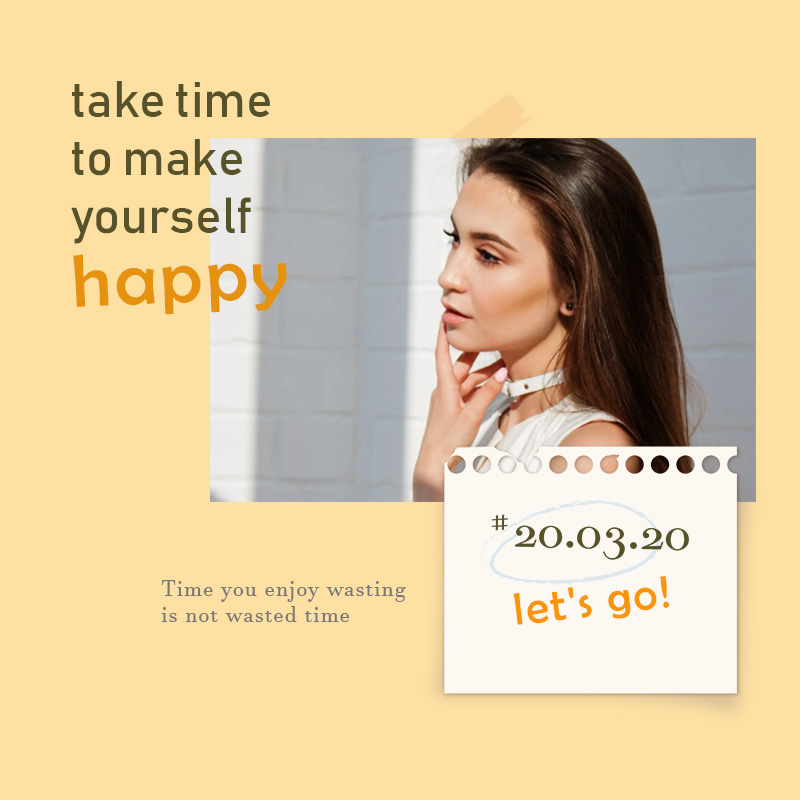
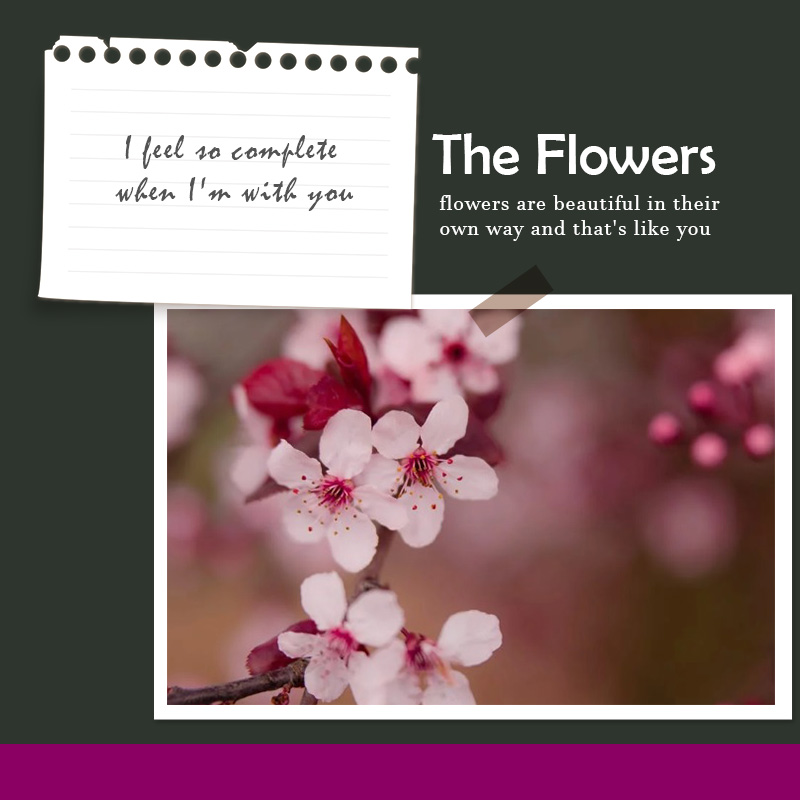
Do you like having a notecard? Taking note to remember something or to pass it to others often need a piece of paper. The traditional media to take note for us is by using sticky notes. However, if you are about to give a notecard to someone, the design is sometimes worth considering.

Attractive note cards can have so many designs to make the readers happy with it. It is especially crucial if the note is for greeting or celebratory ones.

Below are four ways to make a beautiful and interesting note card template design.

  1. Be Creative with The Frame

Designed note card often has a frame pattern on each edge. The frame creates a margin within the paper. Thus, you can create a neat and good-looking note. Be creative with your choice of frame. If you are giving the notecard to a woman, you can consider the feminine design.

Choose a pattern like flowers, hearts, and pastel color design. If it is for a man, a neutral color like black and grey will work.

  1. Pick The Right Font Type

Another way to make an interesting note card template is to adjust the font type. Changing the font type is particular for a printed card. If you design a printed one, you can choose the font type to your liking. You can check that the font you want is readable. Some fonts have different strokes, and if they are too complicated, you may have a hard time reading the message.

After choosing the font type, you can print the notecard. If you write on a regular paper and make it smaller, you can adjust it to the editor and cut them after the printing process.

  1. Choose The Right Color

The next step you can take in making a vibrant note card template is to choose the right color. There are varieties of brilliance, but they mostly consist of warm and cold shade. Warm colors include red and yellow undertones such as maroon, brick, lemon, cream, and many more. In comparison, a calm tone consists of blue and black undertones such as green, teal, and navy.

Women usually like warm and pastel colors, while men prefer a more masculine and fresh complexion. You can represent your message better if you choose the right color.

  1. Choose The Shape of The Note

Greeting and note card’s familiar shape is square or rectangular. Still and all, you can always choose different forms and customize it into something you like. It would be better to consider that the shape has to accommodate the length of the message you want to put.

Choose a rectangular shape if you want to write a long message and choose circular, diamond, or asymmetrical shape if you only want to write a short letter.

Bottom Line

Plain and clean-cut note cards are convenient, but a customized card will add a taste of your personality into it. Consider elements like the design, the font, the color, and the shape of it to make an interesting note card template. These elements are easy to do at home.


Note Card Design Ideas
Note Card Ideas


10+ Business Report free psd template
Evaluate and Grow Your Business with an Informative Business Report Template


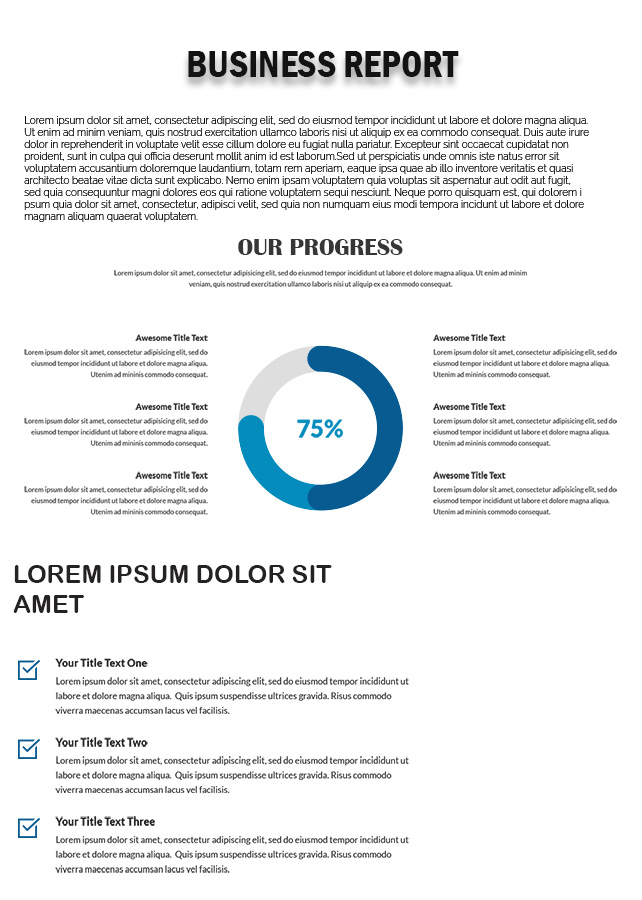
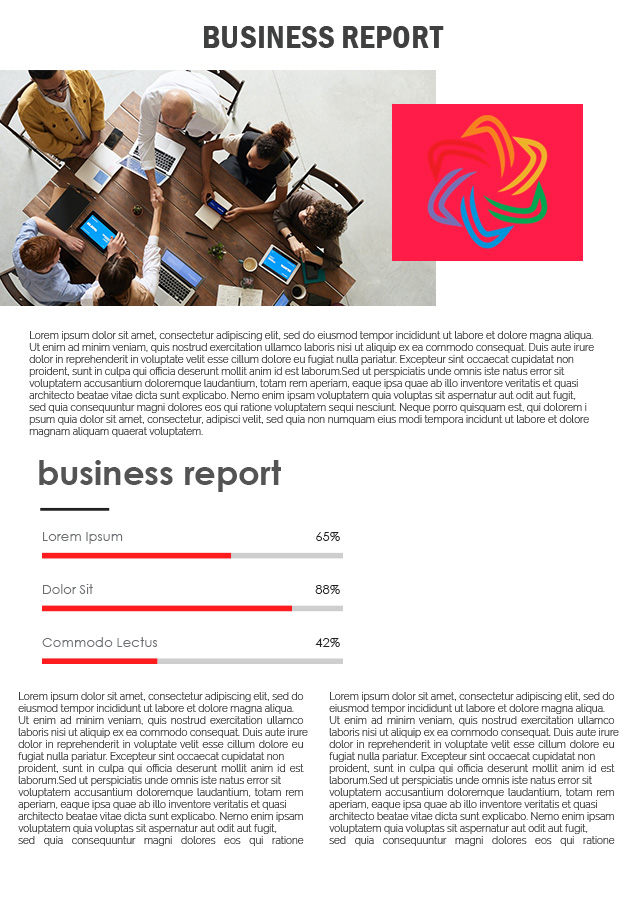
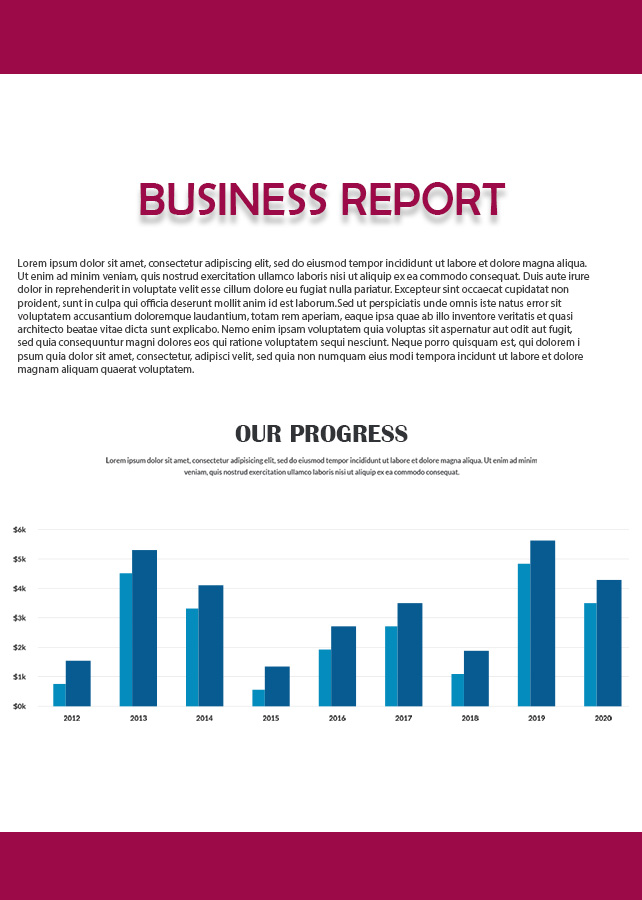
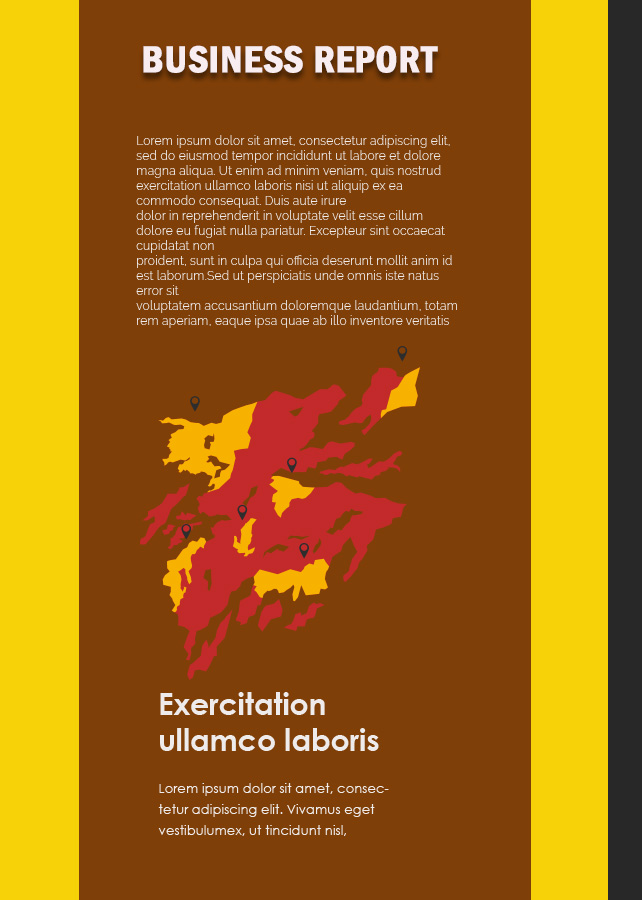
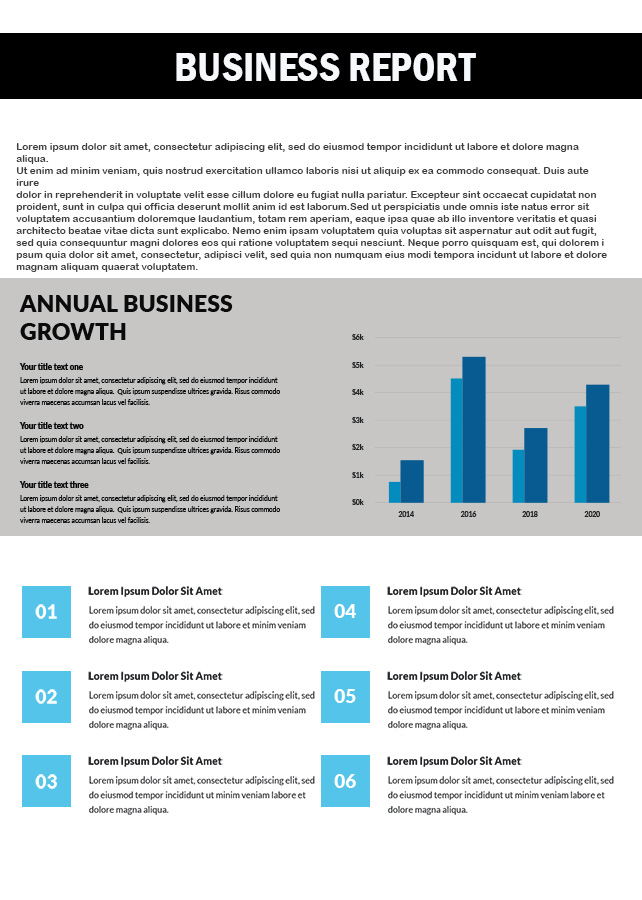
Building a business or a company so that it can last a long time is difficult. Cooperation between departments is needed to establish strong synergy to develop communication between divisions. Company control is also required to find out which side has vulnerabilities and must be improved. The most crucial sector in the establishment of a business is finance. The operational wheel will run accompanied by the company’s financial strength. A business report can be used to control various aspects of the company, especially corporate finance. Browse our business report template for your further reference.

Several types of reports exist in compiling a business report template.

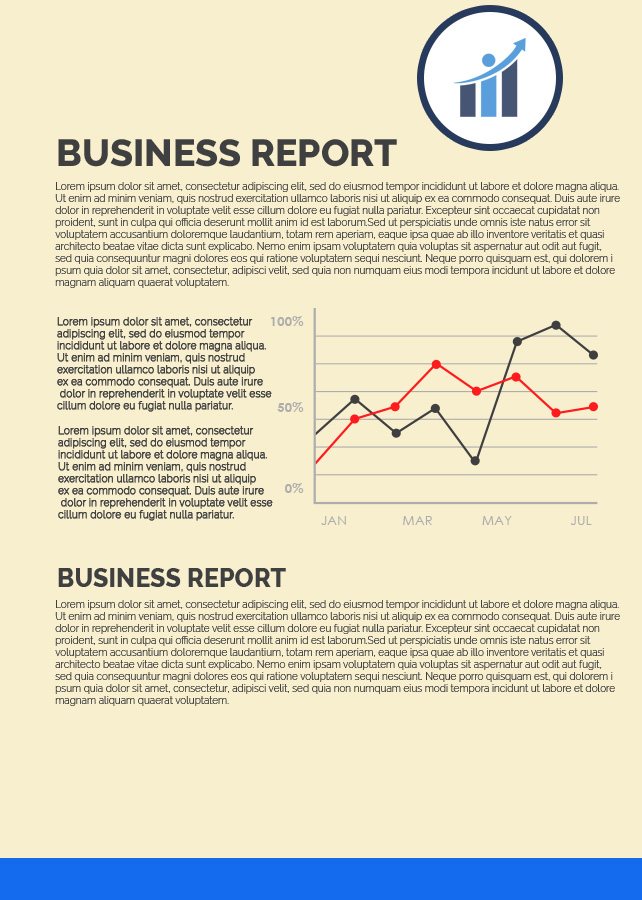
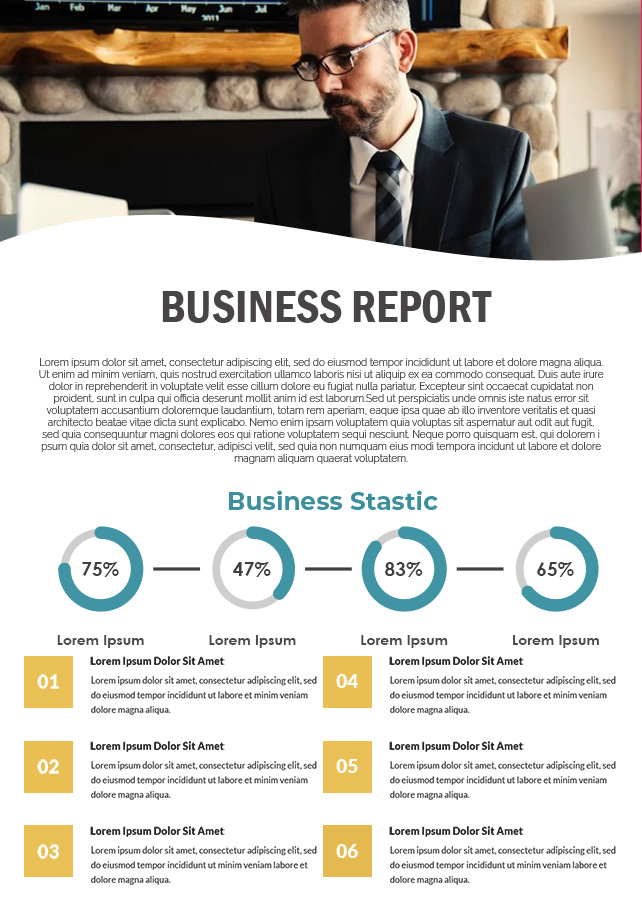
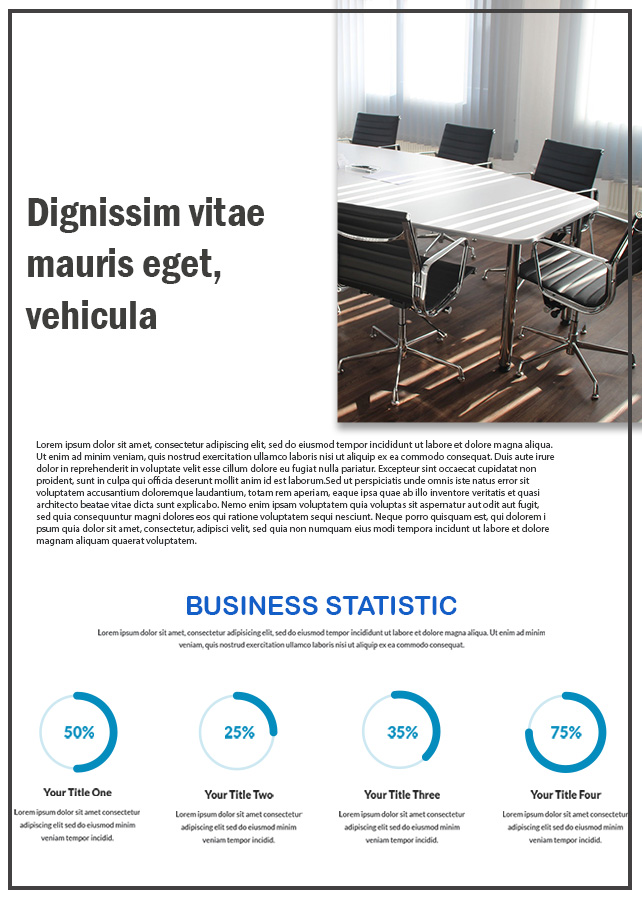
The business report functions as a controlling tool for the company. Business reports will reflect the company’s financial health with various reports summarized on a monthly or annual basis. The business report will also provide insight into matters that must be evaluated, negotiated, and corrected immediately. Thus, business control will work, useful, and optimal. You will find a variety of report templates according to their designation. Still, you can combine them into a single unit. Here, we review the various types of business report template that you can choose as needed.


  1. Sales and Marketing Report

This report explains the various sales performance has been done and plans for the future. You can add the pros and cons that you experienced during the previous period, SWOT Analysis, to assessment. This also applies to market reports, but you need to add about marketing evaluations and strategies that are considered a fail.

  1. Budget Report

This business report template type functions as budget analysis and budget tracker. You can manage the budget distribution according to the targets that have been designed, the estimated budget that will be used, and so forth. This template will support you get a quick summary of the asset’s state, current cash, and corporate liabilities.

  1. KPIs Report

If you want to assess the effectiveness and efficiency of performance for an aspect, you can use the Key Performance Index (KPI) report. You can use it to determine how close all of the company’s operational activities are to the stated goals. Aspects assessed include income, expenses, budget allocation, profit margins, to employee performance.

  1. Business Case Report

If you have a company case and it is successful or will be handled, you can write it in this type of business report template. You can write various situations and projects that are being faced, benefits and costs, risks, schedules, assessment, and recommendations. Write in detail and clearly, without lengthy explanation, enough with essential points.

  1. Executive Plan Report

Want to evaluate the company’s vision, mission, goals, plans, and targets? You can rewrite it in this report and discuss it with the company team and related stakeholders.

Business Report Design Ideas

Business Report Ideas

Those are various types of reports in making a business report template so that becomes an optimal report. You can combine them into one comprehensive report and record all data carefully and correctly.


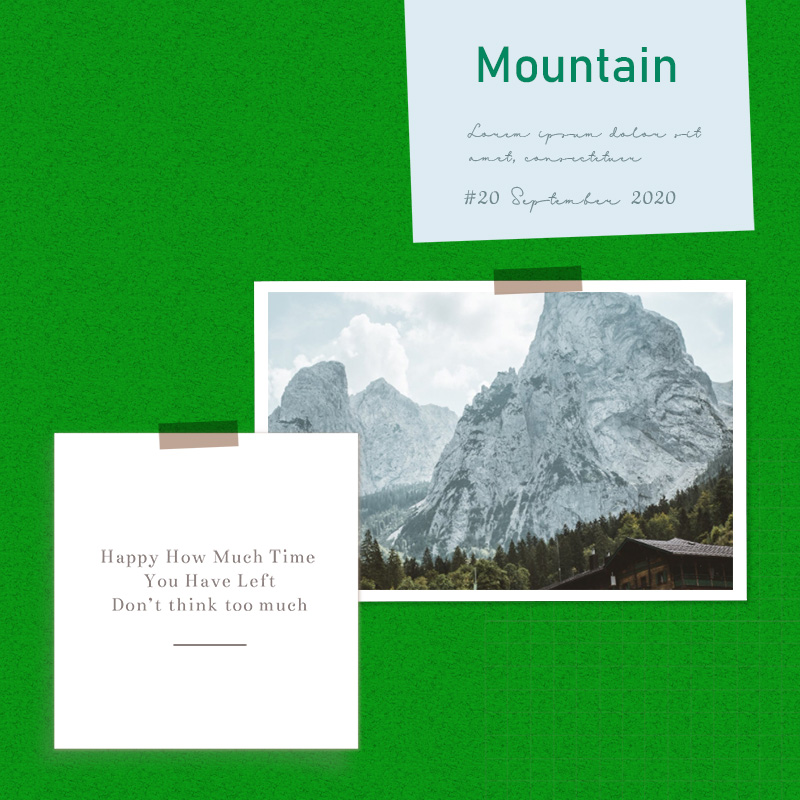
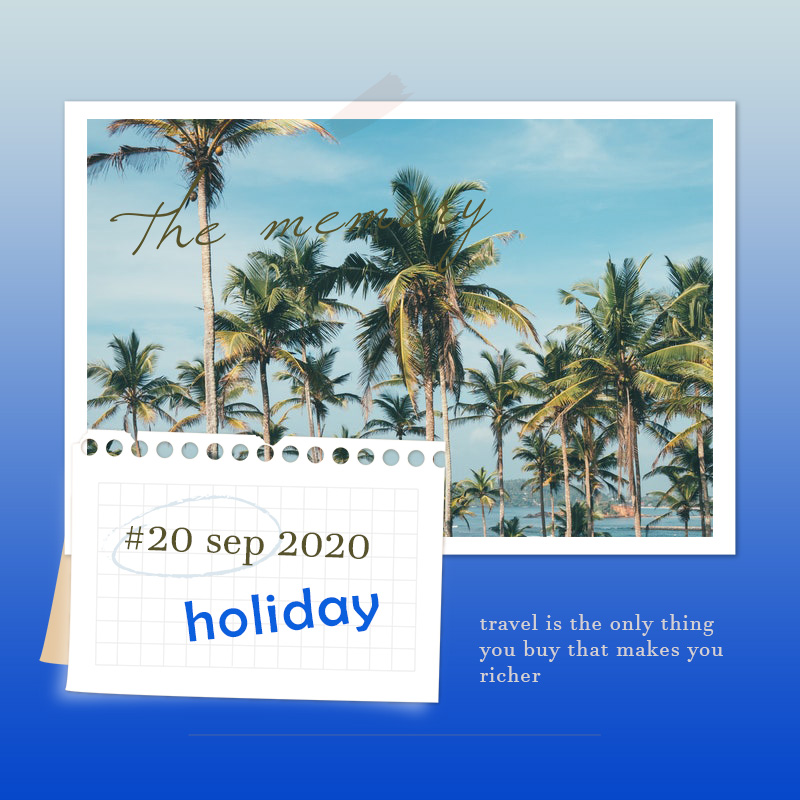
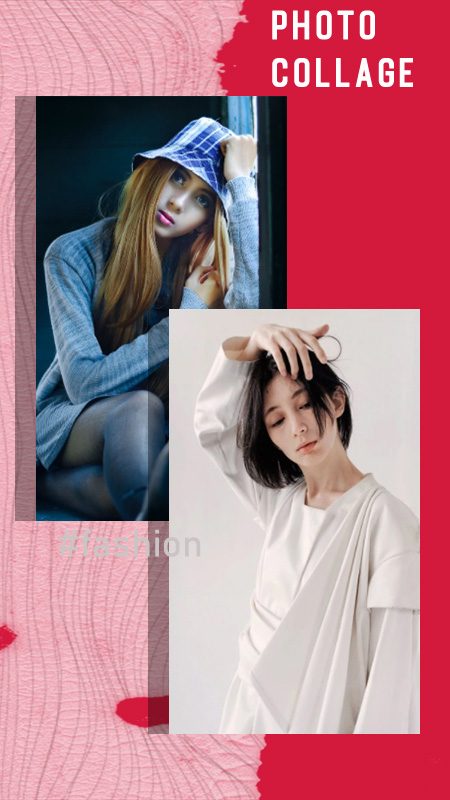
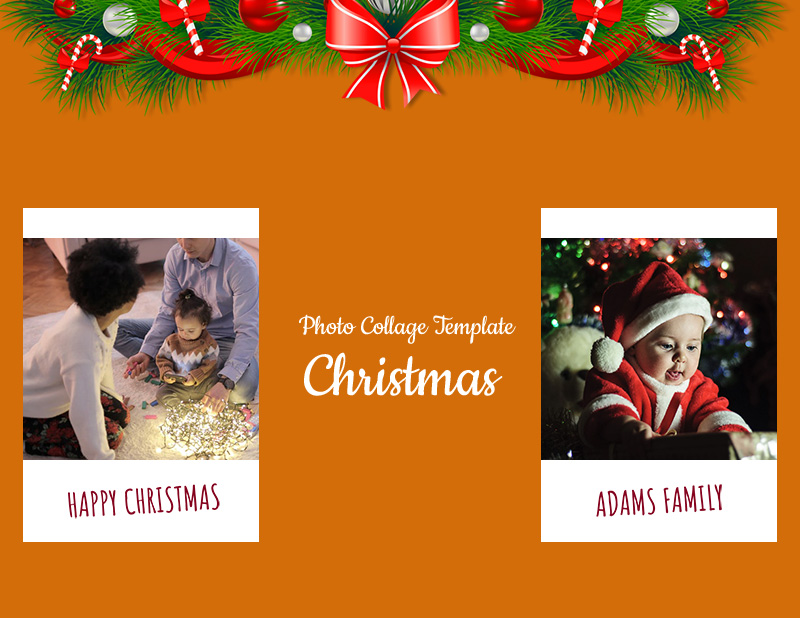
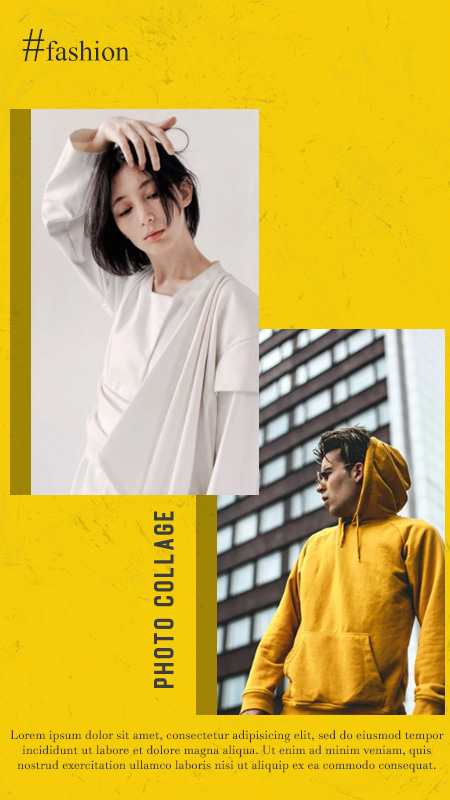
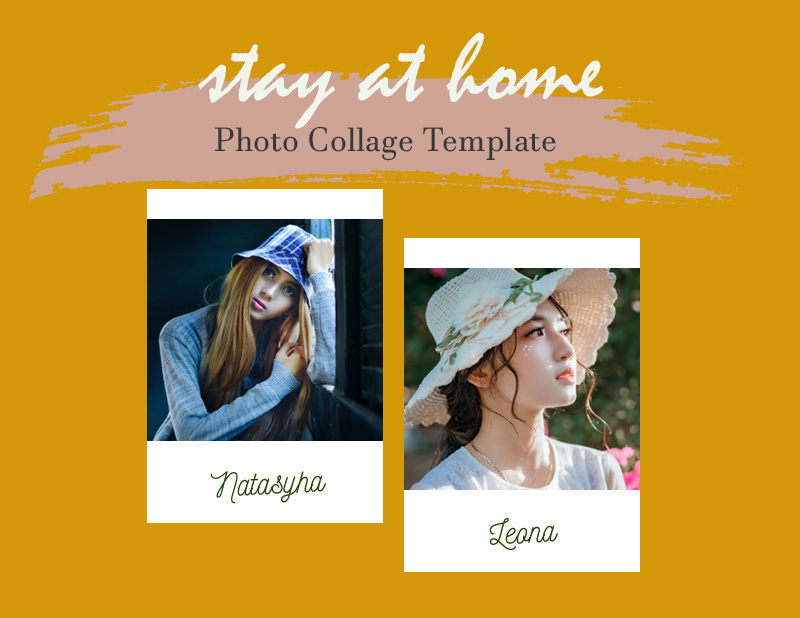
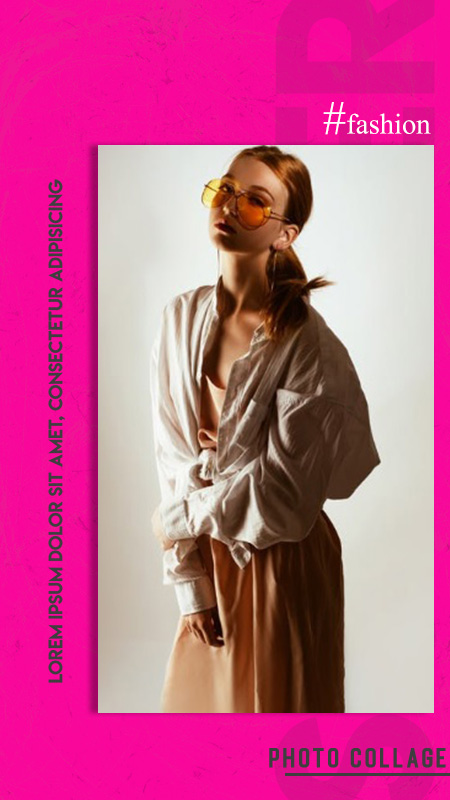
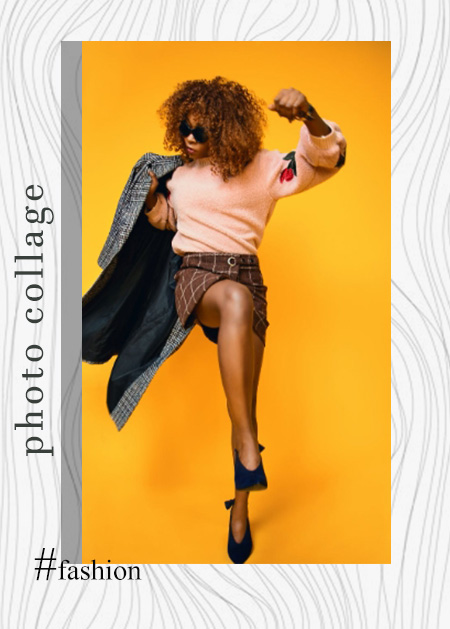
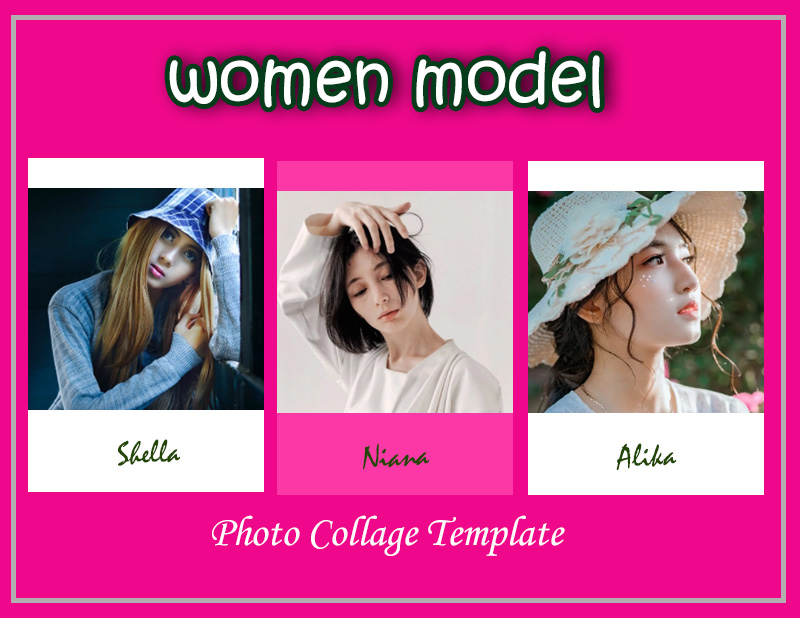
10+ Photo Collage template free psd

The 5 Best Steps To Customize Your Photo Collage Template As a flash Reminder.


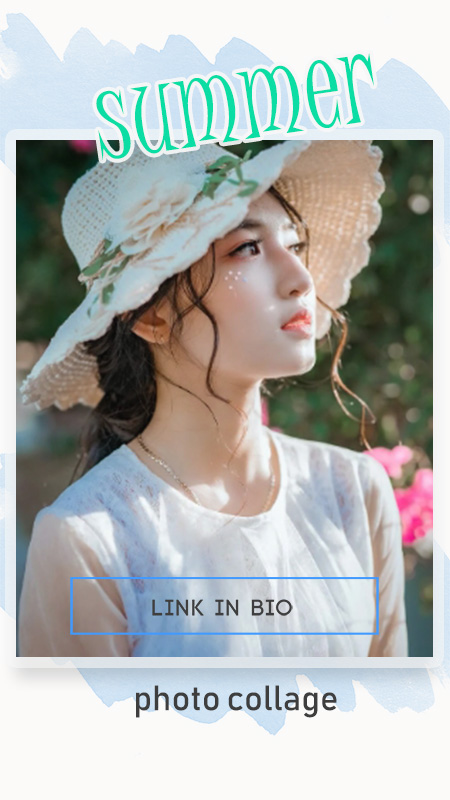
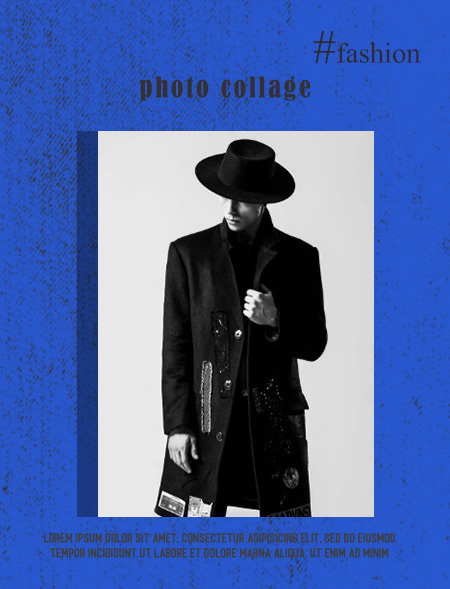
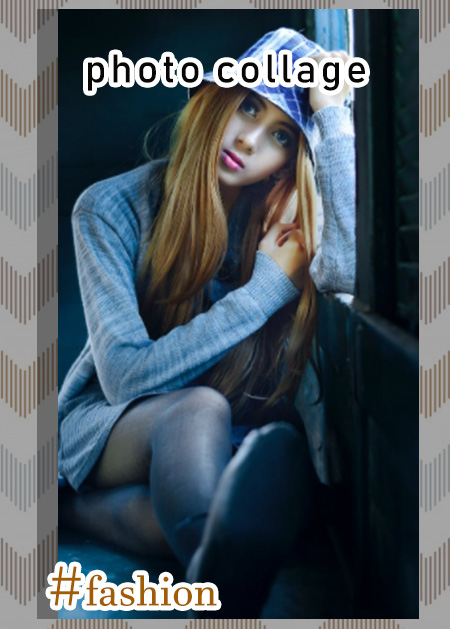
Life’s journey is your most valuable experience. Inside there are various special moments recorded every second, and these moments are going to be a beautiful memory for his or her owners. Capture the happy moments you went through by documenting and filing them with a photograph, and you’ll remember that moment as soon as you see your picture. Revel memories with our photo collage template so that happy moments will never be forgotten and recorded in your life history!

Capture Your Special Moments With A Gorgeous Photo Collage Template.

It will not be possible to stack multiple large-sized photos in one frame or frame. Using a photo collage template will provide enough space to display numerous pictures directly in one photo frame. You’ll also choose the design, size, and layout to form your memorable photos more memorable. Turn photos of happy moments into a remembered story with photo collages and fasten them to your favorite places. Browse some ways to style your photo collage to form it beautiful and aesthetic.

  1. Select Photo Moments

Select and separate multiple photos which you’ll then insert into the photo collage you’ve got selected. You’ll apply filter effects to your photos and adjust the lighting, contrast, shadow, and vignette consistent with the specified photo effect. Attempt to change the photo lighting optimally, not dark and not blurred, to supply clear and detailed images. Image resolution also must be considered so that the resulting photo doesn’t “break.”

  1. Adjust The Layout

After you insert the photo into the photo collage template you chose, adjust the image’s position with the existing design. Arrange it so that the pictures you set following the present layout don’t let your photos block other previously found elements.

  1. Add Borders

Beautify your photo collage by adding various texture effects, borders, mixed colors, to line patterns. You’ll add several decorative elements directly and place them proportionally. However, you would like to regulate the atmosphere of your moment, whether cheerful, emotional, joyful, or uplifting. You’ll also modify existing colors with a replacement color mix.

  1. Add Text

Want to “evoke” existing memories by watching your photo collage template? Add text! Tell a flash of photos that you attach with simple words, concise, and evoke readers’ emotional feelings. You’ll think of the days when that happened.

  1. Beautify with Illustrations

The final step before you completes the work of creating photo collages is by adding some illustrations which will support the looks of your photos. You’ll fill in various funny icons, cartoon characters, so forth. But if it’s considered too crowded, you’ll not insert it. Adding illustrations will make your photo collage more beautiful to look at, so don’t be afraid to add various illustrations.

It’s easy to style and make photo collage template more meaningful. Immediately capture your favorite moments and make other fun stories!

Photo Collage Ideas

Photo Collage Example


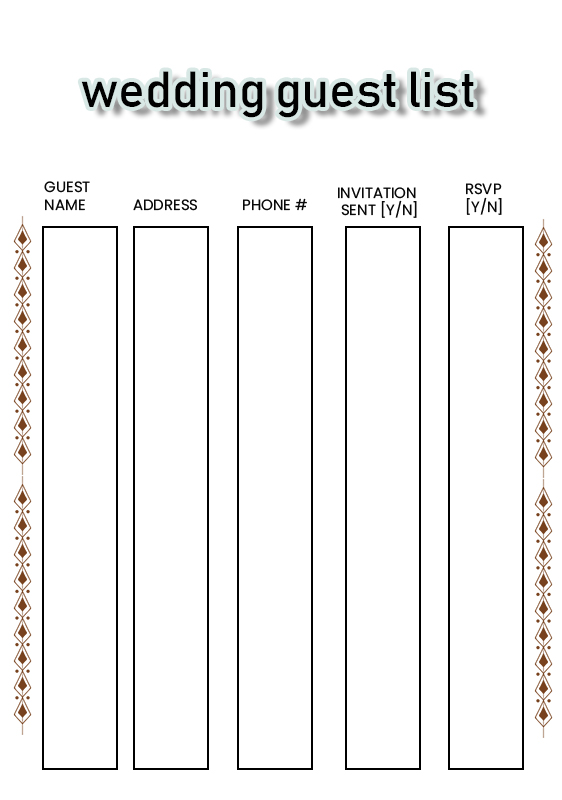
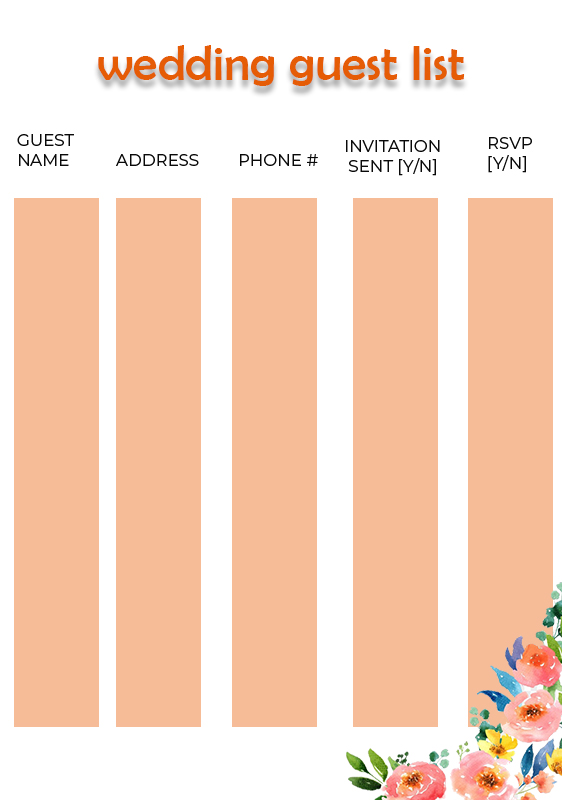
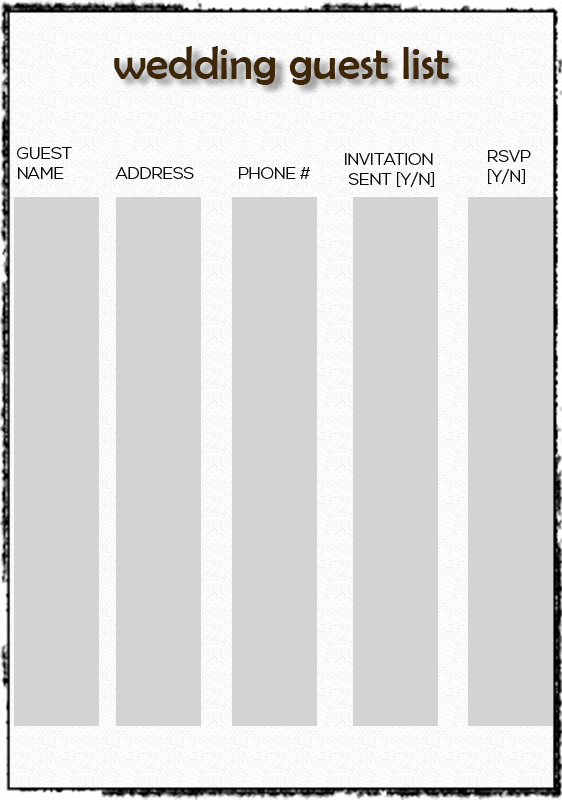
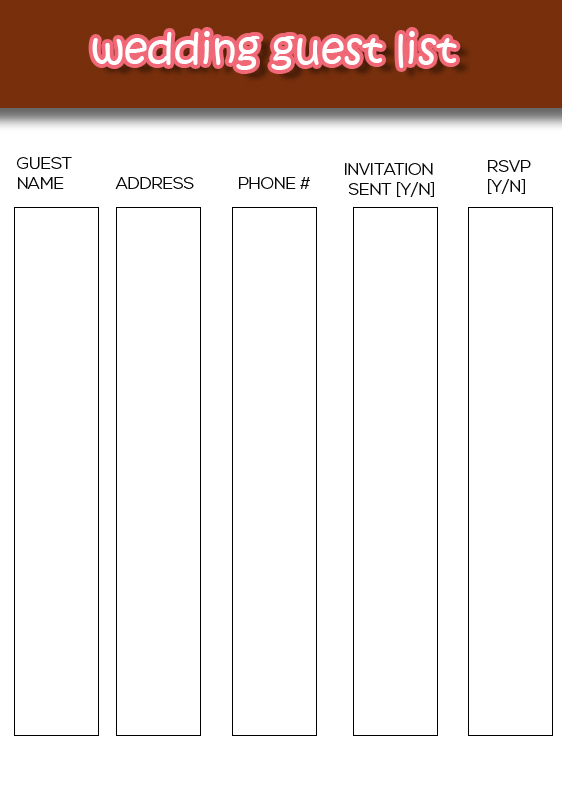
10+ Wedding Guest List example psd design

Five Elements That Must Be On Your Wedding Guest List Template!


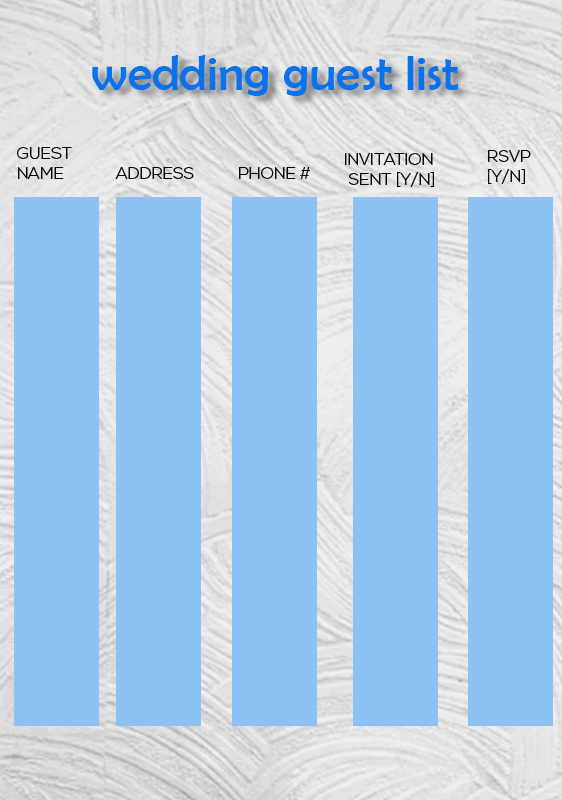
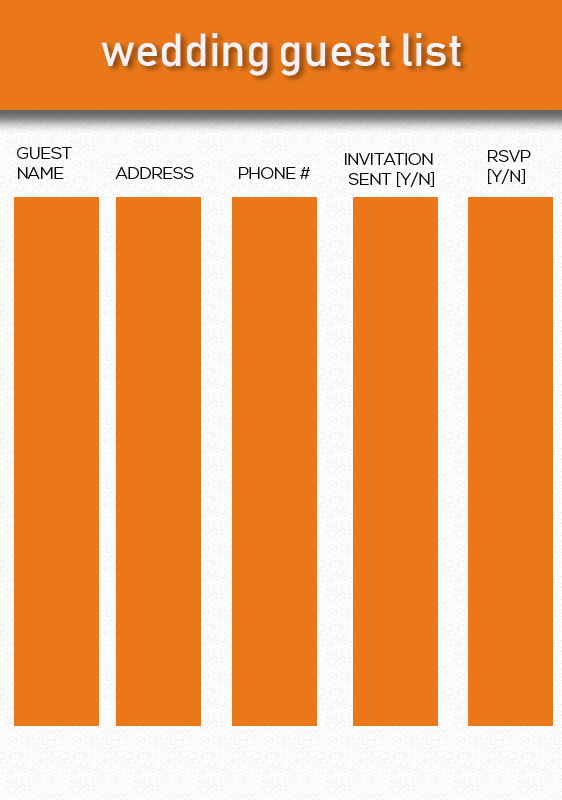
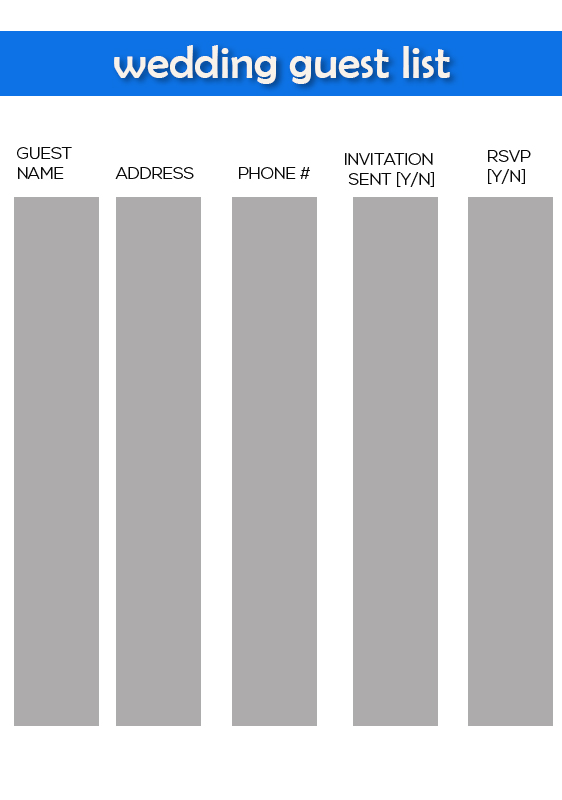
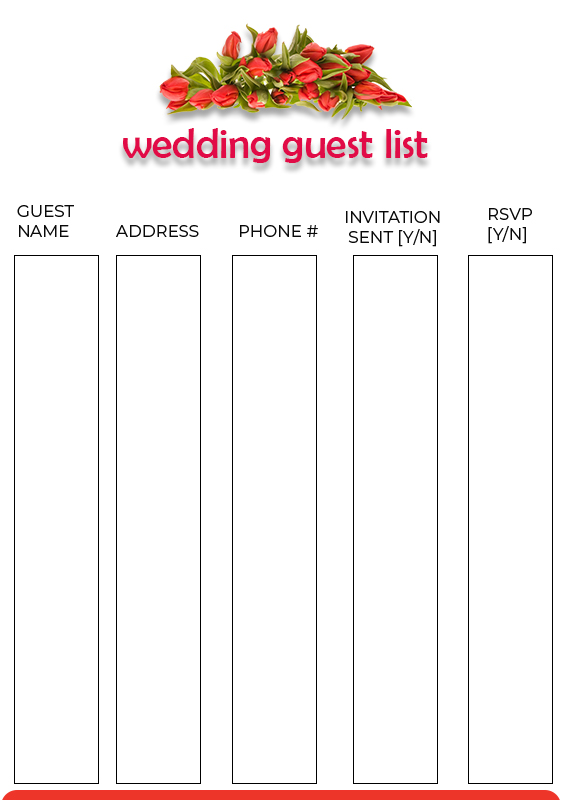
A wedding is something that every couple who wants to move on to the next level of life awaits. The preparation must not be arbitrary. It needs a clear, organized, and following the budget concept of the event. If you want to hold a wedding, make sure all the ideas are well planned, invitations have been prepared, and the party’s safety needs to be considered. Is the presence of guests necessary? You need a list to check guests, whether guests are matched on your databases or not. We have prepared a wedding guest list template that you can use at your wedding!

A Must Element In The Wedding Guest List Template That You Use!

Plan your party carefully! You can start from the event concept’s preparation, venue, and party’s protection, especially in open areas such as the beach or field. Surely you do not want to get some people who enter your marriage uninvited and without your knowledge. Track and identify each guest at the first gate to the party using our wedding guest list template. Make your luxurious wedding party safe for everyone. Some elements must be present for optimal use of the wedding list.


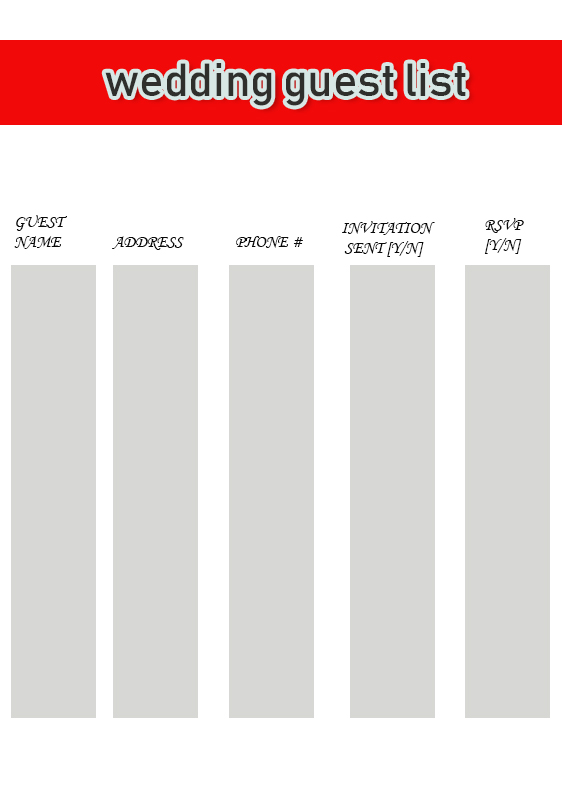
  1. Name and Address of the Guest

Make sure you prepare this element in your wedding guest list template. Guests can write their full name and home address. When they have written it in full, match the name and address with your guest database. This is intended to see the fitness of guests who come with those you invite. Don’t let someone who is not registered yet can enter your party!

  1. Telephone Number

Add the telephone number section to your guest list. Phone numbers will be beneficial to provide sudden news when guests are already in the venue. You can share any information about your wedding party with the guest’s phone number anytime, anywhere. Easy right?

  1. Table Number and Seat Number

Arrange the seating and table for guests. You will easily organize guests who come quickly, even though you have a large number of guests. Provide the table number and the appropriate seat number and predetermined to the guests. Thus, you can quickly contact your guests if you have an urgent need for something that needs to be discussed.

  1. Prize Checklist

Make a checklist for prizes given by guests on your wedding guest list template that possible to simplify the management of rewards obtained, bearing in mind the number of awards to be received will undoubtedly be very large.

  1. Thank You Card Checklist

Don’t forget to make a checklist for thank you card given to guests. You will never forget to give a huge thank you card to the guests.

Wedding Guest List Ideas

Wedding Guest List Example

Include the elements above on your wedding guest list template so you can monitor all guests. Make a wedding that is safe for everyone!


10+ Facebook Banner psd template free

Boost Your Sales Traffic Using Our Facebook Banner Template


Who doesn’t know Facebook, the most prominent social media and has the most users at the moment. Using a Facebook page is a surefire way to boost your sales. The Facebook page provides various facilities to introduce the products you sell. With a beautiful and beautiful design, you will get many visits to your pages, plus Facebook ads for sure. You can customize the appearance of your page to be similar to an online store. Use our Facebook banner template to enhance your page’s appearance and boost your sales quickly!

Powerful Tips To Boost Your Sales Using Our Facebook Banner Template

Creating a Facebook page is not the same as just creating a blog for your writing. Writing a blog does not require an attractive design because the concept of a blog only posts a variety of essays and images. Unlike the Facebook page, you need to design your page, so it is interesting to visit. Your page traffic is also greatly influenced by the product quality and advertising on Facebook itself. Here we provide a variety of simple tips to beautify our Facebook banner template so that your followers’ page increases.


  1. High Resolution

Never use images that have a low-resolution quality. This will have an impact on banner quality, which decreases and has an unclear display impression. Use high resolution and high definition image quality so that the results obtained to get a clear and uninterrupted display due to the small pixel size

  1. Font

Want to design your Facebook banner template to be read by many people even by reading skimming? Use writing that is friendly and easy to read. Also, adjust the actual font size, don’t be too small because it will be hard to read, and don’t be too big because it will use up your banner. Also, adjust the existing font style and choose if it is easy to read and familiar. No need to use a font style that is too flashy but hard to read

  1. Interesting Illustrations and Icons

Because photos and various writings are not enough to attract the reader’s attention, add some illustrations and some new icons on your banner. An exciting picture will bring the attention of the reader curious about the banners displayed and want to continue to know what the meaning of the banner to be conveyed.

  1. Suitable colors

Using colors must also be adjusted to the majority of the colors of the pictures and illustrations that you attach. Use colors on your Facebook banner template with the same group to make it look beautiful and dazzling. Do not let you use colors with a combination of equally striking colors, it will make the banner uncomfortable to see.

  1. Add your product review

To ensure your product’s credibility, add a review of your product by someone who has bought it. Include at the very bottom, it doesn’t need to be too big but can be seen clearly.


Facebook Banner Design Ideas

Facebook Banner Ideas

Already have an idea to create a Facebook banner using our Facebook banner template. Leave the conventional way and start selling your product via the Facebook page!


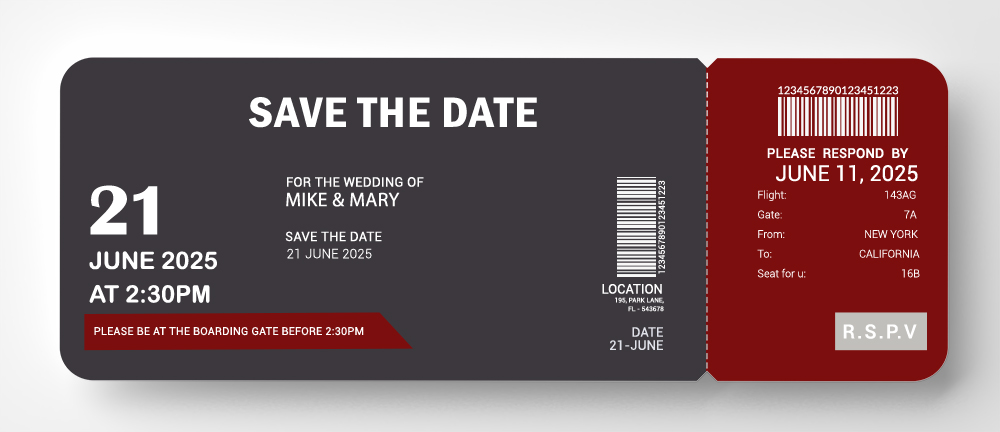
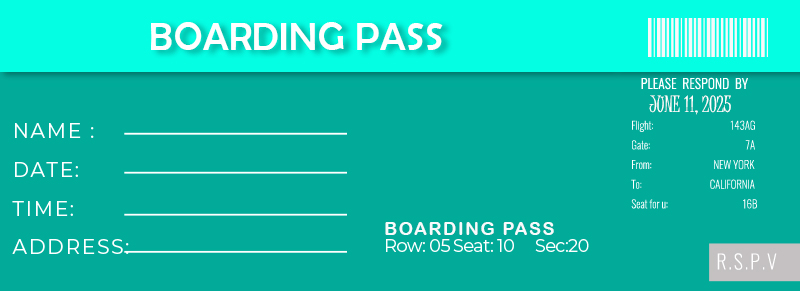
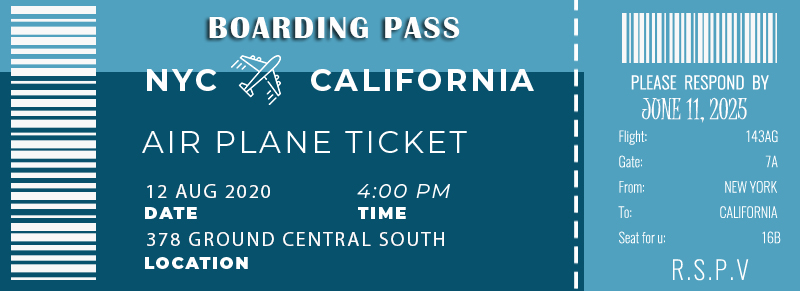
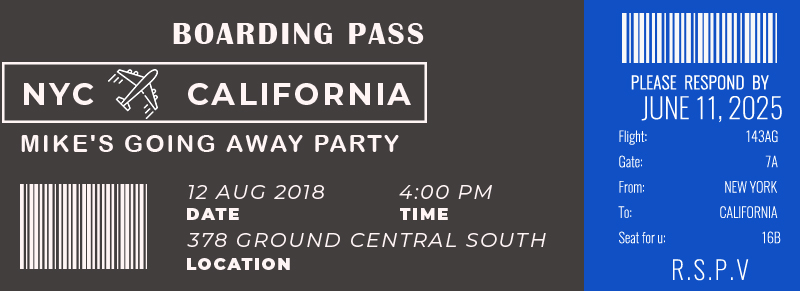
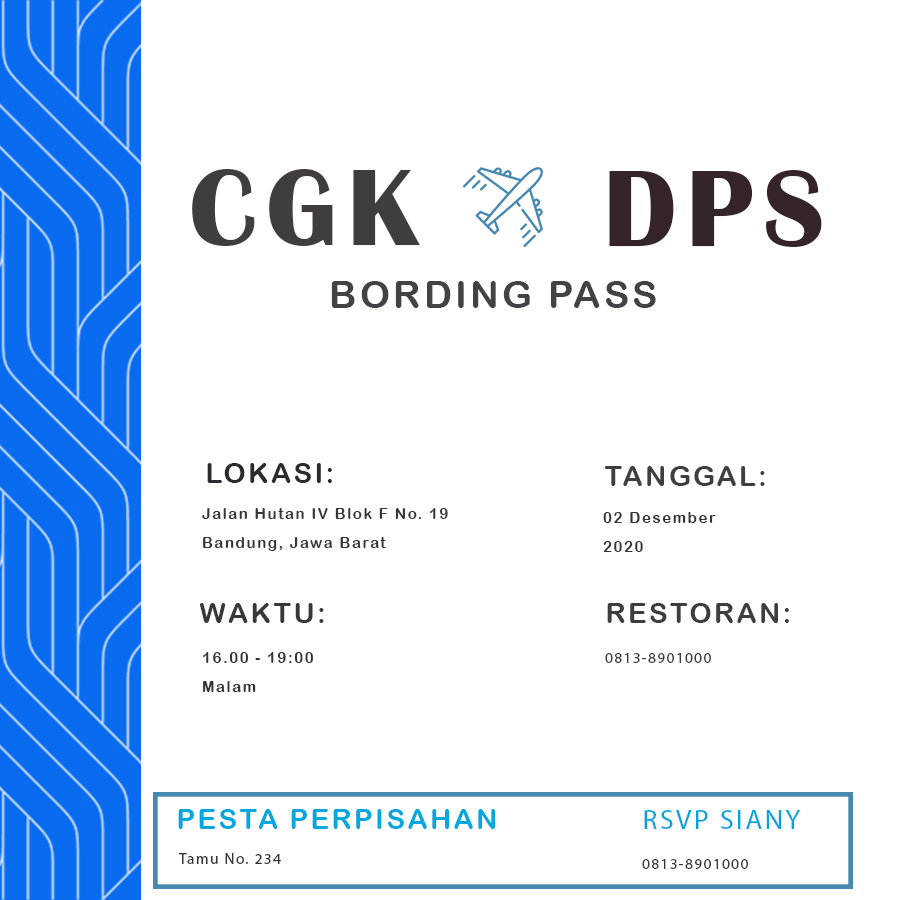
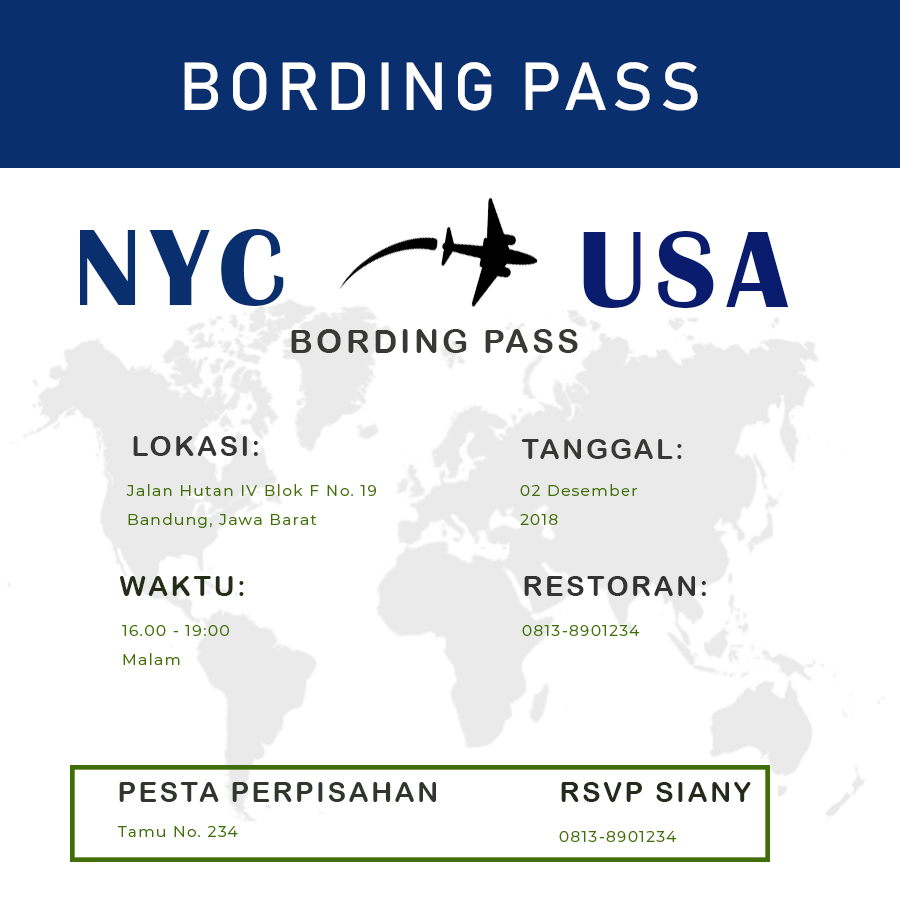
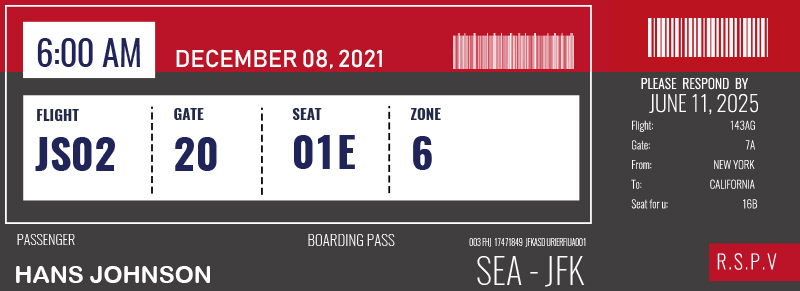
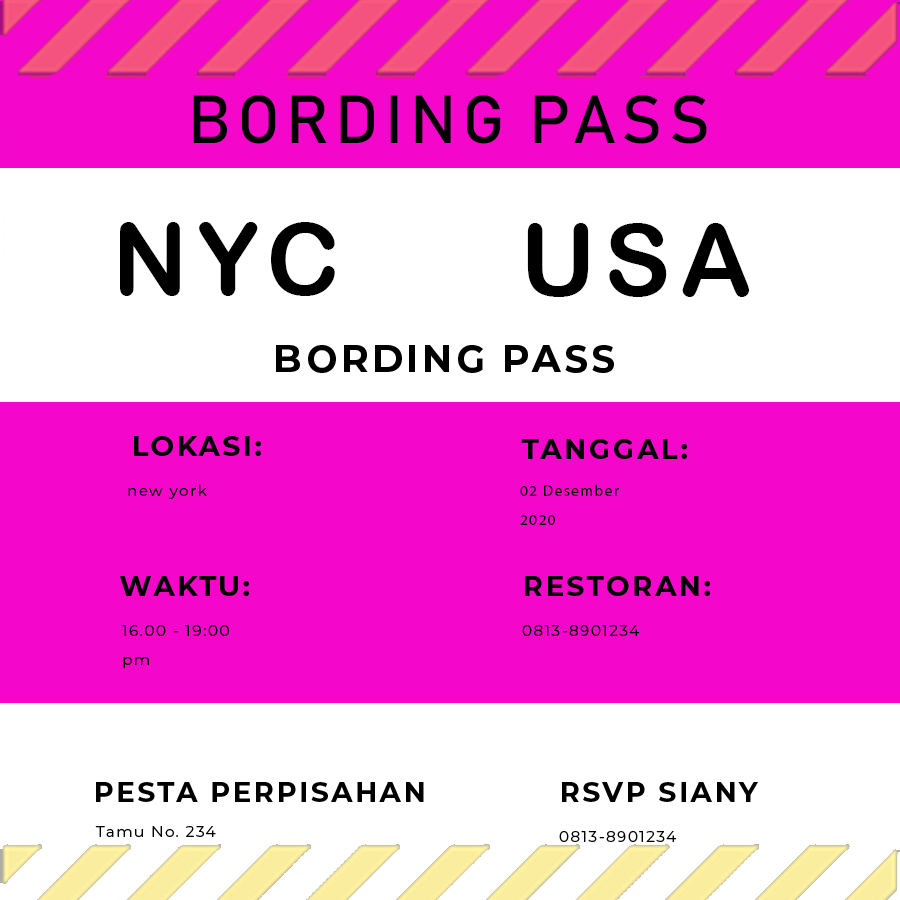
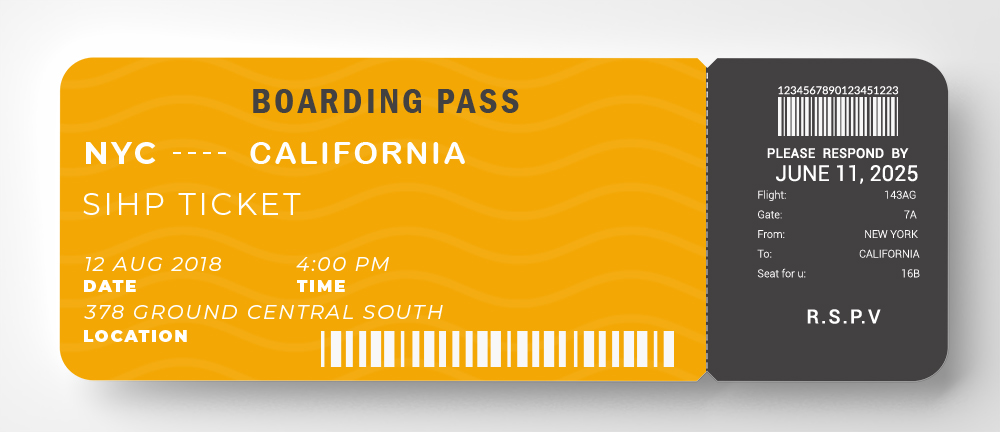
10+ Boarding Pass free template in PSD

5 Best Tips For Creating Stylish Invitation Boarding Pass Template


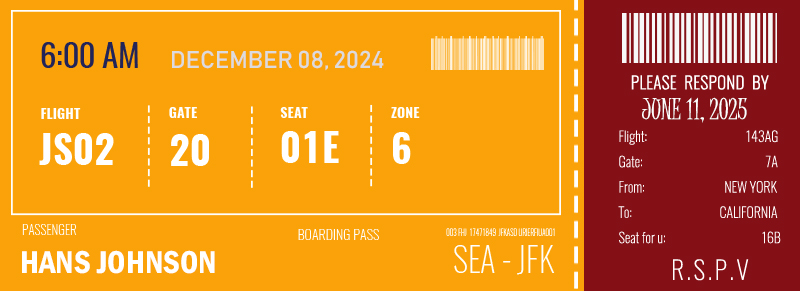
The holidays are a fun plan. You can release work fatigue that makes your mind heavy. Invite your close friends to take a vacation together and create beautiful moments. To add to the excitement when you want a vacation, create a unique invitation to the friend who wants to take a vacation. Use our boarding pass template and give it to your friends as an invitation for a vacation.

Tips for creating unique invitations using our boarding pass template.

Inviting a friend to take a vacation using a short message is too dull, especially your special friend or boyfriend. Make your holiday agenda memorable; try to use unique invitations, complete with information on the destination, duration, and other information. Because this invitation is informal, you can be as creative as possible, with a variety of funny illustrations to unusual displays. Here are some quick tips for modifying the boarding pass template to make it even more exciting.


  1. Font Type and Size

Because the shape of the invitation with the theme of the boarding pass template is small, adjust your font size and type of font to be used. Use letter styles that are easy to read, familiar, and not difficult to understand. Don’t forget to pay attention to thickness, slope, and underline letters. A right font style is a style that can be skimmed by the reader.

  1. Funny Illustrations

Feel free to include various unique and humorous illustrations. This will make the reader happy to see the invitation given. You can browse multiple figures that are spread on the internet. However, don’t forget to match the illustration’s theme to the theme of the invitation itself. Also, adjust the size of the picture that you will enter because remember that the invitation size is small.

  1. Layout

Because this invitation has a small size and is not like other invitations, adjust the existing design to the size of the elements you will enter. Make sure all the writing, illustrations, images, and icons included in the layout are already available. Please do not modify the design that was set beforehand, because it will arrange messy elements. You can see the layout reference in our template.

  1. Border

Because it has a small size, use borders with small dimensions. No need to use a large border decoration, use a border decoration that is small and symmetrical. Apply the edge around your boarding pass template. Because of the boarding pass theme, you can add an airplane motif, a cloud, and a sky motif.

  1. Paper Type

Before you print an invitation and it will be distributed to close friends who want to take your vacation, choose a paper with a suitable thickness. Don’t use thin paper, because your invitation requires a lot of ink; it is feared that some ink will penetrate to the back of the paper. Use paper with a proper thickness, not too thick and not too thin.


Boarding Pass Design Ideas

Boarding Pass Example

Here are some quick tips for creating invitations using a fresh boarding pass template. Send letters to friends and happy holidays!


10+ Wedding Itinerary free psd template

Browse The Wedding Itinerary Template And Create A Festive And Memorable Wedding!


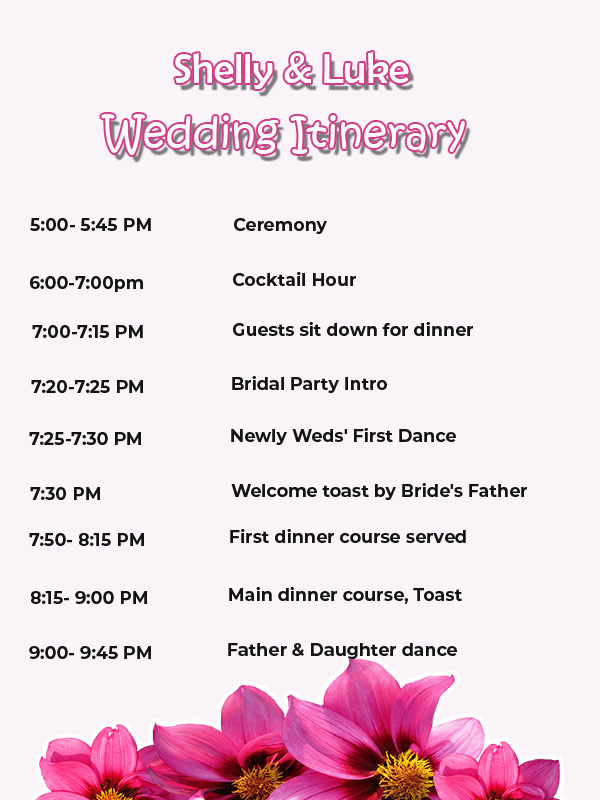
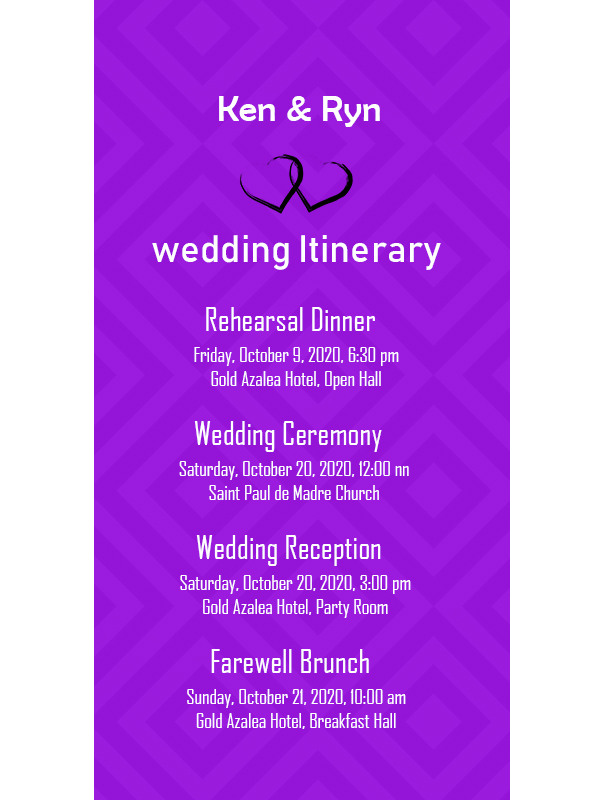
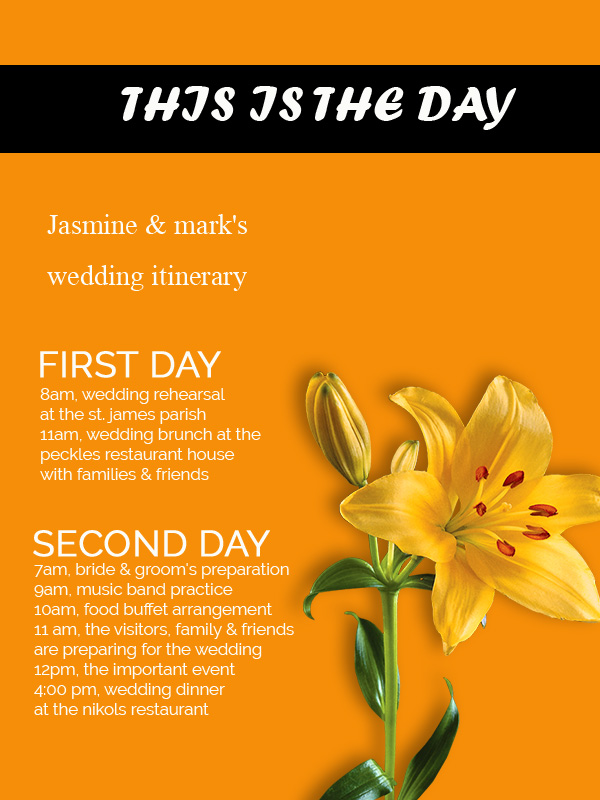
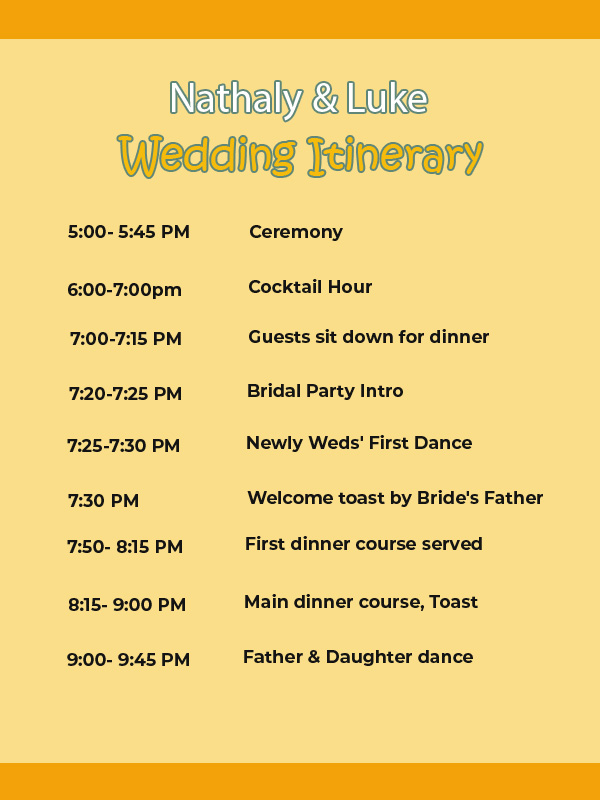
Plan your wedding as correctly as possible. Marriage is a precious moment, where you look forward to this moment to come into your life. Before you hold a festive wedding, prepare all the needs during the party. Organize the entire schedule with a wedding itinerary so that the event runs according to the previously planned concept and share it with your colleagues or guests. You can browse through our wedding itinerary template references and make your wedding a moment that will be remembered forever!

Tips On Making And Processing Wedding Itinerary Templates To Make Them Beautiful And Charming Letters!

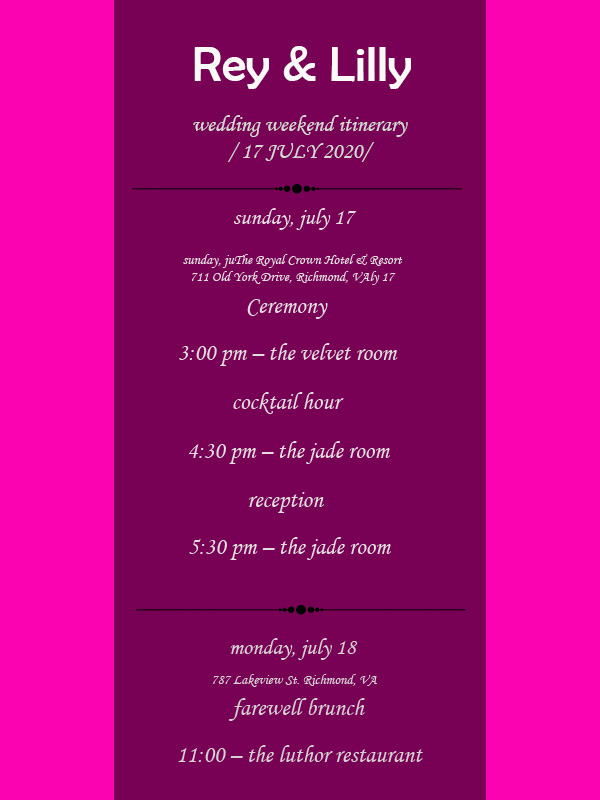
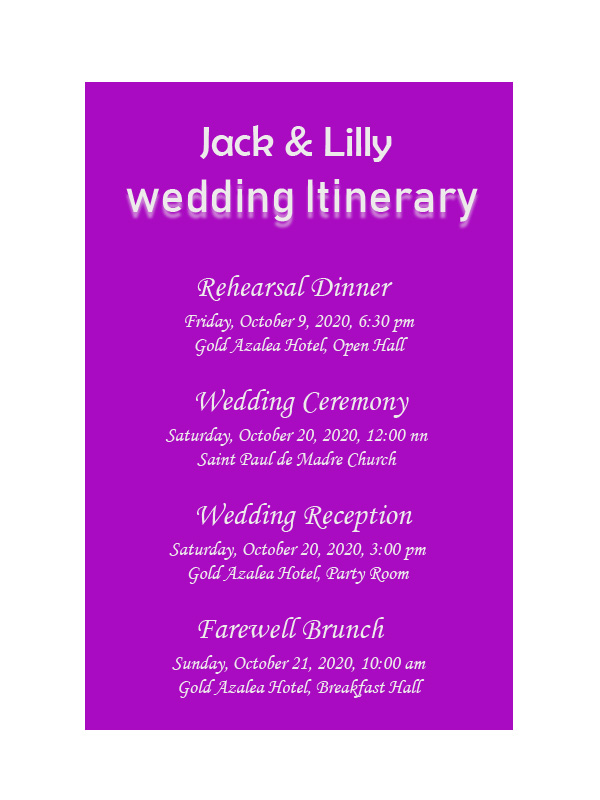
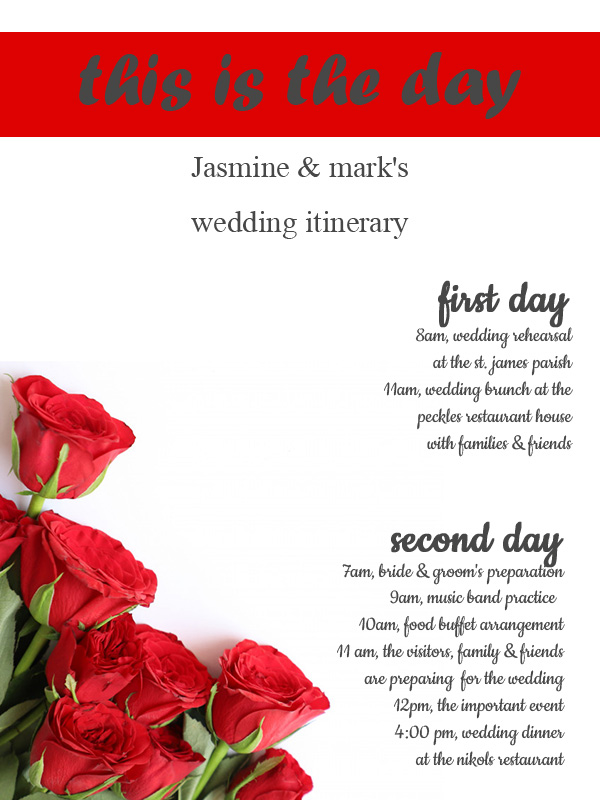
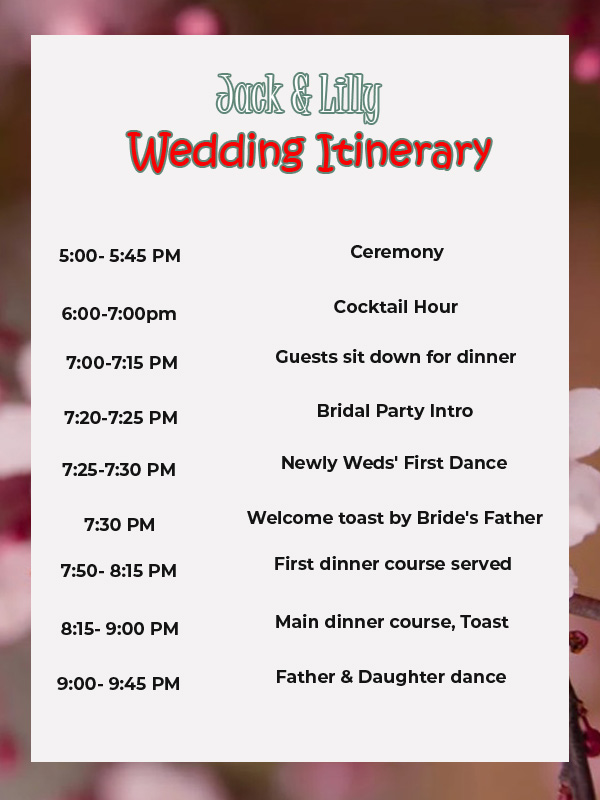
You can use our Wedding itinerary template to manage the range of events that will be held later. The wedding itinerary usually contains a variety of information on the party’s schedule, from photoshoot sessions, ceremony sessions, to farewell sessions. It should not be arranged arbitrarily. It is endeavored to organize the writing in such a way so that it can be read easily by guests. Don’t worry! We provide various tips to make your wedding itinerary more attractive.


  1. Border

The hallmark of a wedding itinerary template is a border that surrounds a letter. You can add a border to beautify the letter/invitation’s body with a variety of motifs, such as floral motifs, line motifs, etc. If you have too many illustrations embedded, you may not add borders around the body of the letter, just on the right and left side. This will make the impression of your wedding itinerary as luxurious.

  1. Ornaments and Illustrations

Don’t forget to give various decorations, motifs, to illustrations. Make something interesting, unique, and impressed by the reader’s emotional appeal, so they want to read it continuously. Moreover, this is the wedding party that you desire. Make your special guests read the wedding itinerary and follow your event with pleasure.

  1. Quick Information

Write concise information on your wedding itinerary body. Don’t let your guests read a wedding itinerary that is difficult to understand because the language is wordy. Just provide information that you think is important such as hours and names of activities, telephone numbers, and other relevant information.

  1. Can Be Folded

A fancy wedding itinerary template should have a foldable layout. Your wedding itinerary should be in four parts, two parts facing forward and two parts facing backward. But it doesn’t matter if the arrangement is available using only one section, so there’s no need to bother whether it can be folded or not.

  1. Share well in advance

Indeed, you do not want to miss memorable moments without the presence of your beloved partner. Distribute your invitations and wedding itinerary to guests ahead of time so they can arrange schedules and take time to attend your party.

Wedding Itinerary Design Ideas

Wedding Itinerary Ideas

Have an idea of making a wedding itinerary template with your loved ones? Plan right away and make it become an unforgettable moment!